
QBESXStandalone
Agency-Spawn Конфигурация
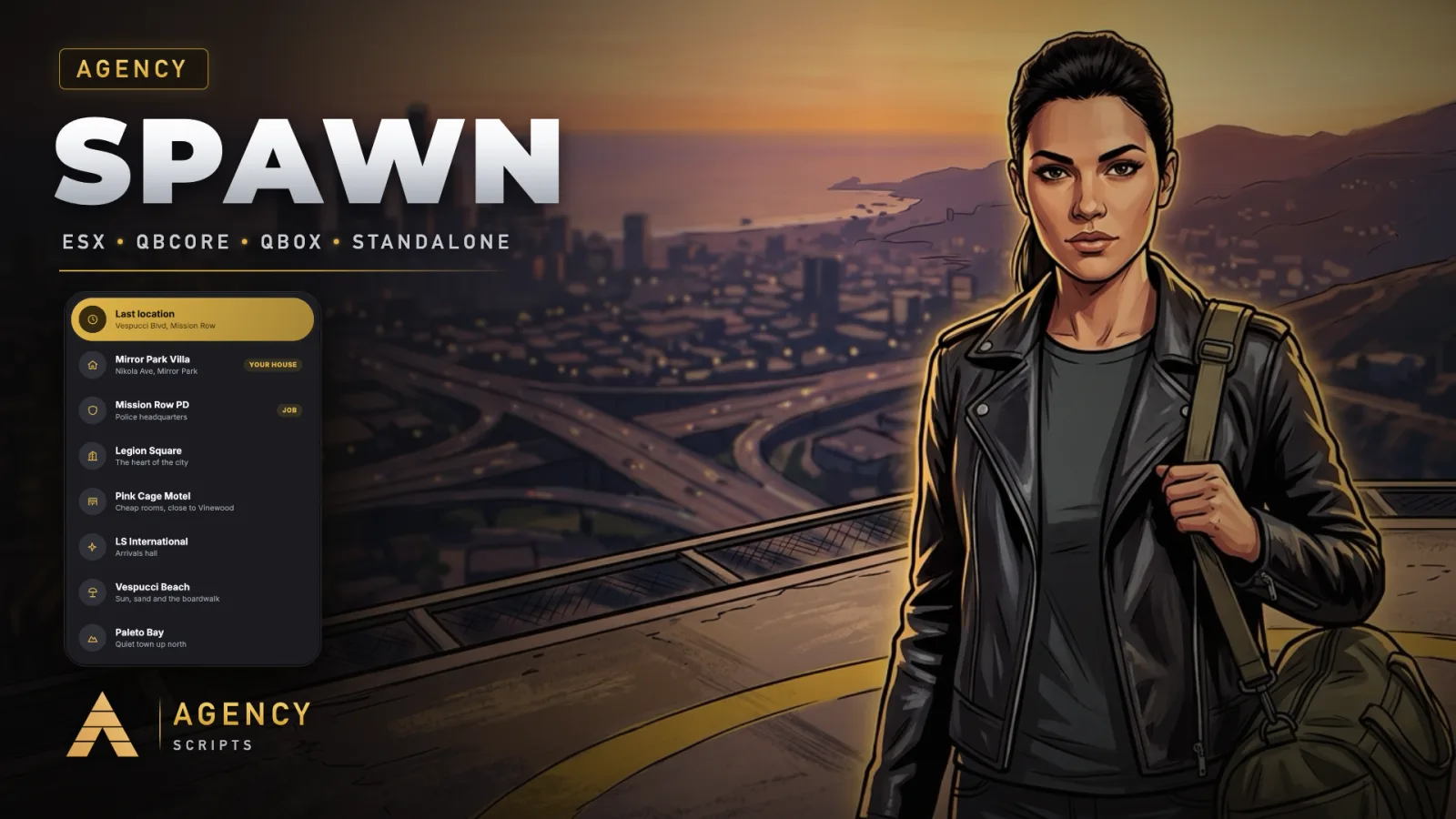
Spawn selector с живой камерой для FiveM.
v1.0.0Платно5 Страницы
01Конфигурация
Быстрая установка · config.lua · Agency-Spawn
--[[
    ╔══════════════════════════════════════════════════════════════════════╗
    ║                   AGENCY SPAWN  -  CONFIGURATION                     ║
    ║                          (c) Agency Scripts                          ║
    ╚══════════════════════════════════════════════════════════════════════╝

    Works out of the box: drop it in, ensure it after your framework, done.

    CONTENTS
     1. Core               Framework, language, colour, debug
     2. Last Location      Last location, auto spawn
     3. Homes              Agency Housing, qb-apartments
     4. New Characters     Arrival point
     5. Camera             Flight times
     6. Locations          Public, job and gang spawn points
]]

Config = {}


--==============================================================================
--  1 · CORE
--==============================================================================

-- ── Framework ────────────────────────────────────────────────────────────────
-- 'auto' = detect QBCore, Qbox or ESX, standalone when none is installed
Config.Framework = 'auto'

-- ── Automatic setup ──────────────────────────────────────────────────────────
-- true = other spawn selectors (qb-spawn, qbx_spawn, m-spawnselector, codem,
-- um, 0r, jg and more) are stopped on every start, so only this one opens.
Config.AutoSetup = true

-- ── Language ─────────────────────────────────────────────────────────────────
-- 25 languages included (locales folder). 'auto' follows your server language.
Config.Locale = 'en'

-- ── Colour ───────────────────────────────────────────────────────────────────
-- 'auto'  = taken from your server logo (gold when there is none)
-- a preset: 'gold' 'blue' 'cyan' 'green' 'red' 'orange' 'pink' 'purple' 'white'
-- or your own R, G, B: { 226, 182, 73 }
Config.Accent = 'auto'

-- Logo for the 'auto' colour: 'auto' = nui/logo.png, else the logo of
-- Agency Loadingscreen or Agency Hud. Or a file name inside this resource.
Config.Logo = 'auto'
Config.Debug  = false


--==============================================================================
--  2 · LAST LOCATION
--==============================================================================

Config.LastLocation     = true                -- offer the place where the character logged off
Config.AutoLastLocation = false               -- skip the selector, spawn there right away

-- Players get a switch "Always spawn at my last location", remembered on their
-- PC. Holding SHIFT while loading in opens the selector anyway.
Config.PlayerAutoOption = true


--==============================================================================
--  3 · HOMES
--==============================================================================

Config.Housing    = 'auto'                    -- Agency Housing houses (owned or with a key)
Config.Apartments = 'auto'                    -- qb-apartments: the character's apartment


--==============================================================================
--  4 · NEW CHARACTERS
--==============================================================================
-- choose = false : they arrive straight at coords (with the cinematic descent)
-- choose = true  : they get the selector with the public locations

Config.FirstSpawn = {
    choose = false,
    coords = vector4(-1037.74, -2738.04, 20.17, 328.0),   -- LSIA arrivals
    label  = 'Los Santos International',
}


--==============================================================================
--  5 · CAMERA
--==============================================================================

Config.FlightTime = 1700                      -- milliseconds per camera flight


--==============================================================================
--  6 · LOCATIONS
--==============================================================================
--   icon  : city, motel, plane, mountain, beach, shield, star, pin
--   job   : only characters with one of these jobs see it
--   gang  : only characters in one of these gangs see it
-- A rough z is enough, the ground height is found automatically.

Config.Locations = {
    { id = 'legion',  label = 'Legion Square',   description = 'The heart of the city',       icon = 'city',     coords = vector4(195.17, -933.77, 29.70, 144.5) },
    { id = 'motel',   label = 'Pink Cage Motel', description = 'Cheap rooms, close to Vinewood', icon = 'motel', coords = vector4(327.56, -205.08, 54.09, 163.5) },
    { id = 'airport', label = 'LS International', description = 'Arrivals hall',              icon = 'plane',    coords = vector4(-1037.74, -2738.04, 20.17, 328.0) },
    { id = 'beach',   label = 'Vespucci Beach',  description = 'Sun, sand and the boardwalk', icon = 'beach',    coords = vector4(-1392.08, -1001.21, 6.57, 300.0) },
    { id = 'sandy',   label = 'Sandy Shores',    description = 'Desert town at Alamo Sea',    icon = 'mountain', coords = vector4(1961.63, 3740.07, 32.34, 300.0) },
    { id = 'paleto',  label = 'Paleto Bay',      description = 'Quiet town up north',         icon = 'mountain', coords = vector4(80.35, 6424.12, 31.67, 45.5) },

    { id = 'police',  label = 'Mission Row PD',  description = 'Police headquarters',         icon = 'shield', job = { 'police', 'sheriff' }, coords = vector4(428.23, -984.28, 29.76, 3.5) },
    { id = 'pillbox', label = 'Pillbox Medical', description = 'Hospital',                    icon = 'shield', job = { 'ambulance', 'ems' },   coords = vector4(298.60, -584.50, 43.26, 70.0) },
    { id = 'mechanic', label = 'Burton Customs', description = 'Workshop',                    icon = 'shield', job = { 'mechanic', 'bennys' }, coords = vector4(-357.21, -134.38, 38.93, 70.0) },
}