
Standalone
Agency-Doorlock Configuración
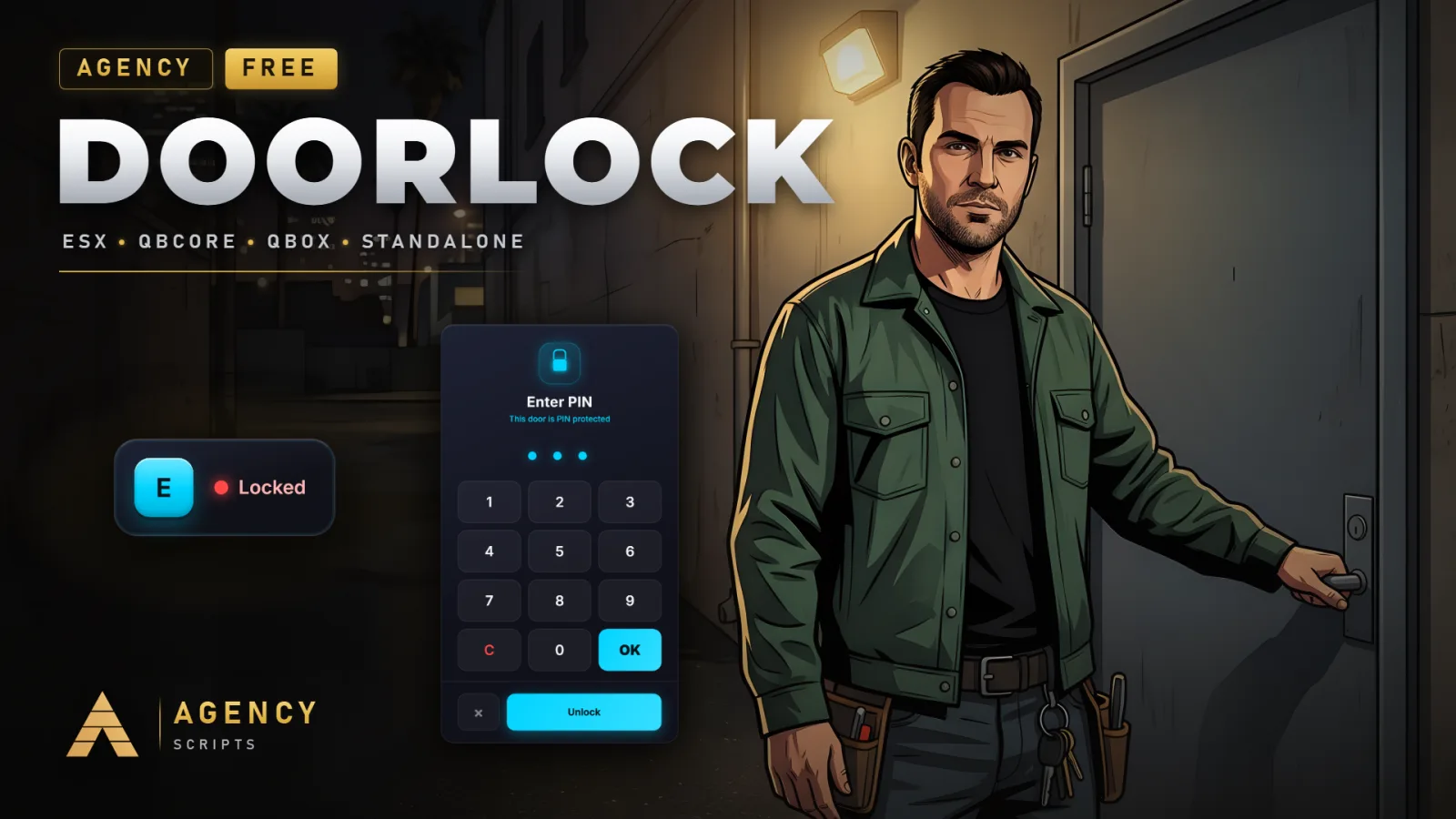
La forma más sencilla de cerrar tu ciudad.
v1.1.8Gratis6 Páginas
01Configuración
Instalación rápida · config.lua · Agency-Doorlock
--[[
    ╔══════════════════════════════════════════════════════════════════════╗
    ║                  AGENCY DOORLOCK  -  CONFIGURATION                   ║
    ║                          (c) Agency Scripts                          ║
    ╚══════════════════════════════════════════════════════════════════════╝

    Lockable doors with E & Target, easy in-game setup, Job / Gang / Grade,
    per-player and item-key access. QB / QBox / ESX / Standalone auto-detect.

    CONTENTS
     1. Core               Language, framework, notifications, debug
     2. Interaction        Key / target, prompt, interaction range
     3. Item Keys          Items that lock and unlock doors
     4. Door Behaviour     Lock closes door, hold open (garage doors, gates)
     5. Sound & Animation  Lock sound, hand animation
     6. Setup              /adoorlock command, permissions, door detection
     7. Visuals            Colours, door marker
     8. Static Doors       Doors defined in this file instead of in-game
     9. Companion App      Free iOS / Android remote control

    No version number in this file, on purpose: your config is kept across
    updates, so a number here would go stale and misreport your install.
    The version you are running is the one in fxmanifest.lua, please quote
    that one in support.
]]

Config = {}


--==============================================================================
--  1 · CORE
--==============================================================================

-- ── Language ─────────────────────────────────────────────────────────────────
-- Default is English. Add more by dropping a file into shared/locale/<code>.lua
-- (English is the fallback for any missing text).
-- Available: en de fr es it pt nl pl cs sk ro ru uk bg tr el hu hr sv da no fi ja zh ko
Config.Locale = 'en'

-- ── Framework ────────────────────────────────────────────────────────────────
-- 'auto'       = detect QBox (qbx_core), QBCore or ESX (recommended)
-- 'qb' / 'qbx' / 'esx' = force a framework
-- 'standalone' = no framework: only "everyone" and per-player (identifier)
--                access are enforced. Job / Gang locks need QB, QBox or ESX.
Config.Framework = 'auto'

-- ── Notifications ────────────────────────────────────────────────────────────
-- 'agency-notify' = Agency Notify (free): https://shop.agencyg.de
-- 'framework'     = the QBCore / ESX built-in notification
-- 'none'          = no notifications
Config.NotifySystem = 'agency-notify'

-- ── Debug ────────────────────────────────────────────────────────────────────
-- Prints access-check details to the server console. Set false when live.
Config.Debug = true


--==============================================================================
--  2 · INTERACTION
--==============================================================================

-- ── Mode ─────────────────────────────────────────────────────────────────────
-- 'key'    = press Config.InteractKey at the door (uses the Text UI)
-- 'target' = ox_target / qb-target eye option
-- 'both'   = key prompt AND target option (recommended)
Config.Interaction = 'both'

Config.InteractKey = 38                       -- control id, 38 = E
Config.InteractKeyLabel = 'E'                 -- shown on the prompt keycap
Config.TargetSystem = 'ox_target'             -- 'ox_target' | 'qb-target'

-- ── Prompt ───────────────────────────────────────────────────────────────────
-- 'default'   = built-in prompt (no dependency)
-- 'jg-textui' = https://github.com/jgscripts/jg-textui
Config.TextUISystem = 'default'

-- Master switch for the [E] prompt. Leave true: hiding the prompt for SINGLE
-- doors is done per door in the setup UI ("Hide [E] prompt").
Config.ShowPrompt = true

Config.DrawDistance = 12.0                    -- metres before a door's prompt is drawn (performance)

-- ── Range ────────────────────────────────────────────────────────────────────
-- DEFAULT range (metres) in which a player can lock AND unlock a door. Every
-- door can override it in /adoorlock ("Interaction range"), which large
-- garage doors and gates need: their centre point sits several metres from
-- where a player can actually stand. Doors without an override use this value.
Config.InteractDistance = 1.6

-- Upper limit for the per-door override, so a mistyped value can't make a
-- door operable from across the map. Enforced server-side on save.
Config.MaxInteractDistance = 50.0


--==============================================================================
--  3 · ITEM KEYS
--==============================================================================
-- Doors can be opened with items: a key, a keycard, a badge. Which items open
-- a door is set PER DOOR in /adoorlock (tab "Items"). A player carrying one of
-- those items may lock and unlock the door, like a job or player grant.
--
-- Items are checked last: a player who already has access through a job, gang,
-- player grant or "Everyone" never uses up an item.
--
-- Supported inventories: ox_inventory, qb-inventory / ps-inventory (QBCore),
-- ESX. Works on QBox through ox_inventory.
--
-- This block is OPTIONAL. If an older config.lua doesn't have it, item keys
-- stay enabled with the defaults below.
Config.ItemKeys = {
    Enable    = true,                         -- master switch for item keys
    Inventory = 'auto',                       -- 'auto' | 'ox_inventory' | 'framework'

    -- Items that open EVERY door, no matter what the door allows.
    -- Example: { 'master_key' }
    MasterItems = {},

    -- Items that are used up (one removed) each time they lock or unlock a door.
    -- Example: { ['keycard_single'] = true }
    ConsumeItems = {},
}


--==============================================================================
--  4 · DOOR BEHAVIOUR
--==============================================================================

-- ── Locking ──────────────────────────────────────────────────────────────────
-- true  = a locked door is always closed and locked (reliable, default)
-- false = a locked door that's open stays movable until it swings shut, then latches
Config.LockClosesDoor = true

-- ── Hold open (garage doors, shutters, gates) ────────────────────────────────
-- Garage doors roll shut on their own as soon as nobody is near. With
-- "Hold open" ticked ON A DOOR in /adoorlock:
--   unlocked -> the gate opens and STAYS open, by itself
--   locked   -> the gate closes and locks, as normal
-- It is a per-door setting, every other door behaves exactly as before.

-- How far the gate travels while held open. 1.0 = fully open. Lower it for
-- shutters that clip into geometry when fully raised (e.g. 0.9).
Config.HoldOpenRatio = 1.0

-- How close a player has to be for the hold to be re-applied. The game rolls
-- these doors shut every time they stream back in, so this must cover the
-- distance the gate is visible from. Raise it for very large gates.
Config.HoldOpenDistance = 60.0


--==============================================================================
--  5 · SOUND & ANIMATION
--==============================================================================

-- ── Sound ────────────────────────────────────────────────────────────────────
-- Plays the real door bolt sound (html/door-bolt-4.ogg) on lock / unlock,
-- heard by players near the door.
Config.PlaySound = true
Config.Sounds = {}                            -- no longer used, kept for older configs

-- ── Animation ────────────────────────────────────────────────────────────────
-- Short forward hand-reach played on the player who toggles the door (no prop).
Config.Animation = {
    enabled  = true,
    dict     = 'anim@heists@keycard@',
    name     = 'exit',
    duration = 1100,                          -- ms
}


--==============================================================================
--  6 · SETUP
--==============================================================================

-- ── Commands ─────────────────────────────────────────────────────────────────
Config.SetupCommand = 'adoorlock'             -- opens the in-game door setup
Config.SetupCommandAlias = 'adl'              -- short alias, '' = none

-- ── Permission ───────────────────────────────────────────────────────────────
-- Who may open the setup and create / delete doors:
-- 'ace'   = ACE permission Config.SetupAce (server-sided, secure)
-- 'admin' = QBCore / QBox / ESX admin or god (ace 'command' as fallback)
-- 'job'   = one of the jobs in Config.SetupJobs
Config.SetupPermission = 'admin'
Config.SetupAce = 'agency.doorlock'           -- used when SetupPermission = 'ace'
Config.SetupJobs = { ['mechanic'] = 0 }       -- used when SetupPermission = 'job' (job = min grade)

-- ── Door selection ───────────────────────────────────────────────────────────
-- During setup a marker sits where you look. Aim it at a door and press [E].
Config.SetupRayDistance = 7.0                 -- how far in front the selector reaches

-- Auto-pair a second door leaf (double doors) within this distance. 0 = off,
-- click each leaf you want instead.
Config.DoubleDoorDistance = 0

-- Only door-shaped objects can be selected: tall, fairly wide, but thin.
-- false = allow ANY object.
Config.OnlyDoors = true
Config.DoorDetect = {
    minHeight    = 1.2,                       -- door is at least this tall (m)
    maxHeight    = 5.0,                       -- ... and at most this tall (gates, garage doors)
    maxThickness = 0.6,                       -- thinnest horizontal side must be <= this
    minWidth     = 0.5,                       -- widest horizontal side range
    maxWidth     = 5.0,
}


--==============================================================================
--  7 · VISUALS
--==============================================================================

-- ── Colours ──────────────────────────────────────────────────────────────────
Config.Colors = {
    locked   = { r = 255, g = 72,  b = 72  },  -- red
    unlocked = { r = 0,   g = 255, b = 136 },  -- green
    accent   = { r = 0,   g = 212, b = 255 },  -- setup highlight
}

-- ── Door marker ──────────────────────────────────────────────────────────────
-- A dome on configured doors, red while locked, green while unlocked.
-- Off by default: the [E] prompt shows once the player is close.
Config.Marker = {
    enabled   = false,
    type      = 28,                           -- 28 = dome / half-sphere
    distance  = 12.0,                         -- draw within this range of a door
    size      = vec3(0.18, 0.18, 0.18),
    alpha     = 90,
    bob       = false,
    onlyWhenLocked = false,                   -- true = only on locked doors
}


--==============================================================================
--  8 · STATIC DOORS
--==============================================================================
-- Most doors are created in-game with /adoorlock (stored in the database).
-- You can ALSO predefine doors here; they are merged with the database doors.
-- Each leaf = { model = <hash>, coords = vec3(x, y, z) }
--
-- Example:
-- Config.StaticDoors = {
--     {
--         label = 'Police Cell 1',
--         locked = true,
--         doors = {
--             { model = `v_ilev_ph_cellgate`, coords = vec3(441.1, -998.6, 25.0) },
--         },
--         access = {
--             everyone = false,
--             jobs    = { { name = 'police', grade = 0 } },
--             gangs   = {},
--             players = {},                  -- citizenids / identifiers
--             items   = { 'cell_key' },      -- item keys (see section 3)
--         },
--     },
-- }
Config.StaticDoors = {}


--==============================================================================
--  9 · COMPANION APP
--==============================================================================
-- Links your doors to the free Agency Companion app (iOS / Android) via the
-- Agency relay: players lock / unlock doors they have access to from their
-- phone, admins can override or delete any door remotely. Own QR code, fully
-- independent of Agency-Phone / Agency-Elevator.
--   Players: /adlconnect (alias /adlc) shows a pairing QR anyone can scan.
--   Admins:  the QR also lives inside the /adoorlock setup menu.
-- The pairing token can NEVER grant admin, every admin action re-checks rights.
--
-- This block is OPTIONAL. If it is missing, the companion stays ENABLED with
-- the defaults below. Set Enable = false to opt out.
Config.Companion = {
    Enable       = true,                      -- show the Companion page and allow pairing
    EnableRemote = true,                      -- false = QR shows but no remote control
    RelayUrl     = 'https://api.agencyg.de',  -- do not change unless self-hosting
    TokenTTL     = 300,                       -- seconds a pairing QR / 6-digit code stays valid
    ToggleDistance = 20.0,                    -- metres a player must be from a door to use it
                                              -- from the app (admins bypass this)
}
02Archivo SQL
Importa este archivo SQL en tu base de datos antes de iniciar el recurso:
-- Agency Doorlock — database table (auto-created on first start, this is a manual fallback)
CREATE TABLE IF NOT EXISTS `agency_doorlock` (
    `id` INT NOT NULL AUTO_INCREMENT,
    `label` VARCHAR(64) NOT NULL DEFAULT 'Door',
    `locked` TINYINT(1) NOT NULL DEFAULT 1,
    `doors` LONGTEXT NOT NULL,
    `access` LONGTEXT NOT NULL,
    PRIMARY KEY (`id`)
) ENGINE=InnoDB DEFAULT CHARSET=utf8mb4;