
Standalone
Agency-Reports V2 कॉन्फ़िगरेशन
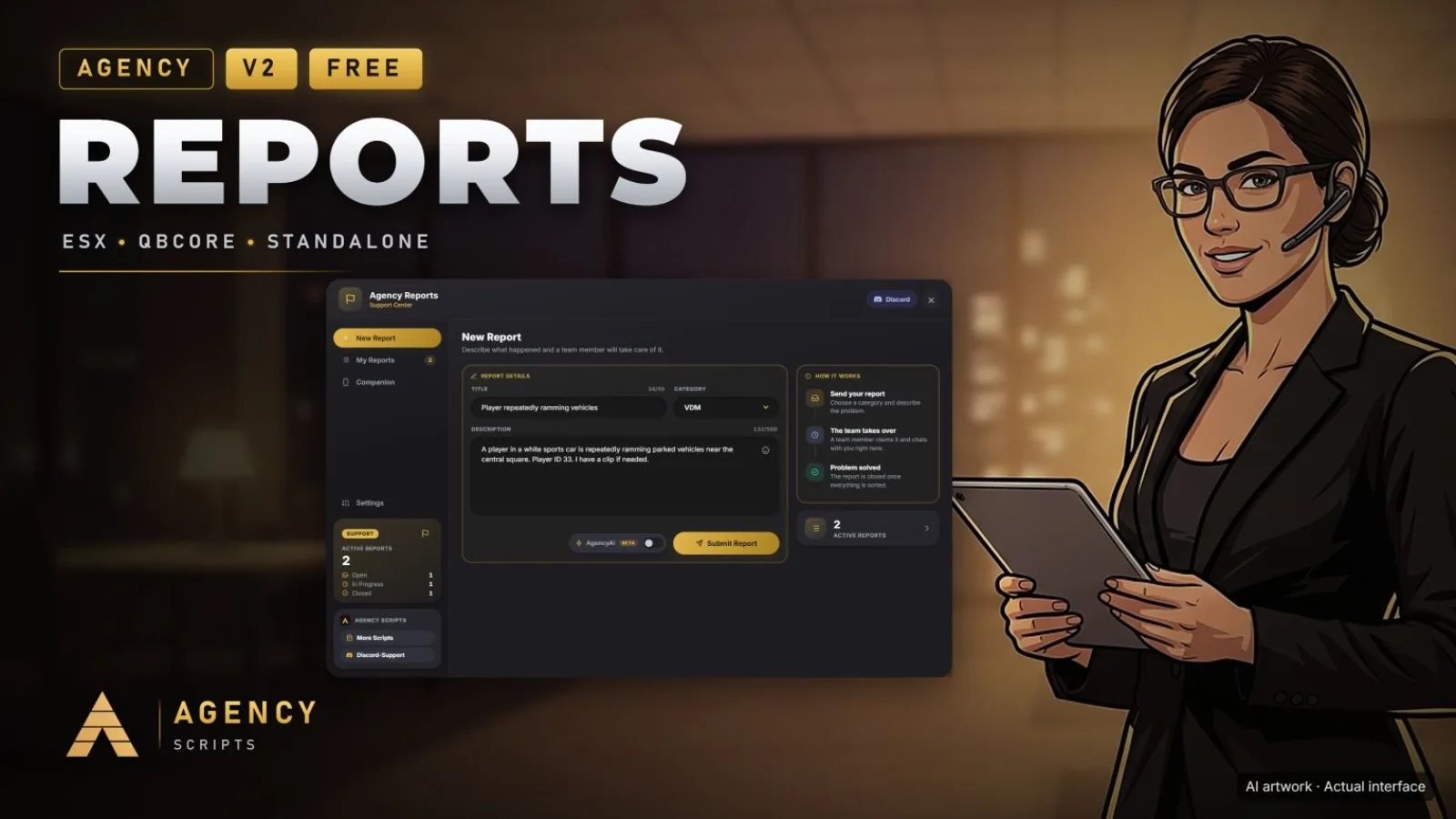
आधुनिक रिपोर्ट और सहायता प्रणाली, खिलाड़ियों और एडमिन दोनों के लिए इन-गेम UI के साथ। हर रिपोर्ट पर लाइव चैट और सहेजा.
v2.3.1मुफ़्त5 पेज
01कॉन्फ़िगरेशन
त्वरित इंस्टॉलेशन · config.lua · Agency-Reports V2
Config = {}

-- =========================================
-- Framework
-- =========================================
-- Options: 'auto', 'standalone', 'esx', 'qb'
Config.Framework = 'auto'

-- =========================================
-- Locale
-- =========================================
Config.Locale = {
    Default = 'en',
    Supported = { 'en', 'de', 'cs', 'esm', 'fr', 'it', 'nl', 'pl', 'pt', 'ro', 'ru', 'sv', 'tr' }
}

-- =========================================
-- Commands
-- =========================================
Config.Commands = {
    Report = 'areport',      -- Command for players to open the report UI
    AdminUI = 'areports',    -- Command for admins to open the admin UI
}

-- =========================================
-- Permissions
-- =========================================
Config.AdminGroups = {
    ['admin'] = true,
    ['superadmin'] = true,
    ['mod'] = true,
    ['god'] = true
}

-- =========================================
-- Report Categories
-- =========================================
Config.Categories = {
    { value = 'vdm', label = 'VDM' },
    { value = 'rdm', label = 'RDM' },
    { value = 'failrp', label = 'FailRP' },
    { value = 'support', label = 'General Support' },
    { value = 'bug', label = 'Bug Report' },
    { value = 'other', label = 'Other' }
}

-- =========================================
-- Notifications
-- =========================================
Config.Notifications = {
    Duration = 8000,          -- milliseconds
    Type = 'info',            -- info, success, error, warning
    UseAgencyNotify = true,   -- Use AgencyNotify for standalone notifications (https://agency-script.tebex.io/package/6937769)
    PlaySound = true          -- Play notification sound
}

-- =========================================
-- Logging / Debug
-- =========================================
Config.Logging = {
    LogCommands = true -- Log command usage to server console
}

-- =========================================
-- Discord Webhook & Invite Button
-- =========================================
Config.Discord = {
    Enabled = false,
    BotToken = '',               -- Optional: Discord Bot Token to fetch real user Discord avatars
    Webhook = {
        Url = '',
        MentionRoleId = '',      -- Optional: Role-ID for ping (without <@& >)
        Username = 'Agency Reports',
        AvatarUrl = ''
    },
    Invite = {
        Enabled = true,
        Link = 'https://discord.gg/Qddmx3CnMS'
    }
}

-- =========================================
-- Companion App  (Agency Companion · iOS / Android)
-- =========================================
-- Pair the in-game report system with the free Agency Companion app by scanning
-- the QR code shown in the report UI / admin dashboard. The server connects to
-- the Agency relay over HTTPS (no port forwarding) and derives a stable id.
-- Staff manage every report on the go; players track their own. Admin rights are
-- re-checked server-side on every action — the QR can never grant them.
Config.Companion = {
    Enable       = true,                      -- Master toggle for the Companion page + pairing
    EnableRemote = true,                      -- Allow paired devices to use reports remotely via the relay
    RelayUrl     = 'https://api.agencyg.de',  -- Agency relay (Cloudflare). Do not change unless instructed.
    TokenTTL     = 300,                        -- Seconds a pairing QR code stays valid
}
02SQL फ़ाइल
रिसोर्स शुरू करने से पहले इस SQL फ़ाइल को अपने डेटाबेस में इम्पोर्ट करें:
CREATE TABLE IF NOT EXISTS `agency_reports` (
    `id` int(11) NOT NULL AUTO_INCREMENT,
    `identifier` varchar(50) NOT NULL,
    `player_name` varchar(50) NOT NULL,
    `title` varchar(50) NOT NULL,
    `category` varchar(50) NOT NULL,
    `description` text NOT NULL,
    `status` varchar(20) NOT NULL DEFAULT 'open',
    `created_at` timestamp NOT NULL DEFAULT CURRENT_TIMESTAMP,
    `admin_identifier` varchar(50) DEFAULT NULL,
    `admin_name` varchar(50) DEFAULT NULL,
    PRIMARY KEY (`id`)
) ENGINE=InnoDB DEFAULT CHARSET=utf8mb4 COLLATE=utf8mb4_unicode_ci;

CREATE TABLE IF NOT EXISTS `agency_report_messages` (
    `id` int(11) NOT NULL AUTO_INCREMENT,
    `report_id` int(11) NOT NULL,
    `sender_identifier` varchar(100) NOT NULL,
    `sender_name` varchar(100) NOT NULL,
    `sender_role` varchar(20) NOT NULL,
    `message` text NOT NULL,
    `created_at` timestamp NOT NULL DEFAULT CURRENT_TIMESTAMP,
    PRIMARY KEY (`id`),
    KEY `idx_report_id` (`report_id`)
) ENGINE=InnoDB DEFAULT CHARSET=utf8mb4 COLLATE=utf8mb4_unicode_ci;