
QBESXStandalone
Agency-Spawn कॉन्फ़िगरेशन
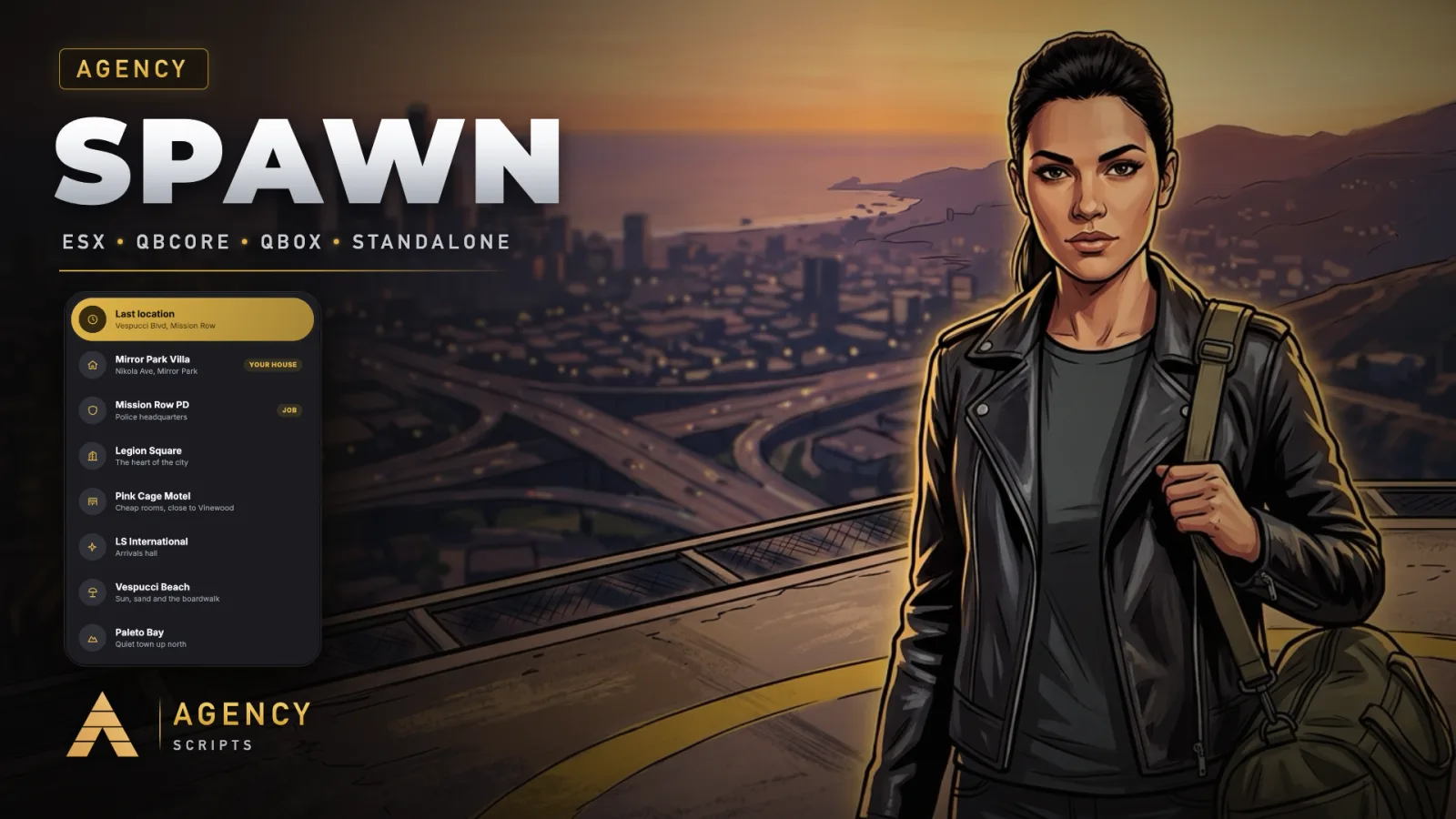
FiveM के लिए लाइव कैमरा वाला एक spawn selector। जब खिलाड़ी ब्राउज करता है, तो कैमरा Los Santos के ऊपर से हर लोकेशन तक.
v1.0.0सशुल्क5 पेज
01कॉन्फ़िगरेशन
त्वरित इंस्टॉलेशन · config.lua · Agency-Spawn
--[[
    ╔══════════════════════════════════════════════════════════════════════╗
    ║                   AGENCY SPAWN  -  CONFIGURATION                     ║
    ║                          (c) Agency Scripts                          ║
    ╚══════════════════════════════════════════════════════════════════════╝

    Works out of the box: drop it in, ensure it after your framework, done.

    CONTENTS
     1. Core               Framework, language, colour, debug
     2. Last Location      Last location, auto spawn
     3. Homes              Agency Housing, qb-apartments
     4. New Characters     Arrival point
     5. Camera             Flight times
     6. Locations          Public, job and gang spawn points
]]

Config = {}


--==============================================================================
--  1 · CORE
--==============================================================================

-- ── Framework ────────────────────────────────────────────────────────────────
-- 'auto' = detect QBCore, Qbox or ESX, standalone when none is installed
Config.Framework = 'auto'

-- ── Automatic setup ──────────────────────────────────────────────────────────
-- true = other spawn selectors (qb-spawn, qbx_spawn, m-spawnselector, codem,
-- um, 0r, jg and more) are stopped on every start, so only this one opens.
Config.AutoSetup = true

-- ── Language ─────────────────────────────────────────────────────────────────
-- 25 languages included (locales folder). 'auto' follows your server language.
Config.Locale = 'en'

-- ── Colour ───────────────────────────────────────────────────────────────────
-- 'auto'  = taken from your server logo (gold when there is none)
-- a preset: 'gold' 'blue' 'cyan' 'green' 'red' 'orange' 'pink' 'purple' 'white'
-- or your own R, G, B: { 226, 182, 73 }
Config.Accent = 'auto'

-- Logo for the 'auto' colour: 'auto' = nui/logo.png, else the logo of
-- Agency Loadingscreen or Agency Hud. Or a file name inside this resource.
Config.Logo = 'auto'
Config.Debug  = false


--==============================================================================
--  2 · LAST LOCATION
--==============================================================================

Config.LastLocation     = true                -- offer the place where the character logged off
Config.AutoLastLocation = false               -- skip the selector, spawn there right away

-- Players get a switch "Always spawn at my last location", remembered on their
-- PC. Holding SHIFT while loading in opens the selector anyway.
Config.PlayerAutoOption = true


--==============================================================================
--  3 · HOMES
--==============================================================================

Config.Housing    = 'auto'                    -- Agency Housing houses (owned or with a key)
Config.Apartments = 'auto'                    -- qb-apartments: the character's apartment


--==============================================================================
--  4 · NEW CHARACTERS
--==============================================================================
-- choose = false : they arrive straight at coords (with the cinematic descent)
-- choose = true  : they get the selector with the public locations

Config.FirstSpawn = {
    choose = false,
    coords = vector4(-1037.74, -2738.04, 20.17, 328.0),   -- LSIA arrivals
    label  = 'Los Santos International',
}


--==============================================================================
--  5 · CAMERA
--==============================================================================

Config.FlightTime = 1700                      -- milliseconds per camera flight


--==============================================================================
--  6 · LOCATIONS
--==============================================================================
--   icon  : city, motel, plane, mountain, beach, shield, star, pin
--   job   : only characters with one of these jobs see it
--   gang  : only characters in one of these gangs see it
-- A rough z is enough, the ground height is found automatically.

Config.Locations = {
    { id = 'legion',  label = 'Legion Square',   description = 'The heart of the city',       icon = 'city',     coords = vector4(195.17, -933.77, 29.70, 144.5) },
    { id = 'motel',   label = 'Pink Cage Motel', description = 'Cheap rooms, close to Vinewood', icon = 'motel', coords = vector4(327.56, -205.08, 54.09, 163.5) },
    { id = 'airport', label = 'LS International', description = 'Arrivals hall',              icon = 'plane',    coords = vector4(-1037.74, -2738.04, 20.17, 328.0) },
    { id = 'beach',   label = 'Vespucci Beach',  description = 'Sun, sand and the boardwalk', icon = 'beach',    coords = vector4(-1392.08, -1001.21, 6.57, 300.0) },
    { id = 'sandy',   label = 'Sandy Shores',    description = 'Desert town at Alamo Sea',    icon = 'mountain', coords = vector4(1961.63, 3740.07, 32.34, 300.0) },
    { id = 'paleto',  label = 'Paleto Bay',      description = 'Quiet town up north',         icon = 'mountain', coords = vector4(80.35, 6424.12, 31.67, 45.5) },

    { id = 'police',  label = 'Mission Row PD',  description = 'Police headquarters',         icon = 'shield', job = { 'police', 'sheriff' }, coords = vector4(428.23, -984.28, 29.76, 3.5) },
    { id = 'pillbox', label = 'Pillbox Medical', description = 'Hospital',                    icon = 'shield', job = { 'ambulance', 'ems' },   coords = vector4(298.60, -584.50, 43.26, 70.0) },
    { id = 'mechanic', label = 'Burton Customs', description = 'Workshop',                    icon = 'shield', job = { 'mechanic', 'bennys' }, coords = vector4(-357.21, -134.38, 38.93, 70.0) },
}