
01命令
| 名称 | 说明 |
|---|---|
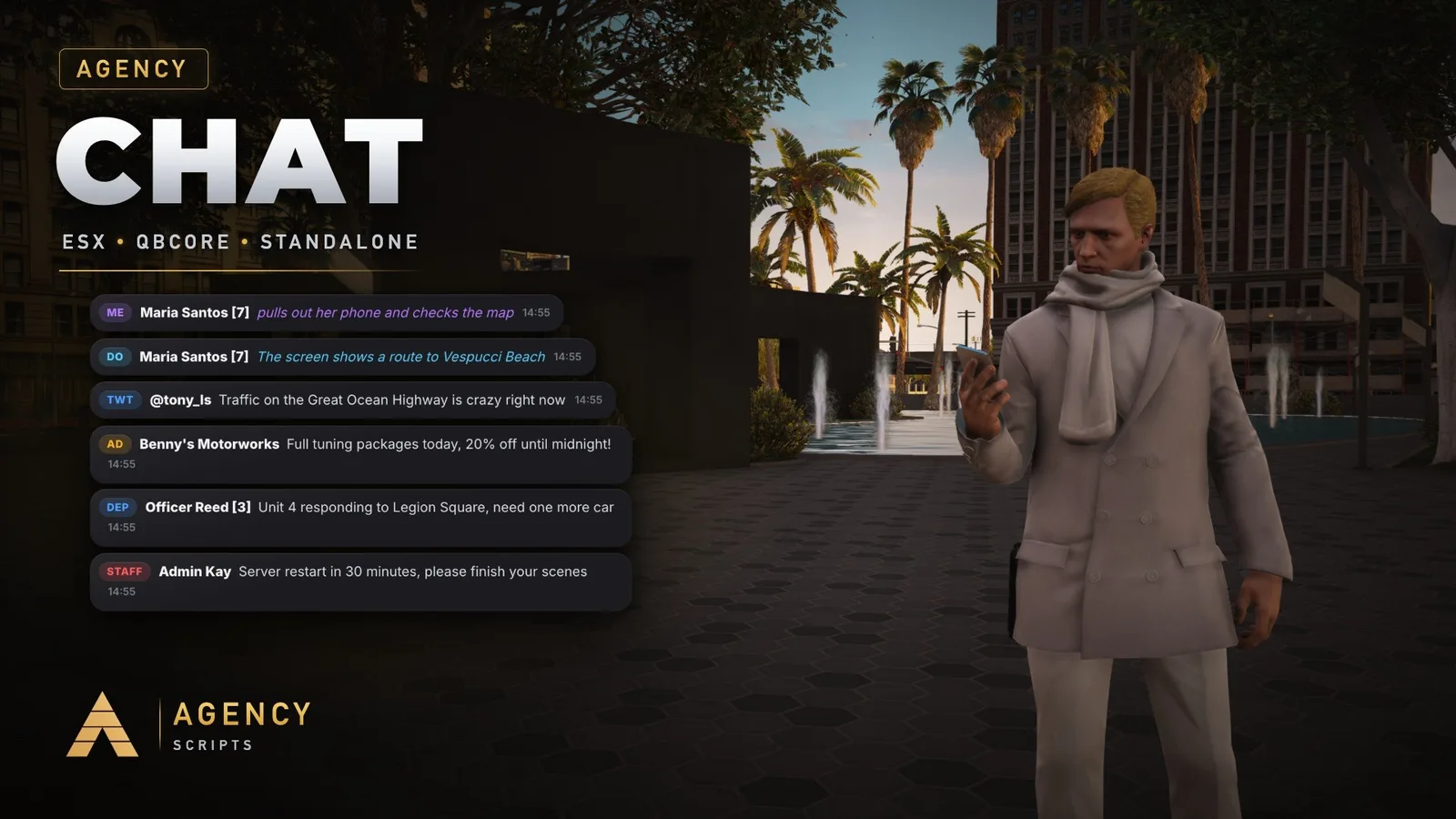
/ooc [text] | Out of character, global. |
/looc [text] | Out of character, only players nearby (Config.ProximityRange). |
/me [action] | Action of your character, nearby, also as 3D text above the head. |
/do [description] | Describes the scene, nearby, also as 3D text above the head. |
/twt [text] | Tweet for everyone. With Agency-Phone it is also a post in the Pulse app. |
/ad [text] | Advertisement for everyone, costs Config.Commands.ad.price (bank or cash) with a cooldown. With Agency-LifeinvaderV3 it also lands in the Lifeinvader feed. |
/pm [id] [text] | Private message to one player. |
/r [text] | Reply to the last private message. |
/gc [text] | Chat of your gang with Agency-Gangs, with the gang tag and colour. |
/roll [sides] | Rolls a dice for players nearby, 100 sides by default. |
/dep, /mech [text] | Job chats from Config.JobChats, everyone with one of the jobs reads and writes. Standalone: ace agencychat.job.<command>. |
/clear | Clears your own chat. |
/achat | Settings menu: your own chat colour, size and position (Config.PlayerSettings). |
/staff [text] | Staff chat, only staff read it.仅管理员 |
/announce [text] | Announcement for everyone.仅管理员 |
/clearall | Clears the chat for everyone.仅管理员 |
02按键绑定
| 按键 | 说明 |
|---|---|
T | Open the chat (Config.OpenKey, players can rebind it). |
L | Visibility: show on new messages, always visible, hidden (Config.ToggleKey). |
Tab | Complete a command or switch the chat mode. |
Up / Down | Browse suggestions or your last messages. |
PageUp / PageDown | Scroll the chat. |