
Agency-Phone Apps Personnalisées
Désormais avec AgencyOS27 : une mise à jour gratuite pour tous ceux qui ont déjà le téléphone.
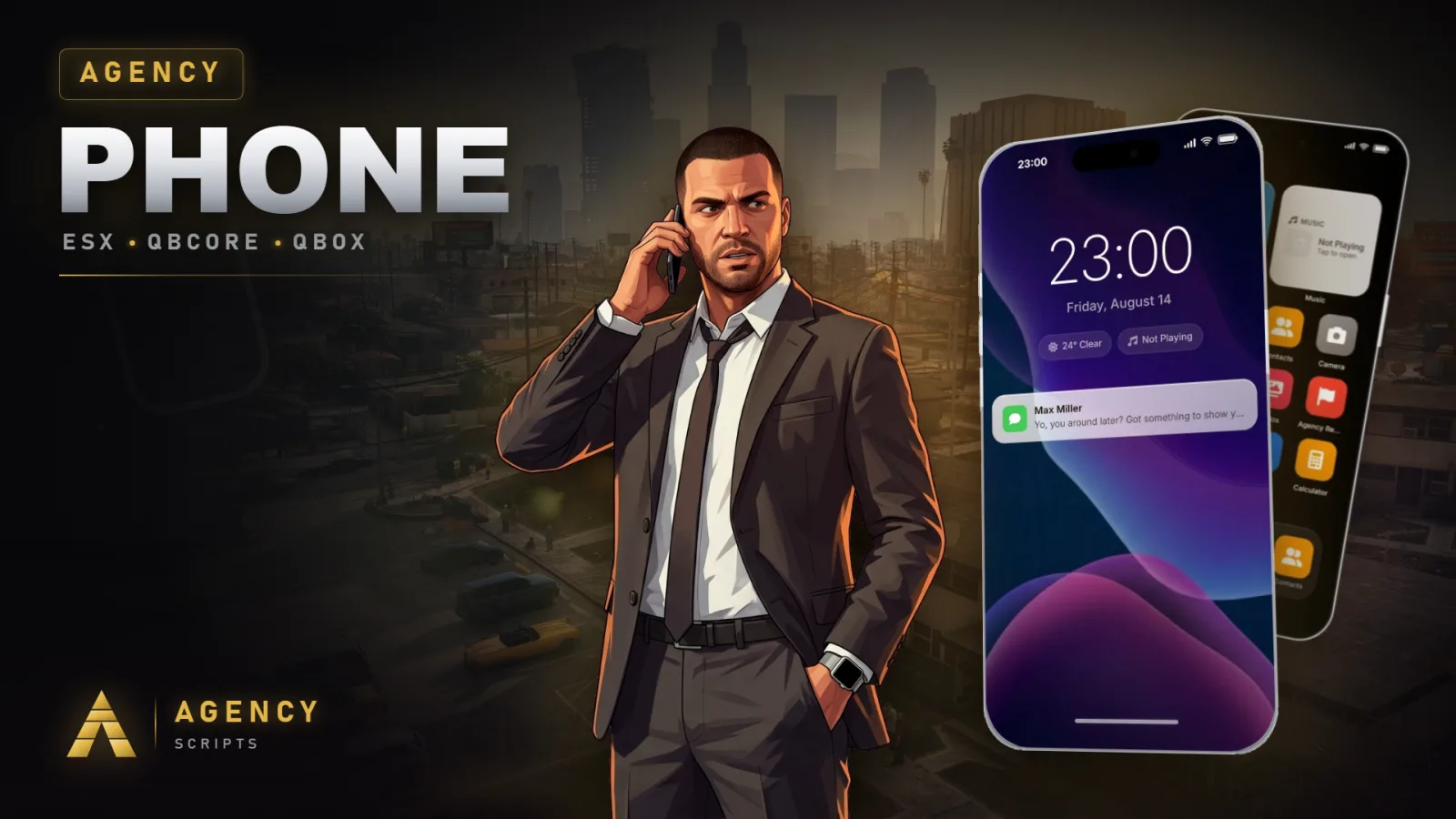
🧩 Créer une app personnalisée pour Agency-Phone
Il existe deux façons d'ajouter une app au téléphone. Choisissez celle qui vous convient :
| Méthode | Idéale pour | Ce que vous modifiez |
|---|---|---|
| A. SDK (resource externe) | Éditeurs et scripts qui ajoutent une app avec leur propre icône | Uniquement votre propre resource. Aucune modification d'agency-phone. |
| B. Drop-in (dans agency-phone) | Propriétaires de serveur qui ajoutent un écran natif dans l'interface du téléphone | config.lua + apps/ (+ html/js pour un écran) |
Si vous distribuez une app à d'autres serveurs, utilisez la méthode A. Elle ne demande aucun code source de notre part et continue de fonctionner après les mises à jour.
A SDK : enregistrer une app depuis votre propre resource
agency-phone fournit des exports qui permettent à n'importe quelle resource d'ajouter à la volée une app avec sa propre icône sur l'écran d'accueil du téléphone. L'interface de votre app reste dans votre resource ; le téléphone affiche l'icône et vous passe la main quand le joueur la touche. Aucune modification d'agency-phone, aucun build déverrouillé.
Exemple minimal
-- client side of YOUR resource
CreateThread(function()
    Wait(1500) -- let agency-phone boot
    exports['agency-phone']:RegisterApp({
        id        = 'myshop',
        label     = 'My Shop',
        icon      = 'fa-solid fa-cart-shopping', -- FontAwesome 6 class
        -- image  = 'https://cfx-nui-myresource/icon.png', -- or your own image instead
        color     = '#ff9500',
        colorDark = '#e08600',
    })
end)

-- fired when the player taps your icon on the phone
AddEventHandler('agency-phone:client:openApp', function(appId)
    if appId ~= 'myshop' then return end
    exports['agency-phone']:ClosePhone()
    -- open your own NUI here
end)
Configuration de RegisterApp
| Champ | Type | Requis | Description |
|---|---|---|---|
id | string | oui | Id unique, en minuscules, sans espaces. |
label | string | oui | Nom affiché sous l'icône. |
icon | string | non | Classe FontAwesome 6. Ignorée si image est défini. |
image | string | non | Image d'icône personnalisée, par ex. https://cfx-nui-<resource>/icon.png. |
color / colorDark | string | non | Dégradé derrière l'icône (hex). |
slot | number | non | Position sur l'écran d'accueil. Placée automatiquement si absente. |
storeDesc | string | non | Courte description sur la page Store de votre app. Reprend le label si absente. |
Exports du SDK (client)
| Export | Description |
|---|---|
RegisterApp(config) | Ajoute ou met à jour votre app. Renvoie true, ou false, err. |
UnregisterApp(id) | Retire votre app. Se fait aussi automatiquement quand votre resource s'arrête. |
GetRegisteredApps() | Table de toutes les apps externes enregistrées. |
ClosePhone() | Ferme le téléphone, par ex. avant d'ouvrir votre propre NUI. |
L'événement au toucher
Quand le joueur touche votre icône, agency-phone déclenche ces deux événements côté client. Utilisez celui que vous préférez :
| Événement | Arguments |
|---|---|
agency-phone:client:openApp | appId (filtrez sur votre id) |
agency-phone:client:openApp:<yourId> | aucun (déjà limité à votre app) |
Ajoutez dependency 'agency-phone' à votre fxmanifest.lua pour que l'ordre de démarrage soit correct.
B Drop-in, un écran natif dans le téléphone
Pour un écran dessiné par le téléphone lui-même (et non par votre resource). Cela modifie les fichiers d'agency-phone.
| Étape | Fichier | Modifiable dans le build escrow ? |
|---|---|---|
1. Entrée d'app dans AgencyConfig.Apps | config.lua | ✓ oui |
2. Logique RegisterNUICallback | apps/<id>_client.lua (+ _server.lua) | ✓ oui |
3. Écran <div id="app-<id>"> | html/index.html | ✗ chiffré |
4. case '<id>': dans openApp() + chargeur | html/js/phone.js | ✗ chiffré |
Les étapes 3 et 4 se trouvent dans des fichiers chiffrés par l'escrow ; un écran natif nécessite donc un build avec sources ou déverrouillé. Si vous n'avez que la version escrow, utilisez plutôt la méthode A (votre écran vit dans votre propre resource). Fichiers de référence dans la resource : apps/testapp_client.lua et apps/dispatch_client.lua.
📋 Autres exports du téléphone
Client
| Export | Renvoie | Description |
|---|---|---|
IsPhoneOpen() | boolean | Téléphone actuellement ouvert. |
IsPhonePoweredOn() | boolean | Appareil allumé. |
HasPhone() | boolean | Le joueur possède un objet téléphone. |
HasCarrierContract() | boolean | eSIM ou contrat actif. |
GetPhoneData() | table | Instantané de l'état du téléphone. |
PhoneNotification(title, text, icon, color, timeout, acceptIcon, denyIcon) | void | Notification sur le téléphone. |
StartCall(contact) | void | Appelle { name, number }. |
StartAgencyPayCheckout(opts) | void | Paiement AgencyPay (voir plus bas). |
Serveur
| Export | Description |
|---|---|
SendMail(identifier, mailData) | Envoie un mail à un joueur (en ligne ou hors ligne). |
AddChirp(data) | Publie un message dans le fil social Pulse. |
VerifyAgencyPayCharge(source, requestId, minAmount) | Confirme côté serveur un paiement AgencyPay réglé avant de remettre la marchandise (voir plus bas). |
⇄ Pont NUI ↔ Lua (méthode B)
| Sens | Côté JS | Côté Lua |
|---|---|---|
| JS → Lua | fetchNUI('callbackName', data) | RegisterNUICallback('callbackName', fn) |
| Lua → JS | écoutez action dans window.onmessage | SendNUIMessage({ action = '...' }) |
💳 Paiement AgencyPay
Débitez le wallet du joueur depuis n'importe quelle resource.
exports['agency-phone']:StartAgencyPayCheckout({
    merchant = 'My Shop', title = 'Agency Pay', subtitle = 'Checkout',
    label = 'Premium Coffee', amount = 24.50,
    icon = 'fa-solid fa-mug-hot', accent = '#ff9f0a',
    clientEvent = 'myshop:client:agencyPayResult',
    serverEvent = 'myshop:server:agencyPayResult',
    metadata = { orderId = 'order_2048' },
})

RegisterNetEvent('myshop:client:agencyPayResult', function(result)
    if result.status == 'paid' then
        -- deliver the goods
    end
end)
Le résultat contient status (paid / cancelled / failed), amount, cardId, balance et vos metadata.
Un résultat paid qui arrive du client jusqu'à votre resource ne prouve rien à lui seul. Passez votre propre id à StartAgencyPayCheckout et appelez exports['agency-phone']:VerifyAgencyPayCharge(source, id, amount) côté serveur avant de remettre quoi que ce soit. La fonction ne renvoie true et le montant que si ce joueur a réglé ce paiement dans les 60 dernières secondes, puis elle consomme le paiement pour qu'il ne puisse pas être réclamé deux fois.
🐛 Dépannage
| Symptôme | Solution |
|---|---|
| L'icône n'apparaît pas (SDK) | Mettez agency-phone à jour vers le dernier build Keymaster, faites Wait(1500) avant RegisterApp et ajoutez dependency 'agency-phone' à votre manifest. |
| Toucher l'icône ne fait rien (SDK) | Votre handler agency-phone:client:openApp doit correspondre exactement à votre id (sensible à la casse). |
| L'image personnalisée ne s'affiche pas | Utilisez une URL NUI complète https://cfx-nui-<your-resource>/path/icon.png et listez le fichier dans files { } de votre manifest. |
| L'icône n'apparaît pas (drop-in) | enabled = true et installed = true dans l'entrée de config. |
Des questions ou besoin d'un coup de main ? Rejoignez le Discord d'Agency Scripts.