
Agency-Hud
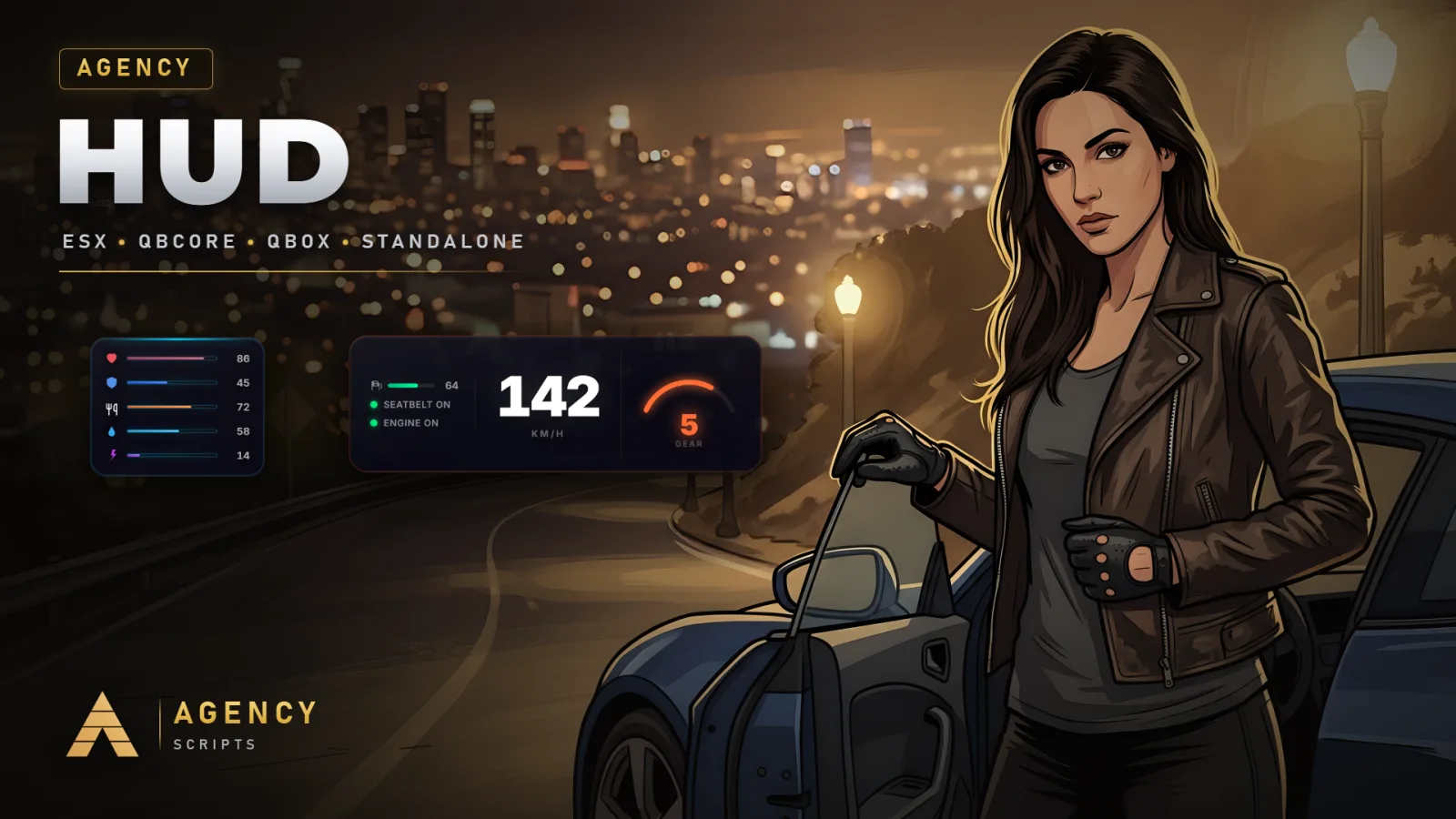
Modern animated HUD with vehicle dashboard, status bars, voice indicator, speedometer, fuel gauge, seatbelt.
01Overview
Modern animated HUD with vehicle dashboard, status bars, voice indicator, speedometer, fuel gauge, seatbelt integration, HUD customizer, and edit mode. Features admin panel for global settings.
02Features
+Good to know
Agency-Hud provides a modern, animated HUD for your FiveM server, featuring a vehicle dashboard, status bars, voice indicator, and more. The script includes a HUD customizer and edit mode, as well as an admin panel for global settings. No additional dependencies or SQL setup are required, making installation straightforward for server owners.
- Animated and Customizable HUD
- The resource offers a fully animated user interface with a vehicle dashboard, status bars, voice indicator, speedometer, and fuel gauge. Players can use the built-in HUD customizer and edit mode to personalize their display according to their preferences.
- Integrated Admin Panel
- An admin panel is included, allowing server administrators to manage global HUD settings directly. This central interface streamlines configuration and ensures that server-wide adjustments can be made efficiently without editing files manually.
- Simple Installation and No Dependencies
- Agency-Hud does not require any external dependencies or SQL database setup. To install, simply add ensure Agency-Hud to your server.cfg. Configuration is handled through the provided config file, which contains 215 lines for detailed customization.
?Frequently asked questions
Does Agency-Hud require any external dependencies or database setup?
No, Agency-Hud does not require any external dependencies or SQL database setup. You only need to add ensure Agency-Hud to your server.cfg and configure the script using the provided config file. This simplifies both installation and ongoing maintenance.
How can I access and use the admin panel?
The script includes an admin panel for managing global HUD settings. Access to this panel is provided within the resource, and you can adjust server-wide options directly from this interface. Refer to the documentation for instructions on accessing the admin panel in-game.
What features can players customize in the HUD?
Players can use the HUD customizer and edit mode to personalize elements such as the vehicle dashboard, status bars, voice indicator, speedometer, and fuel gauge. These customization options are designed to let each user tailor the HUD to their preferences.
What should I do if changes to the config are not reflected in-game?
After making changes to the config file, you must restart the Agency-Hud resource for the updates to take effect. This is standard practice in FiveM scripting to ensure configuration changes are properly loaded by the server.