
Agency-Pad
Now with AgencyOS27: a free update for everyone who already owns the pad.
01Overview
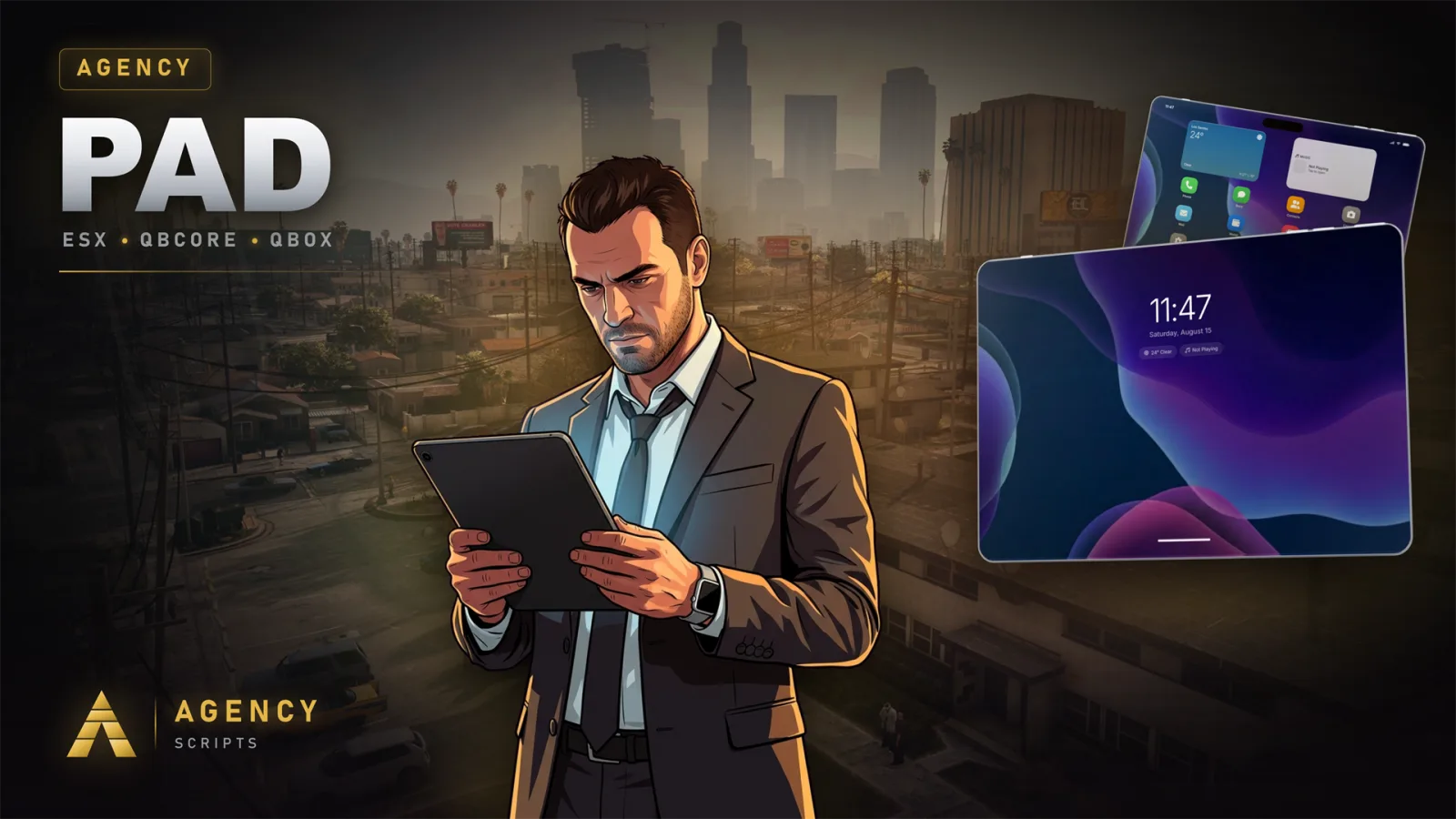
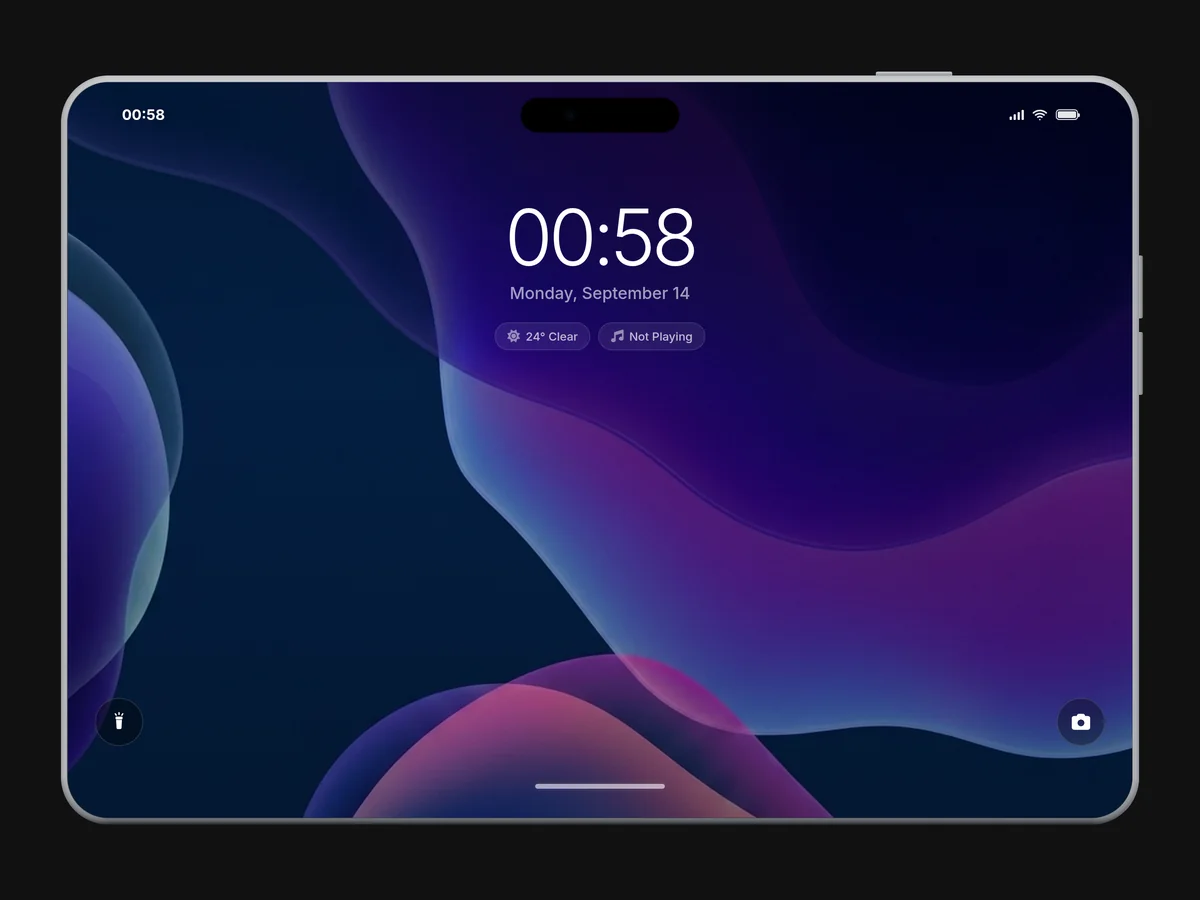
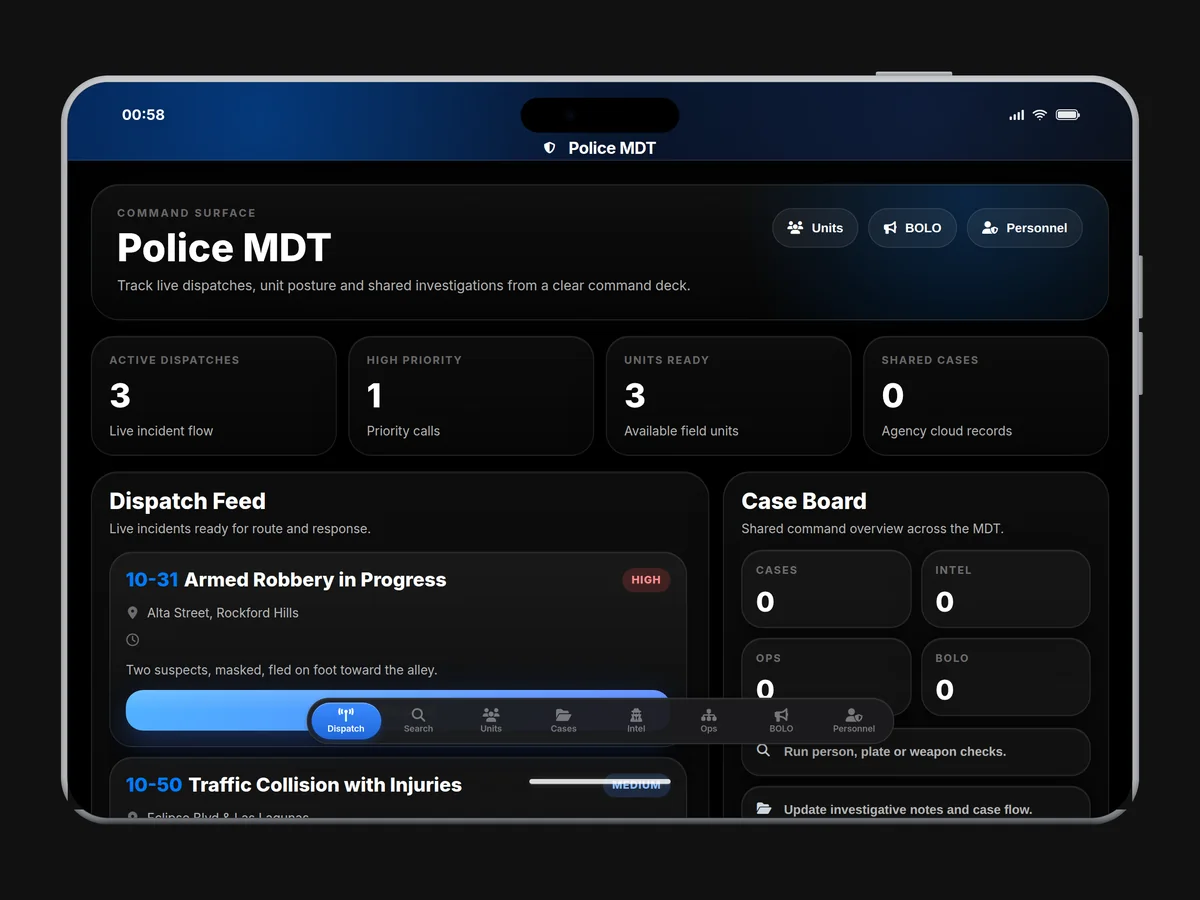
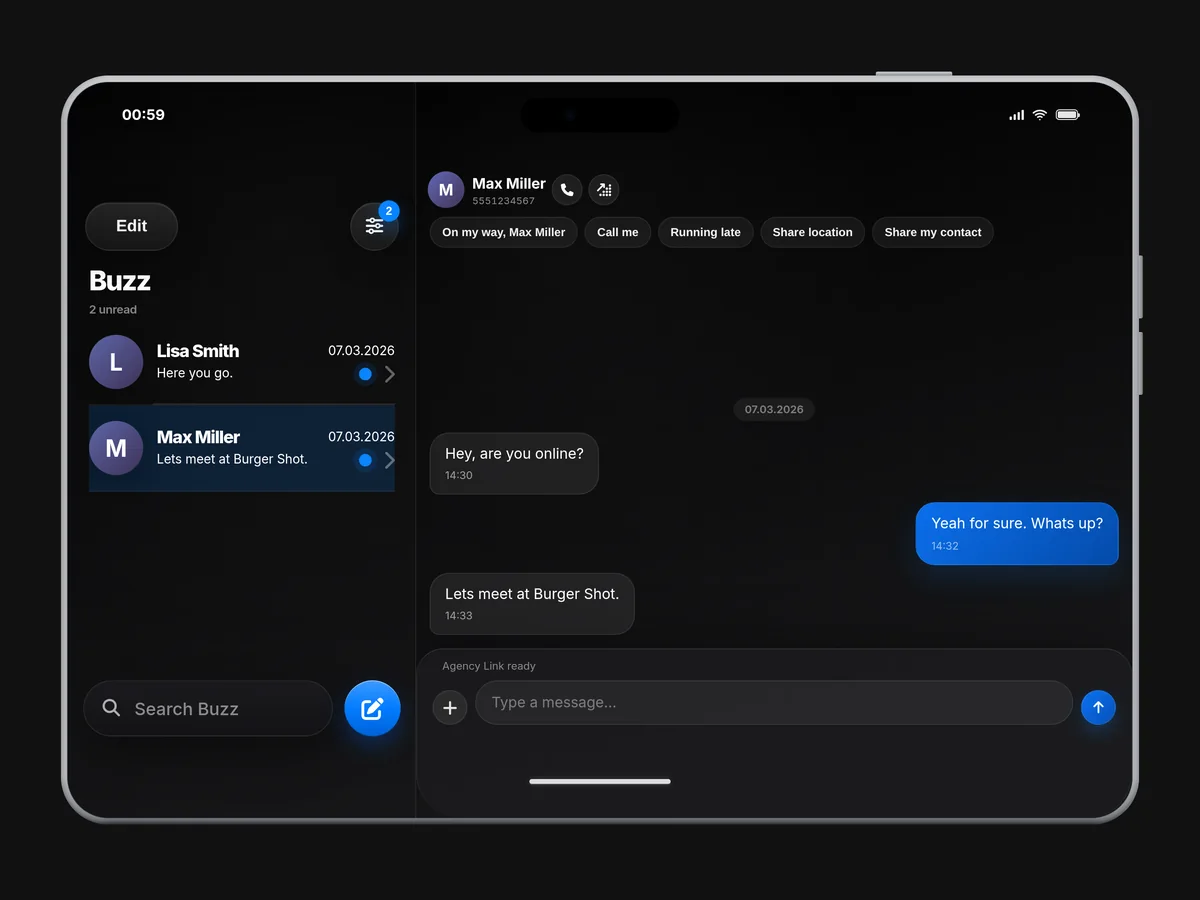
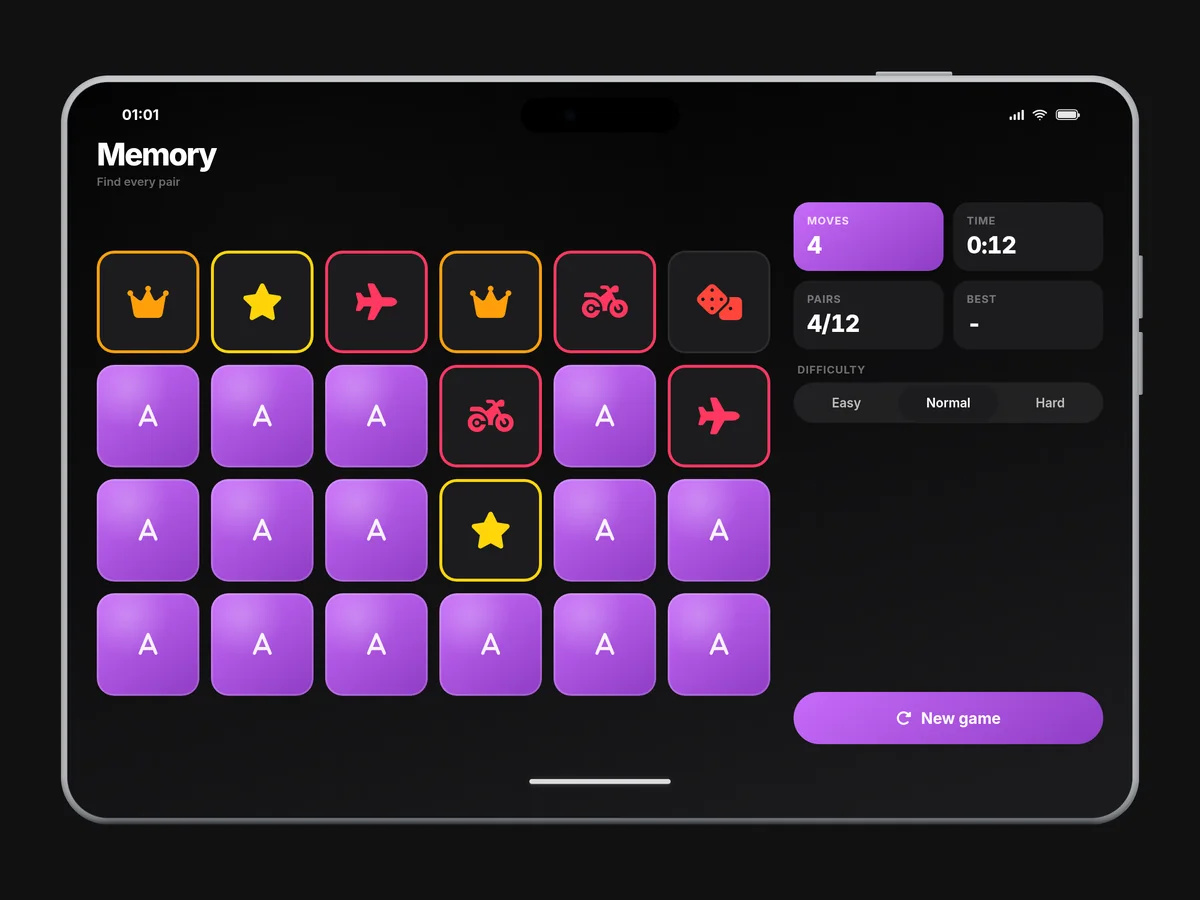
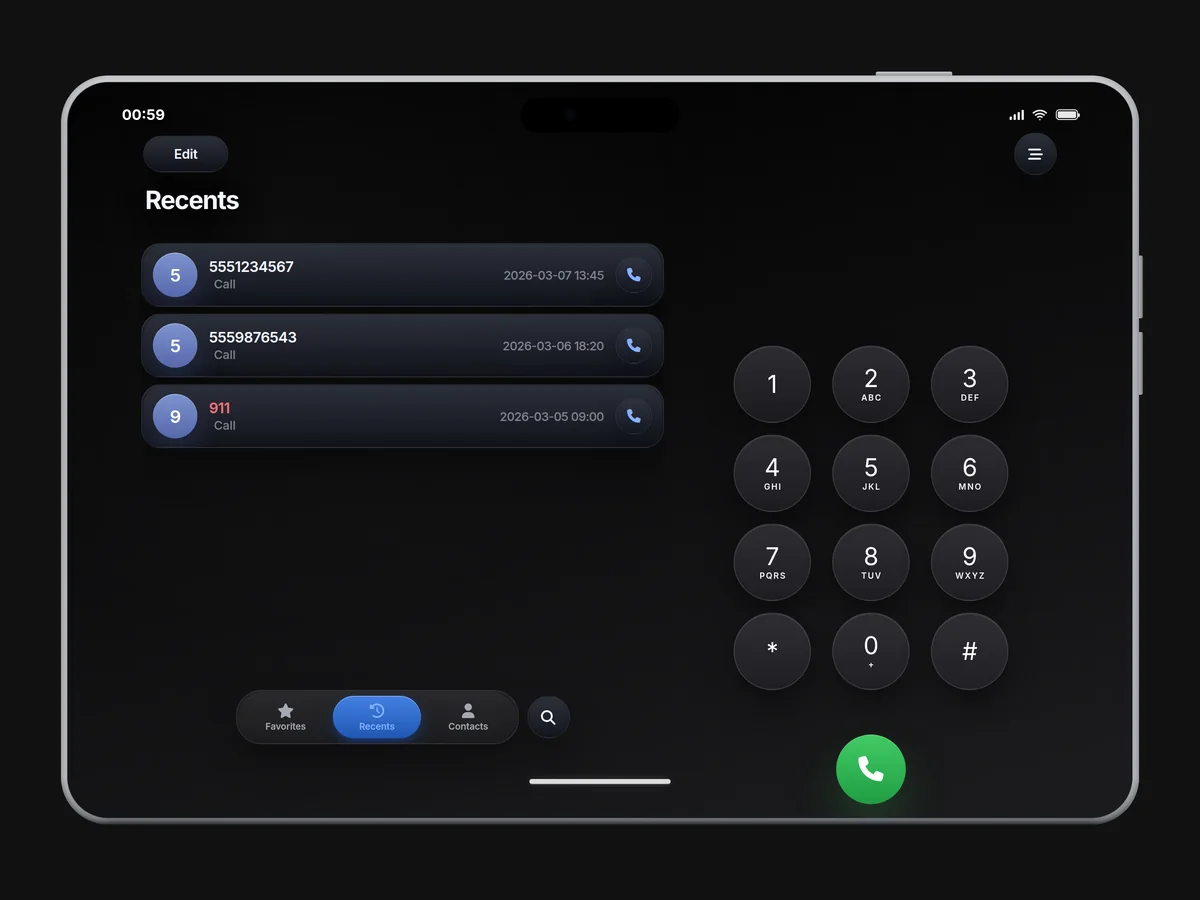
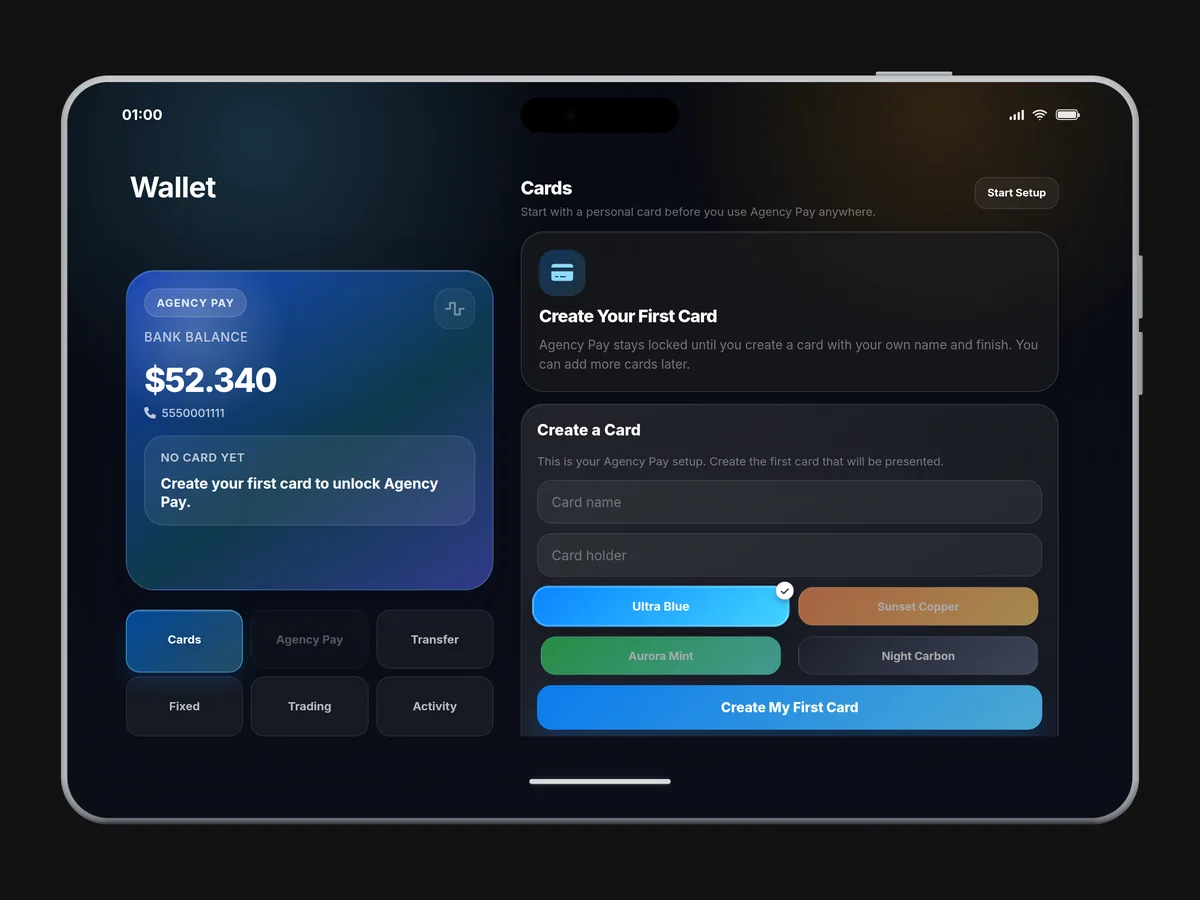
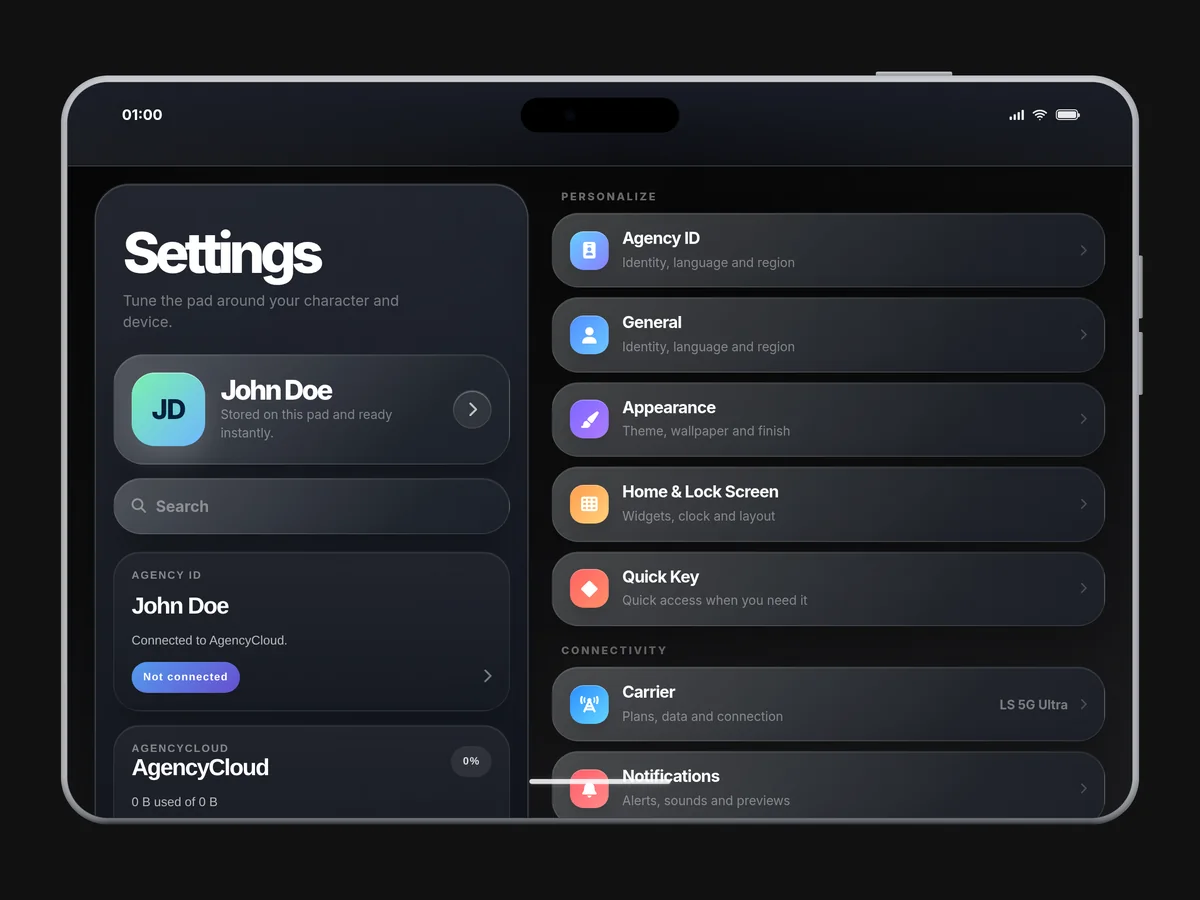
Now with AgencyOS27: a free update for everyone who already owns the pad. A tablet for FiveM on QBCore or ESX that detects the framework on its own and is built for landscape: the Store, Phone, Clock, the MDTs and the games use the wide display, while Buzz, Notes and Contacts show list and detail side by side. The apps cover Police, EMS and Mechanic MDTs, Business and Gangs, Buzz messages, calls, Camera with video clips, Photos with albums, Mail, Wallet with Agency Pay, Music, AutoRide, the Store and Angy, the built-in assistant, on fixed rules and without any AI, plus games with the pad exclusives Memory, Connect Four, Tic Tac Toe and Agency Tycoon. The frame comes from the 3D model in eight finishes, and the pad in the hand is visible to every player nearby.
02Features
03Screenshots
+Good to know
Agency-Pad is a comprehensive tablet script for FiveM servers, offering a wide range of apps and features for various player roles. The script includes Police, EMS, and Mechanic MDTs, business and gang management, messaging, calls, camera, photos, mail, wallet, and several exclusive games. It comes with a landscape layout, multiple frame finishes, and supports video clips in the camera app. AgencyOS27 is a free update for existing owners.
- Landscape Layout and Visuals
- Agency-Pad is designed for landscape orientation, making full use of the wide display for apps like the Store, Phone, Clock, MDTs, and games. List-and-detail layouts are used in Buzz, Notes, and Contacts. The tablet frame is rendered in eight finishes, and the pad is visible in the player's hand to nearby users.
- App Coverage and Exports
- The pad includes Police, EMS, and Mechanic MDTs, business and gang management, Angy (a built-in assistant that works on fixed rules without AI), messaging, calls, camera, photos, mail, wallet, trading, and exclusive games. New exports in AgencyOS27 include RegisterApp, UnregisterApp, GetRegisteredApps, ClosePad, and ClosePhone, allowing further integration and control.
- Dependencies and the New Config
- Agency-Pad needs oxmysql and, for calls, one of pma-voice, SaltyChat, mumble-voip or TokoVOIP. screenshot-basic is optional and only used by the Camera. The config.lua for AgencyOS27 adds Debug, MoneyGameApps, MoneyGameMaxMultiplier, CameraVideo, ProtectedApps and PadProp, so use the new file instead of copying your old one over it.
?Frequently asked questions
What dependencies are required to run Agency-Pad?
You must have oxmysql and a compatible framework installed. For calls, you need one of the following: pma-voice, SaltyChat, mumble-voip, or TokoVOIP. The screenshot-basic resource is optional and only needed if you want to enable camera features. All dependencies must be properly ensured in your server configuration.
How does the Report app connect to Agency Reports?
With AgencyPadConfig.UseAgencyReports set to true, the Report app hands reports to the Agency Reports resource. AgencyPadConfig.AgencyReportsProvider selects the provider ('v2', 'v2_ad_free', 'legacy' or 'auto'), and AgencyPadConfig.AgencyReportsCommand holds the name of its command, 'areport' by default. Restart the resource after changing these values.
Who can make a player a music admin?
The musicadmin command with a server id works from the server console or for players with the ace permission command.musicadmin. A player with the ace permission agency.musicadmin is always treated as a music admin. Music admins review song submissions in the Music app before everyone can play them.
What should I do if the pad or its features are not working after an update?
If you experience issues after updating to AgencyOS27, make sure you are using the new config.lua provided with the update. Do not copy your old config file, as new options and changes have been introduced. Also, verify that all required dependencies are up to date and properly configured.