
Agency-Repairkit V2
Realistic vehicle damage and four repair kits for FiveM, on QBCore, QBox, ESX or fully standalone.
01Overview
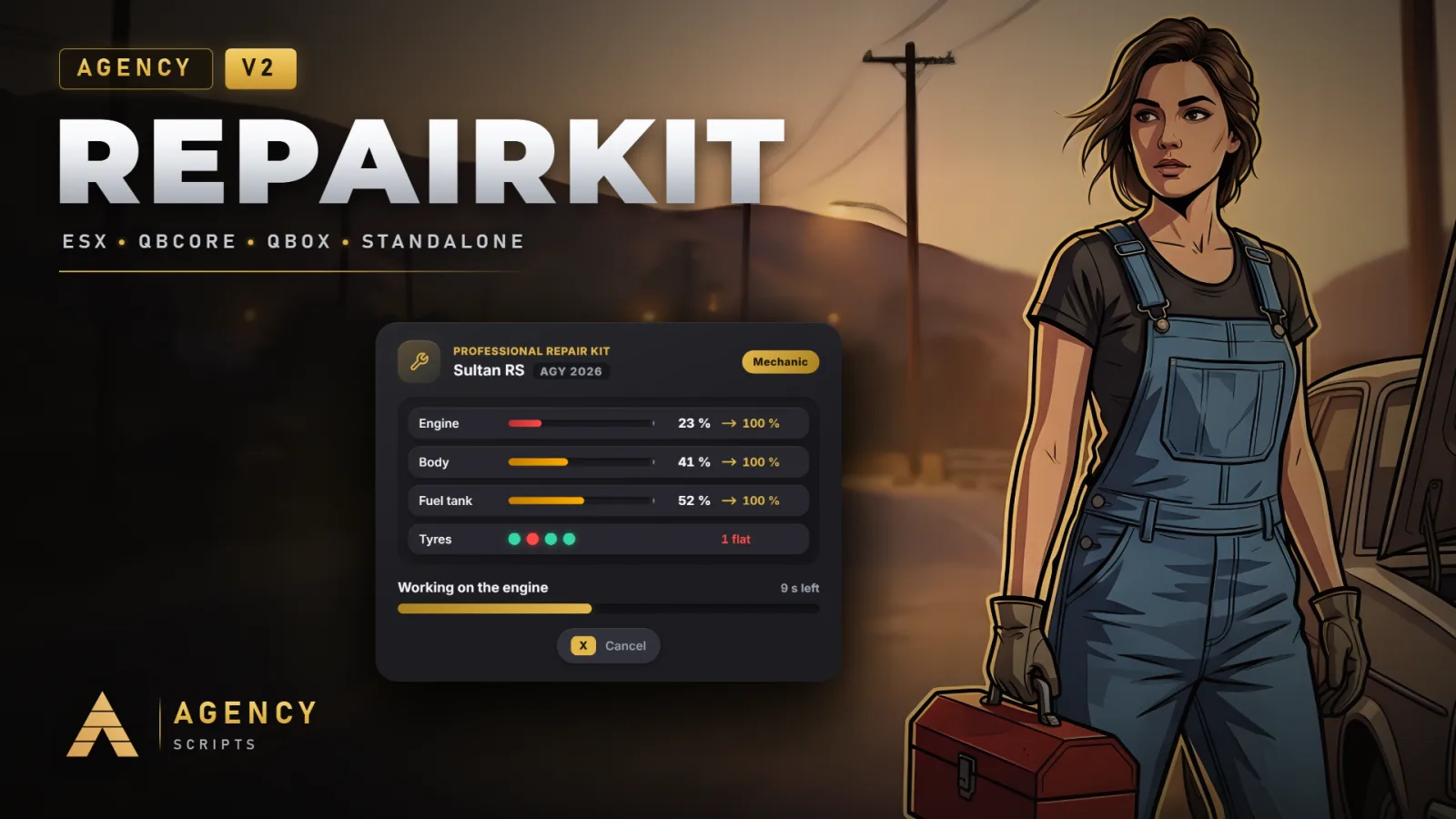
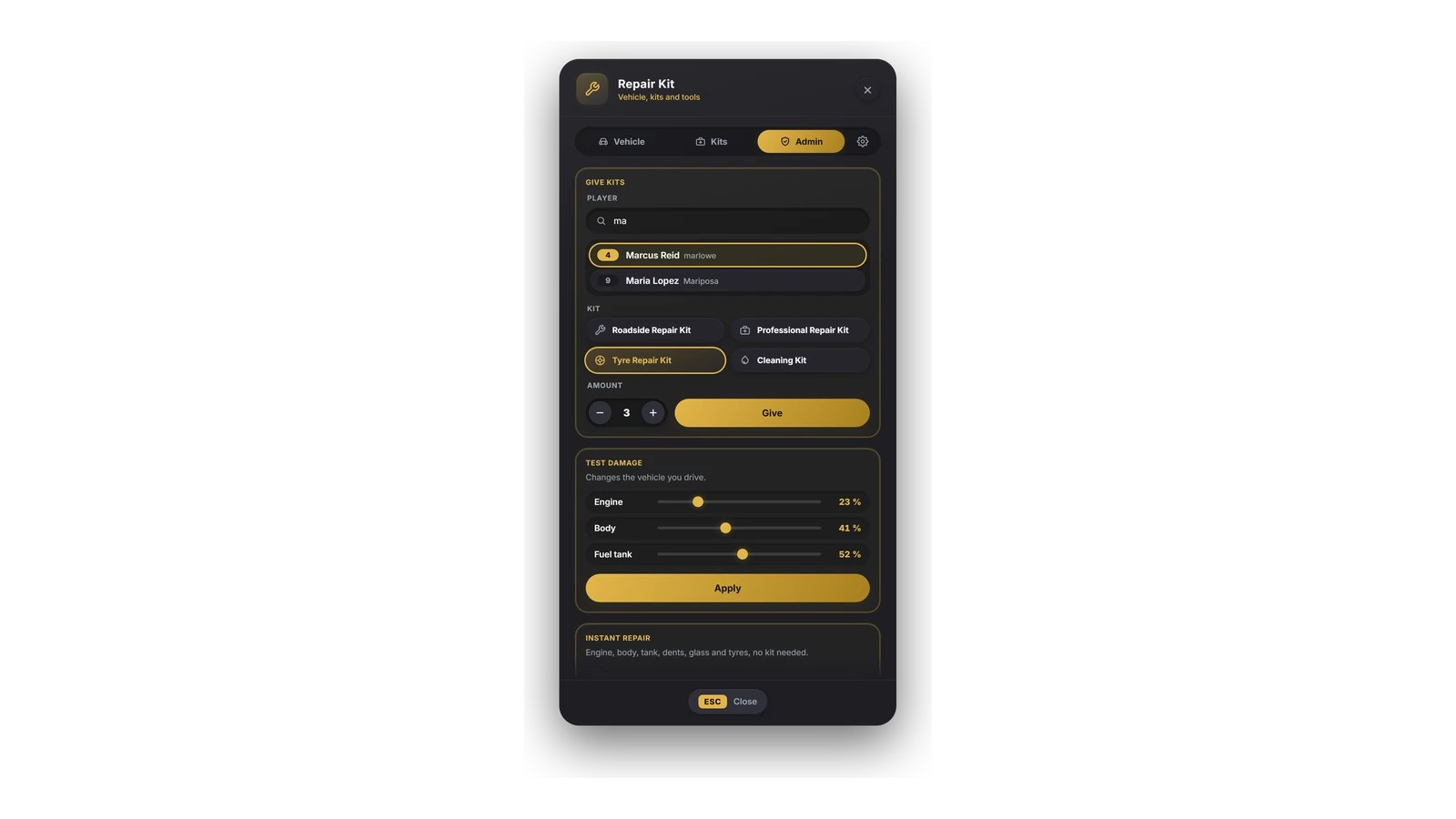
Realistic vehicle damage and four repair kits for FiveM, on QBCore, QBox, ESX or fully standalone. Damaged engines lose power, misfire, stall after hard hits and die below a critical level, a damaged tank leaks fuel, and flooring a wrecked engine makes it worse. The Roadside Kit gets an engine running again, the Professional Kit makes a car like new, the Tyre Kit fixes a flat and the Cleaning Kit washes it. Players walk to the engine bay, the bonnet opens and skill checks decide how smoothly the work goes, all in an overlay in the Agency style. Mechanics repair faster and further, ox_target and qb-target options appear on every vehicle, the items register themselves and the server checks every repair. One command, /arepairkit, opens a menu with the condition of the vehicle, the player's kits and the admin tools, and admins change the main settings there for the whole server, including the classic look of V1. Agency-Hud shows the damage without an update, and 25 languages are included.
02Features
03Screenshots
+Good to know
Agency-Repairkit V2 makes vehicle damage part of the roleplay. Crashes cost engine power, a badly damaged engine misfires and stalls, and below a critical level it dies until someone repairs it. Four kits cover the repair: a roadside kit for the way to the workshop, a professional kit that makes a car like new, a tyre kit and a cleaning kit. The script runs on QBCore, QBox, ESX or without any framework, and V2 is a free update for everyone who owns V1.
- The Damage System
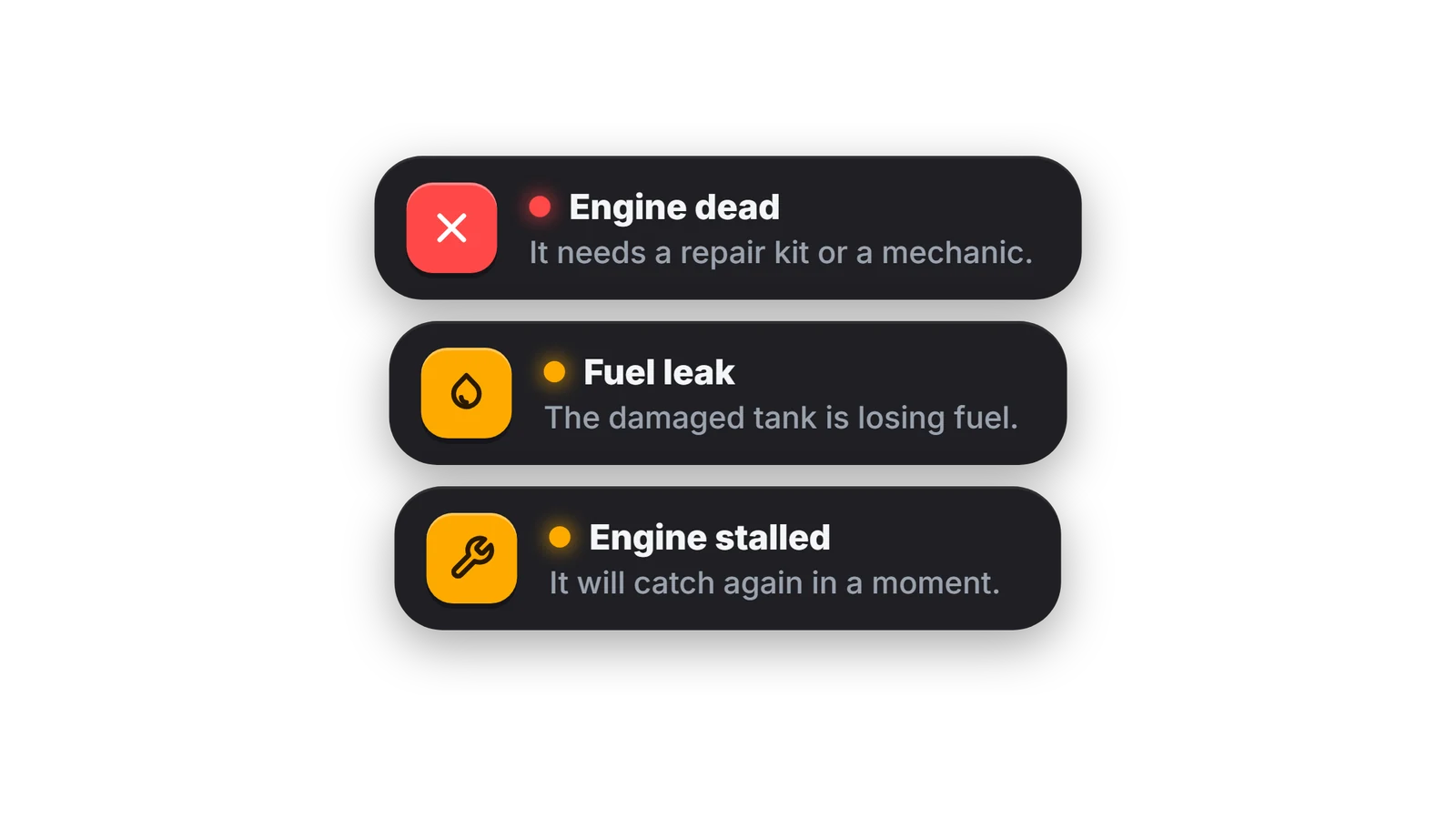
- Collisions hurt more than in plain GTA (Config.Damage.multiplier). The engine health sets the level: light damage costs a little power, medium and heavy damage cost more and cause misfires with a backfire from the exhaust, and a hard hit can stall the engine for a few seconds. Below the critical level the engine dies and stays off. A tank under 65 % leaks fuel, and flooring an engine with heavy damage overheats it and costs more health. Small warning cards tell the driver what just happened.
- The Four Kits
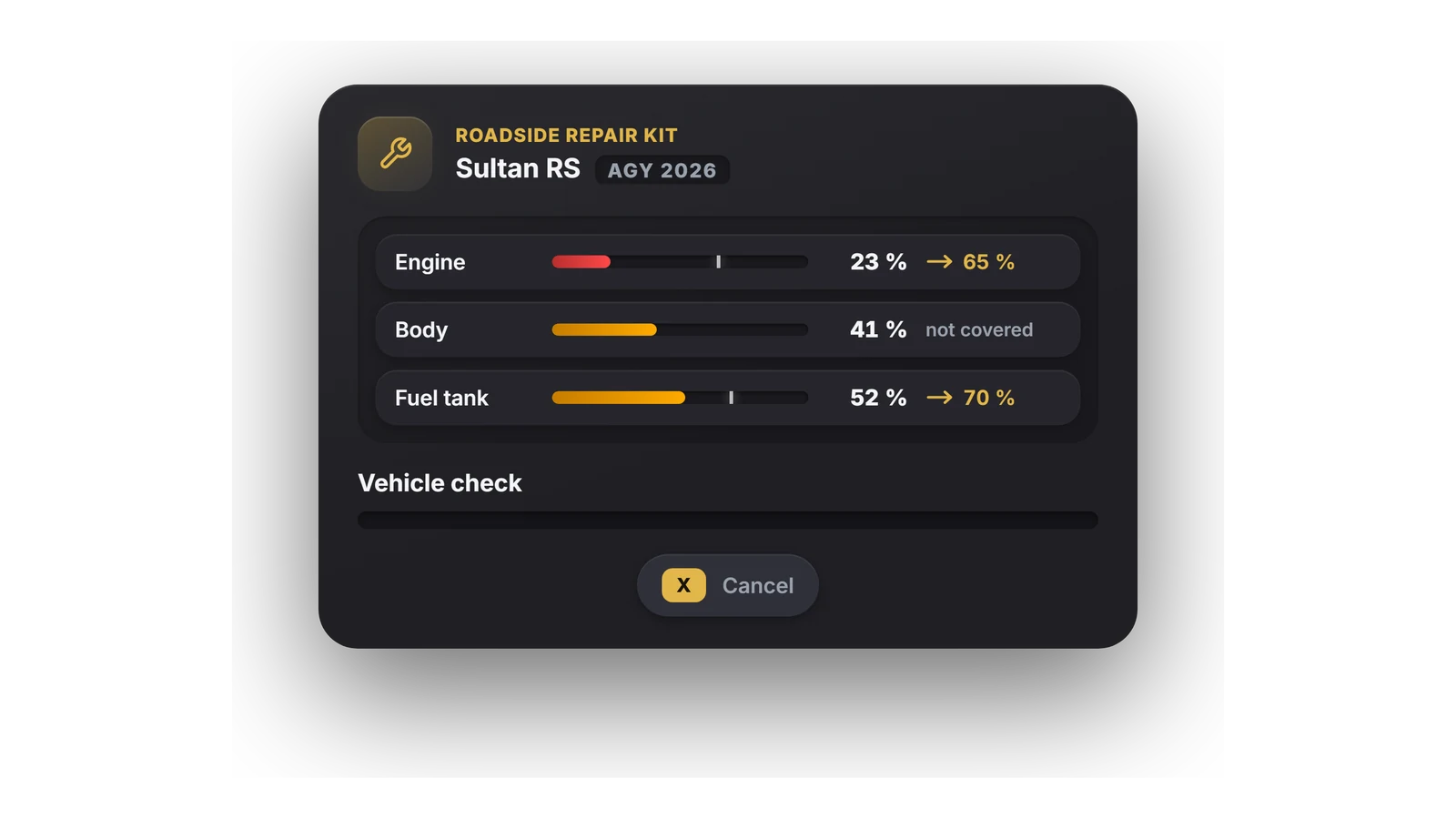
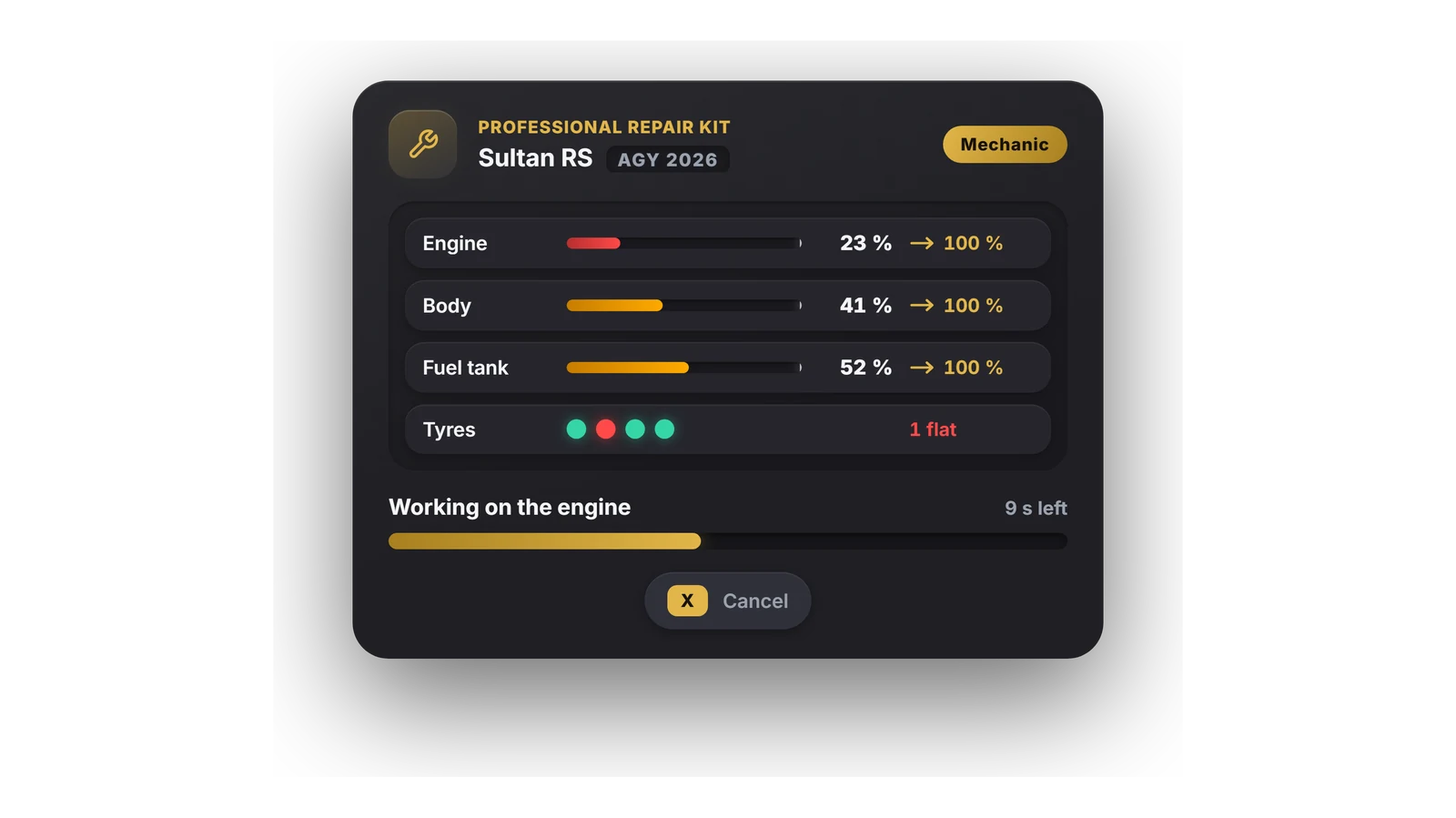
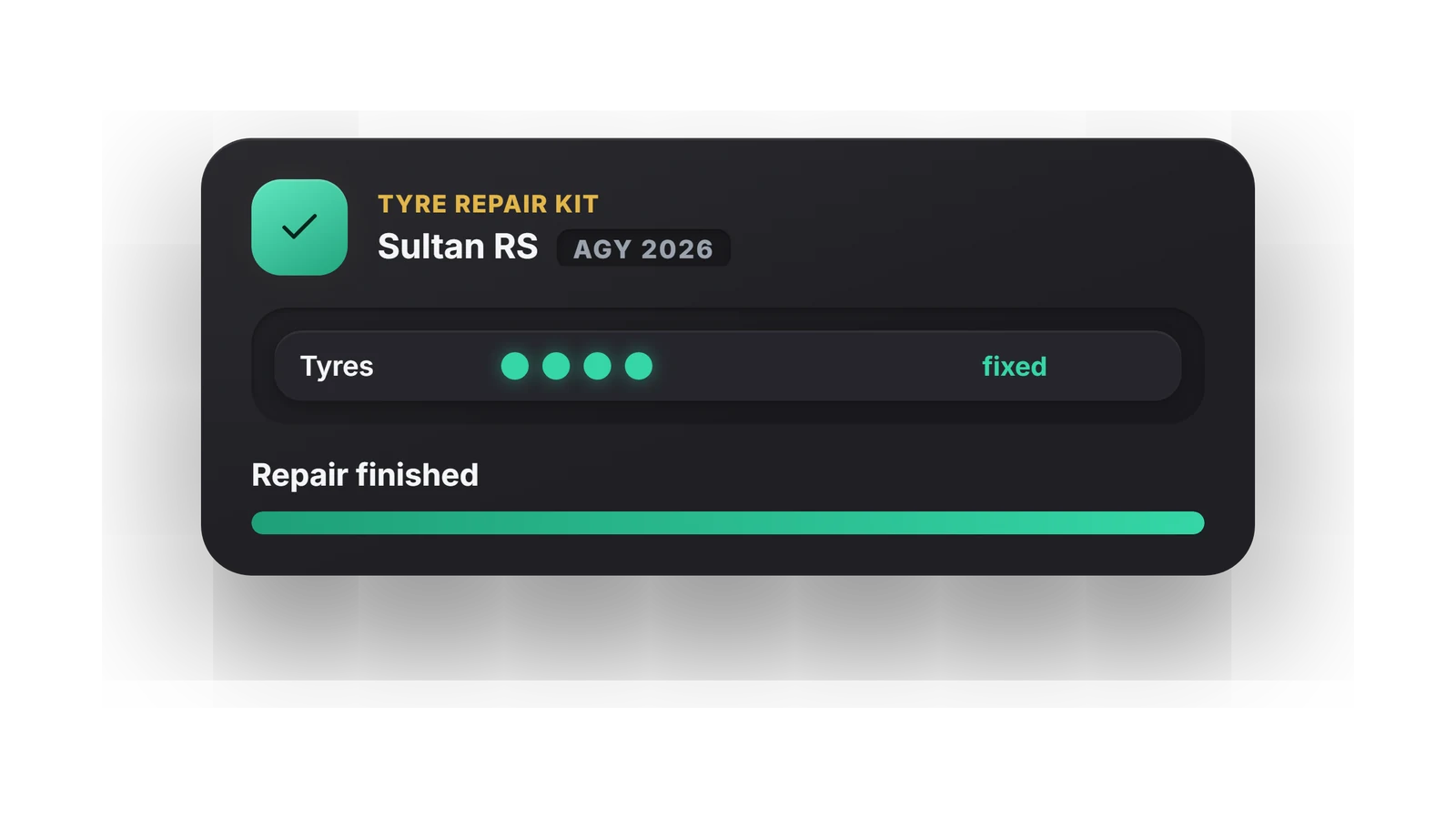
- The Roadside Repair Kit (agencyrepairkit) brings the engine up to 65 % and plugs the tank, dents stay. The Professional Repair Kit fixes engine, body, tank, dents, glass, doors and tyres. The Tyre Repair Kit fixes the flat tyre the player kneels at, and the Cleaning Kit washes the car. Every percentage, duration and number of skill checks is set per kit in the config, and more kits can be added.
- The Repair
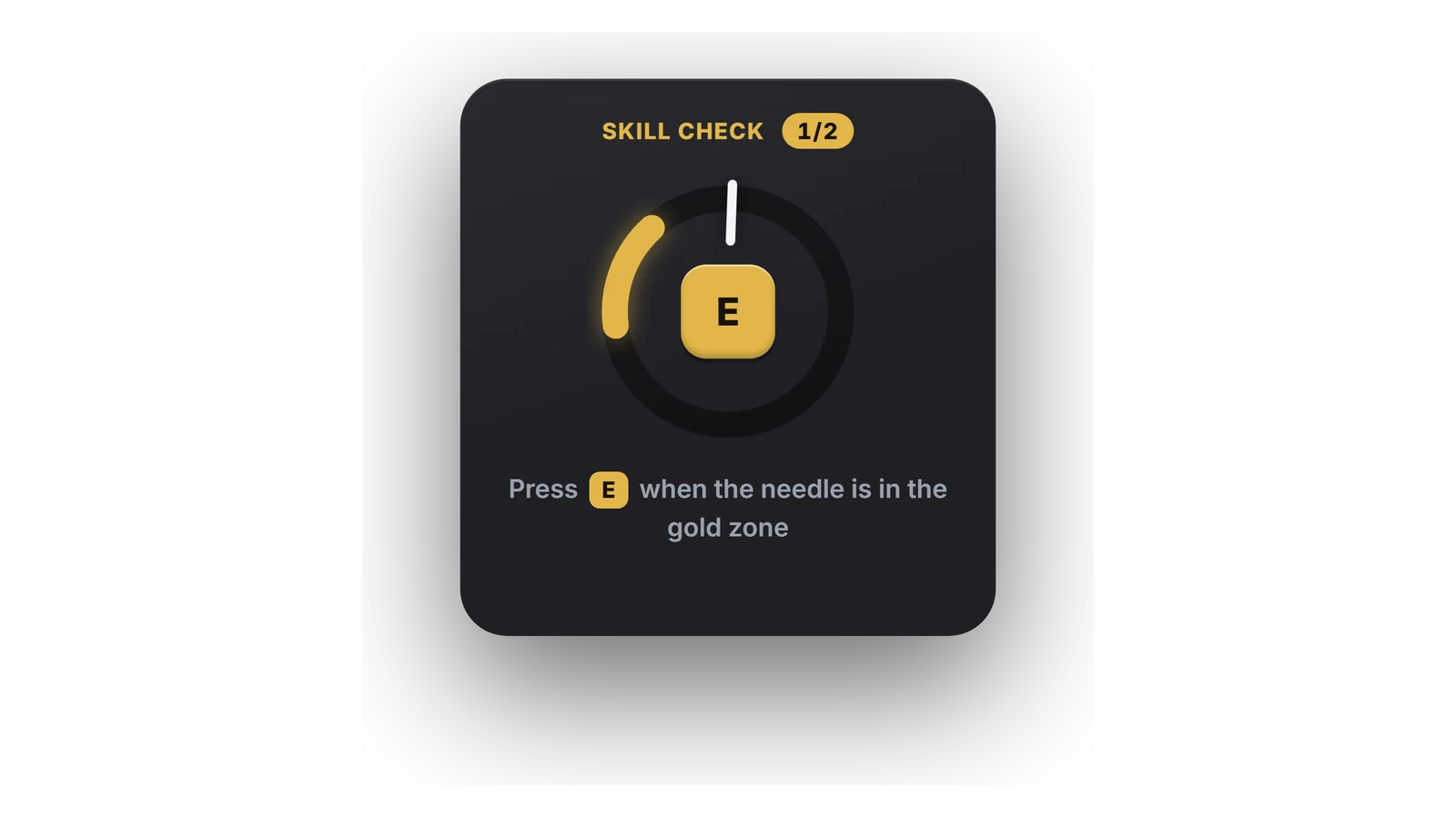
- The player walks to the engine bay, or to the boot for a rear engine, the bonnet opens and a real work animation plays with a wrench everyone can see. Before the work starts, an overlay shows engine, body, tank or tyres and what the kit will bring them up to. Skill checks appear during the work: press E while the needle is in the gold zone. A miss adds a few seconds, three misses in a row cost the kit by default, and X cancels without losing it.
- Mechanics, Target and Security
- Mechanics (configurable jobs, on duty) need 60 % of the time and repair 20 % further. Optionally the kits only work while no mechanic is on duty. With ox_target or qb-target every vehicle gets one option per kit, shown only when the player carries that kit and the vehicle needs it. The server checks distance, time and item, takes the kit only after the work is done and lets the vehicle's owner apply the repair, so it sticks for everyone.
?Frequently asked questions
Do I need a framework or an inventory?
No. On QBCore, QBox and ESX the kits are inventory items. Without a framework and without an inventory, the Kits tab of /arepairkit starts every kit marked standalone, or you connect your own inventory with the hooks in Config.Standalone or the UseKit export.
Does it work with Agency-Hud?
Yes, without an update of the HUD. Agency-Hud looks for a resource named Agency-Repairkit and reads the game's engine and body health, which is exactly what the damage system changes. The damage effect in the HUD works as soon as V2 runs.
How do I update from V1?
V2 is a free update for everyone who owns V1. Delete the old Agency-Repairkits folder, put Agency-Repairkit in its place and change the ensure line. The agencyrepairkit item stays and is now the Roadside Repair Kit. The old tables vehicle_damage and repairkit_logs are no longer used.
Can I turn the damage system off?
Yes. With Config.Damage.enabled = false the kits keep working and GTA handles damage on its own. Every effect (misfires, stalling, the dead engine, the fuel leak, wear) also has its own switch, and single vehicle classes or models can be left out.
Which fuel scripts work with the fuel leak?
LegacyFuel, ox_fuel, cdn-fuel, ps-fuel, lj-fuel, qs-fuelstations, okokGasStation, lc_fuel and Renewed-Fuel are found automatically. Any other script uses the game's fuel level, or you fill in Config.Fuel.get and Config.Fuel.set.
Can I keep the look of V1?
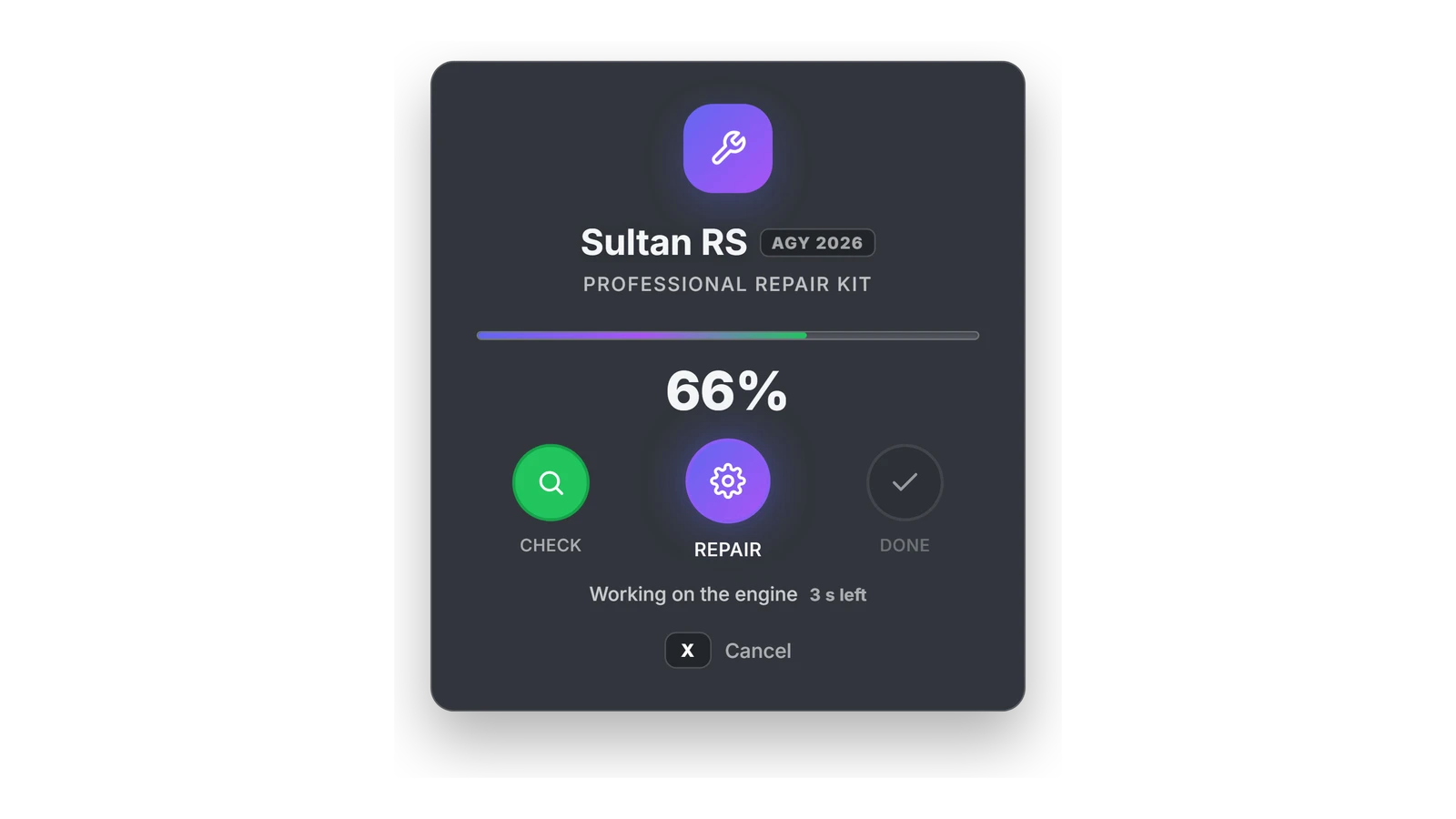
Yes. Set Config.UI.style = 'v1', or pick Classic V1 in the Settings tab of /arepairkit. The repair card then looks like it did before the V2 update, centred on the screen with the big percentage and the three steps.