
Agency-Phone
Now with AgencyOS27: a free update for everyone who already owns the phone.
01Overview
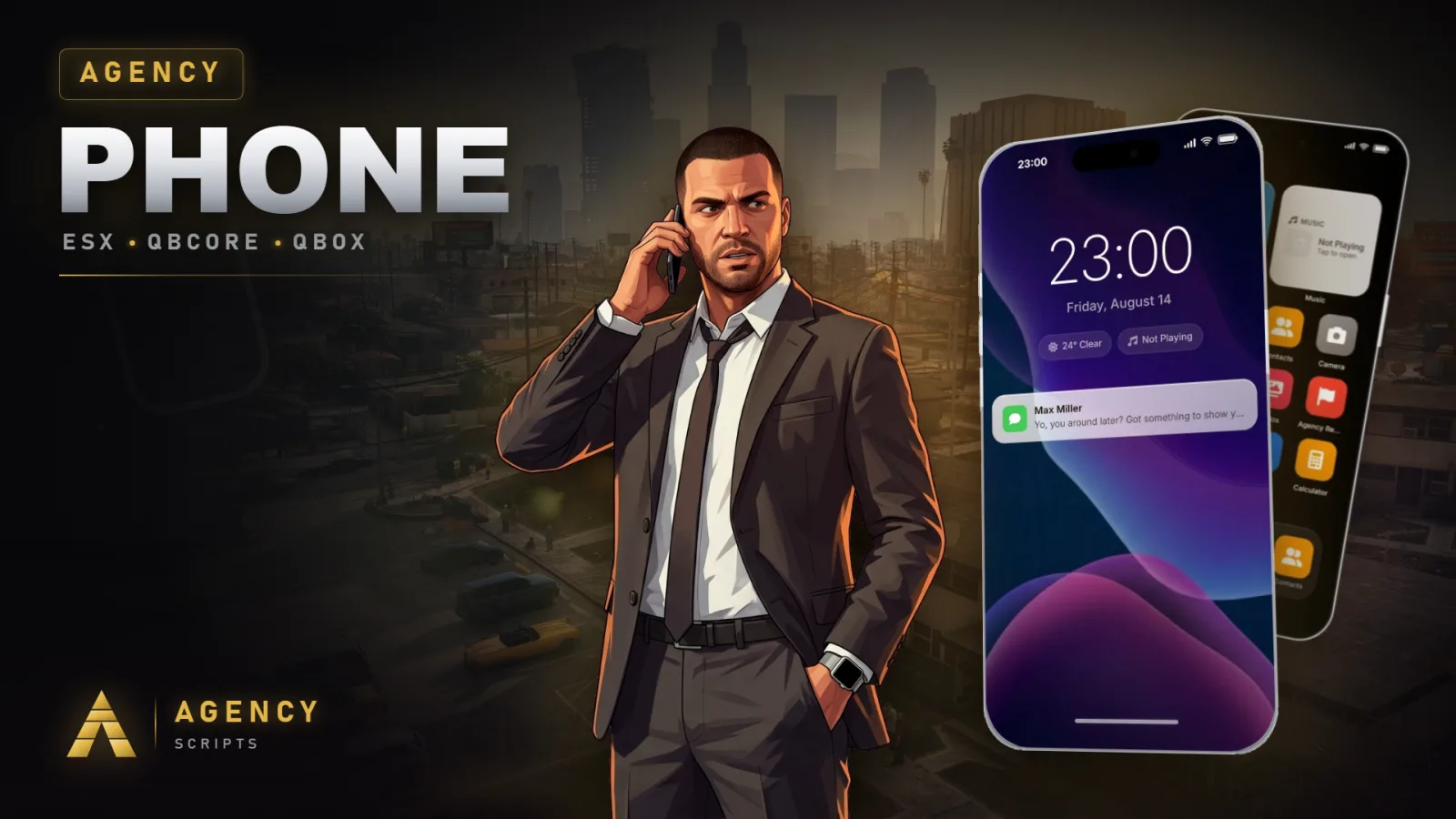
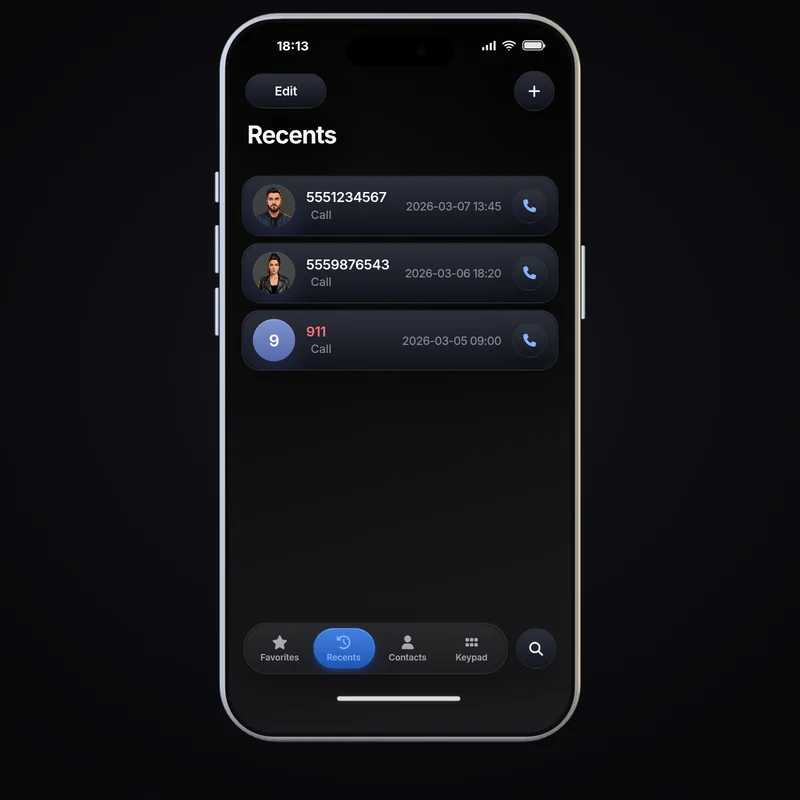
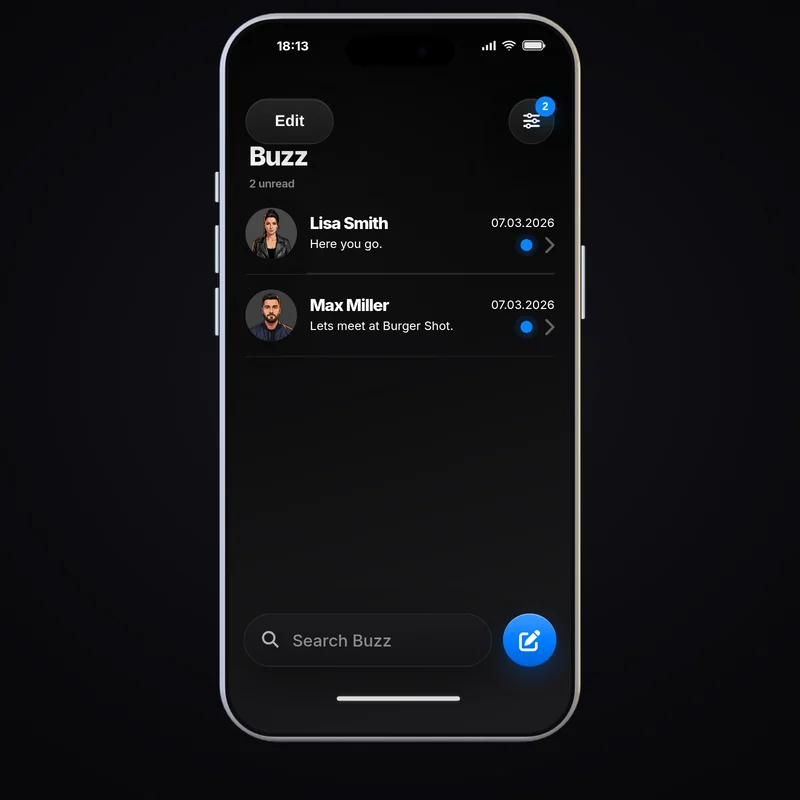
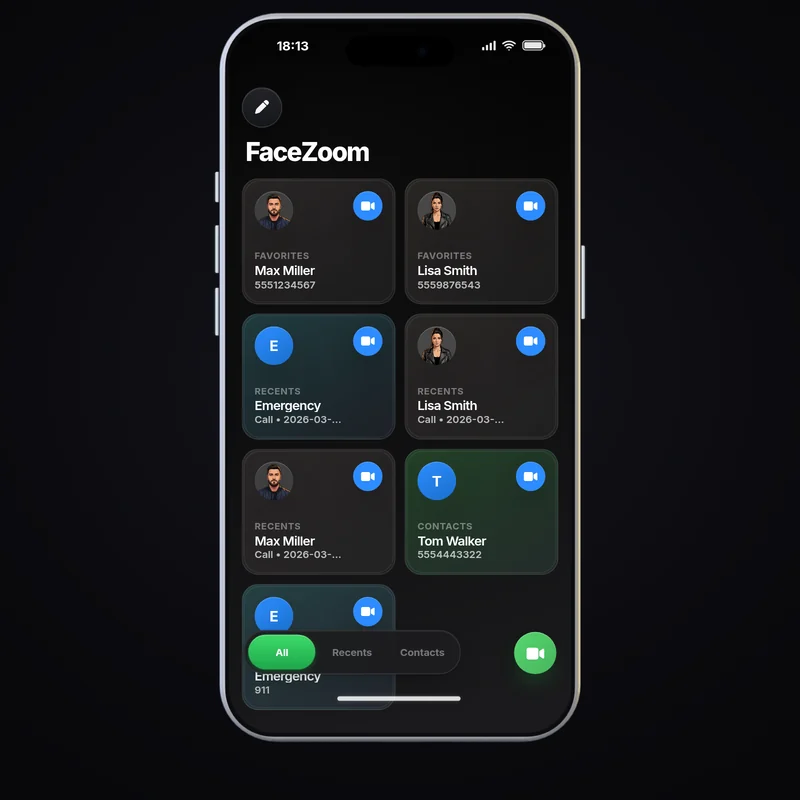
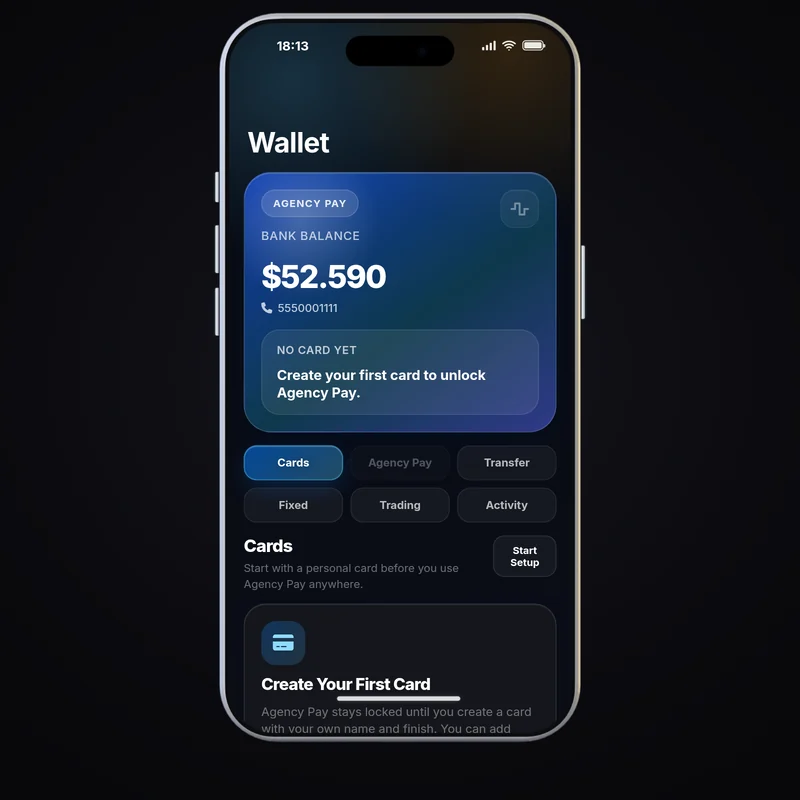
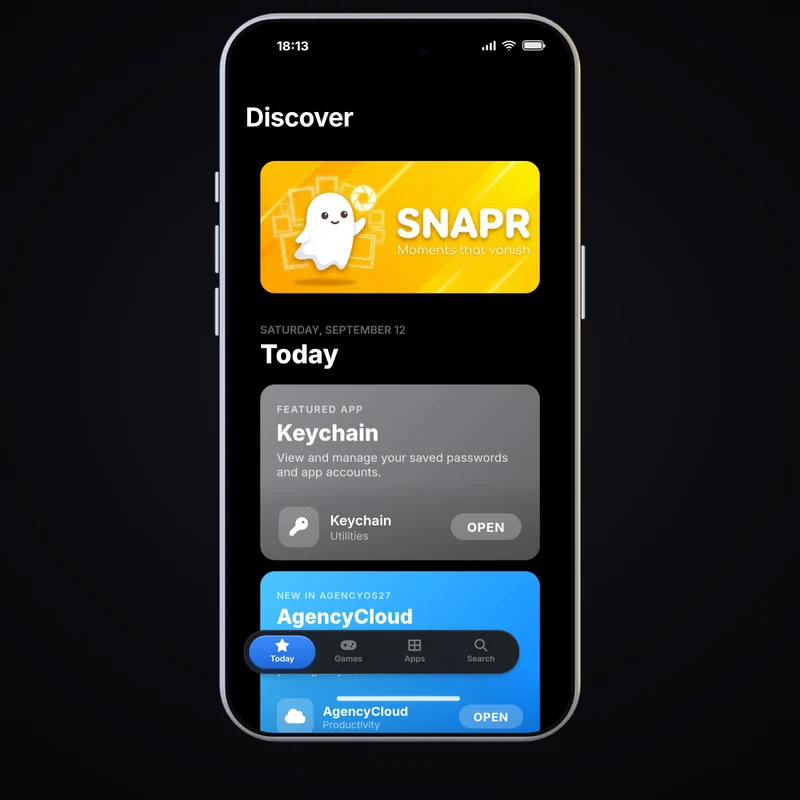
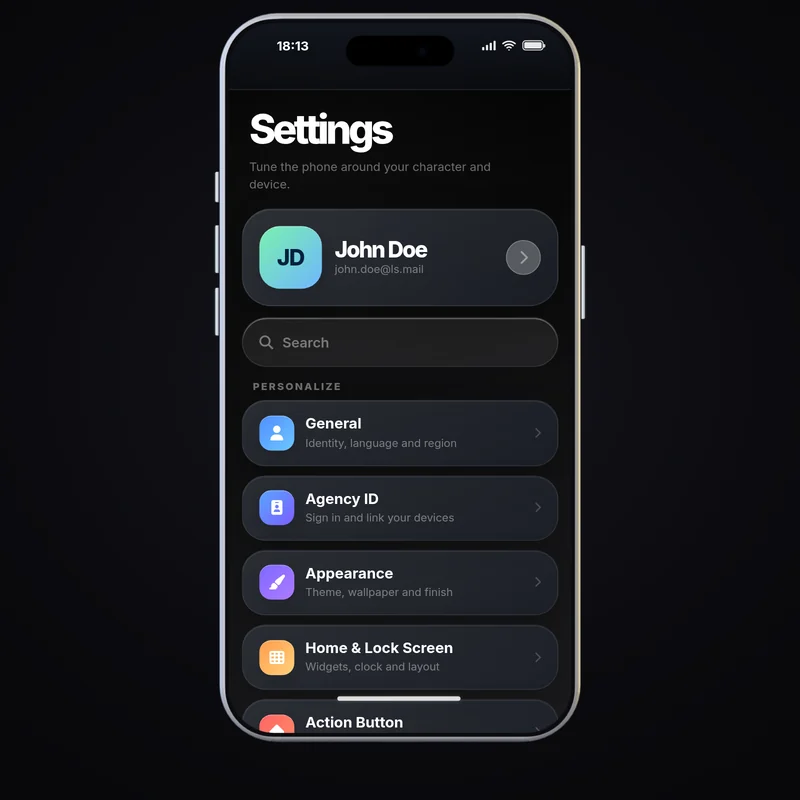
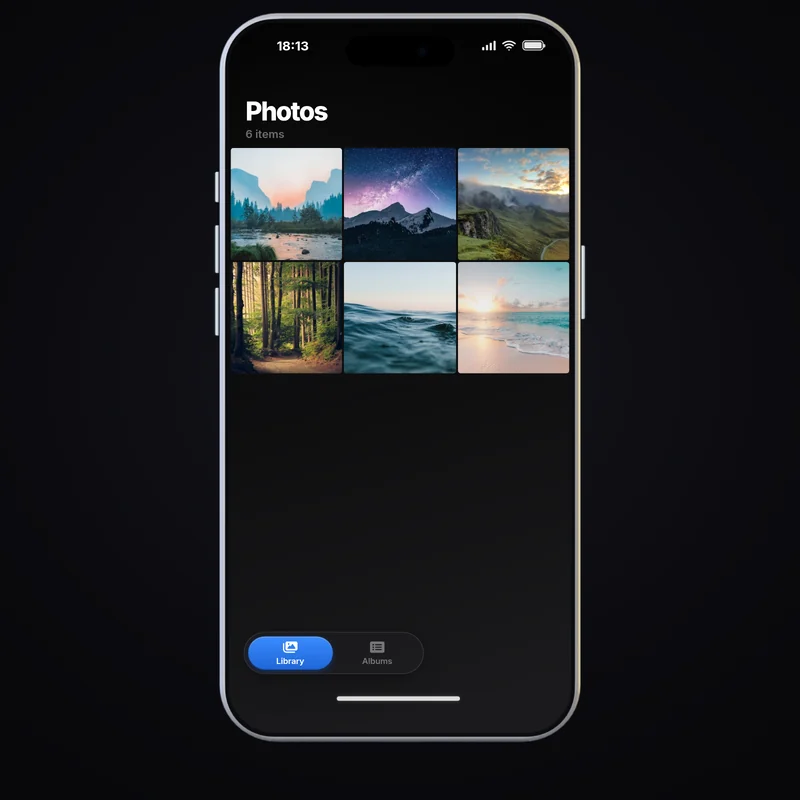
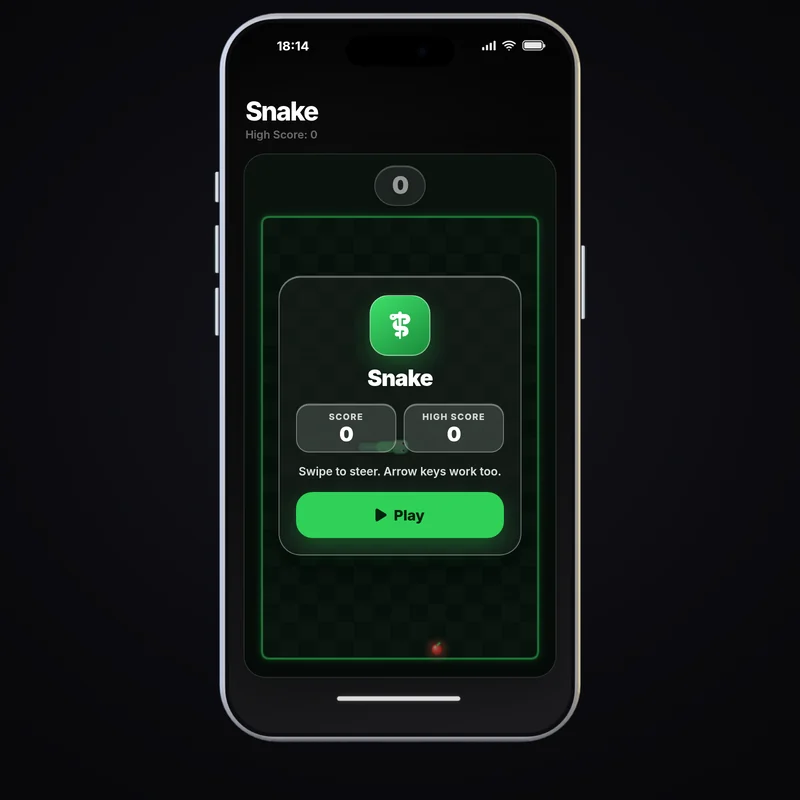
Now with AgencyOS27: a free update for everyone who already owns the phone. A modern phone for FiveM that runs on QBCore, ESX or standalone and detects the framework on its own. The apps cover Phone with pma-voice calls, Buzz messages, FaceZoom video calls, Camera and Photos, the Pulse social feed, Mail, Wallet with Agency Pay checkout, the Store, Music and radio, Maps, Garage, six games and Angy, the built-in assistant that answers in the player's language and opens apps on request, on fixed rules and without any AI. Programmable notifications with accept and deny buttons and payment flows are built in.
02Features
03Screenshots
+Good to know
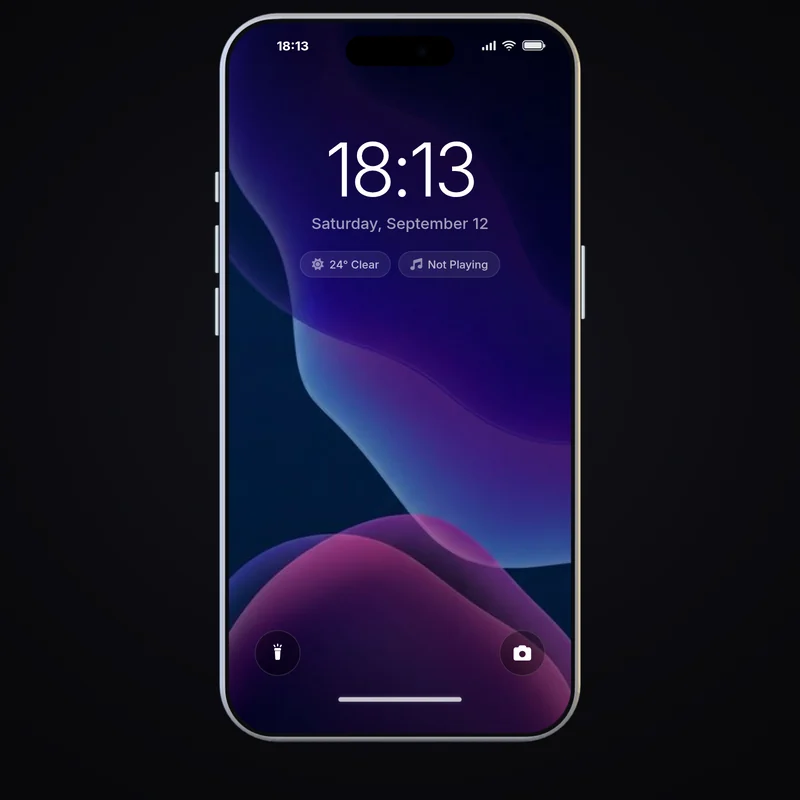
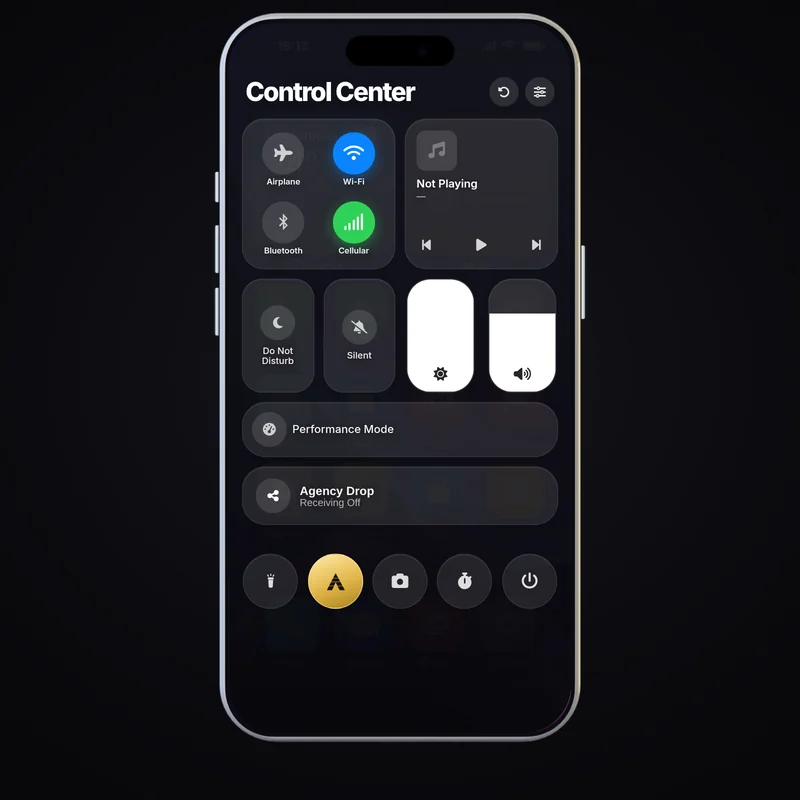
Agency-Phone is a complete in-game phone for FiveM servers and has run AgencyOS27 since version 27.0.0. It works with QBCore, ESX or standalone, brings its own apps for calls, messages, video calls, social media, mail and payments, and shows a real render of the device around the screen. Check the dependencies and the configuration before you install it.
- AgencyOS27 in version 27.0.0
- Angy, a built-in assistant that works on fixed rules without AI, answers in the player's language and opens apps on request. FaceZoom puts favourites, recents and contacts on one screen, the Store gives every app its own page, and six games, drag and drop widgets and eight aluminium finishes come with it. The update is free for everyone who already owns the phone.
- Dependencies
- oxmysql is required for the database and pma-voice for calls. screenshot-basic is optional and only needed for the Camera app. The framework is set in AgencyConfig.Framework: 'auto', 'qb', 'esx' or 'standalone'.
- Notifications and payments for other scripts
- Other resources can show notifications with accept and deny buttons and start an Agency Pay checkout. VerifyAgencyPayCharge confirms on the server that a charge really happened before goods are handed out.
?Frequently asked questions
Which dependencies does Agency-Phone need?
oxmysql and pma-voice are required. screenshot-basic is optional and is only used by the Camera app to upload photos. Start them before agency-phone in your server.cfg.
How is the framework chosen?
AgencyConfig.Framework in config.lua accepts 'auto', 'qb', 'esx' and 'standalone'. With 'auto' the phone detects the framework on its own; set the value explicitly if you want to rule out a wrong detection.
How do I update to 27.0.0 without losing data?
Back up the values from your old config.lua, put the new config.lua in place and enter your values again, because the file has a new ProtectedApps block. Player settings and Companion pairings are kept. Restart the resource afterwards.
Which command does the Reports app use?
The Reports app runs the Agency Reports command set in AgencyConfig.AgencyReportsCommand, 'areport' by default. Change it if your Agency Reports uses a different name, then restart the resource.