
Agency-Admin
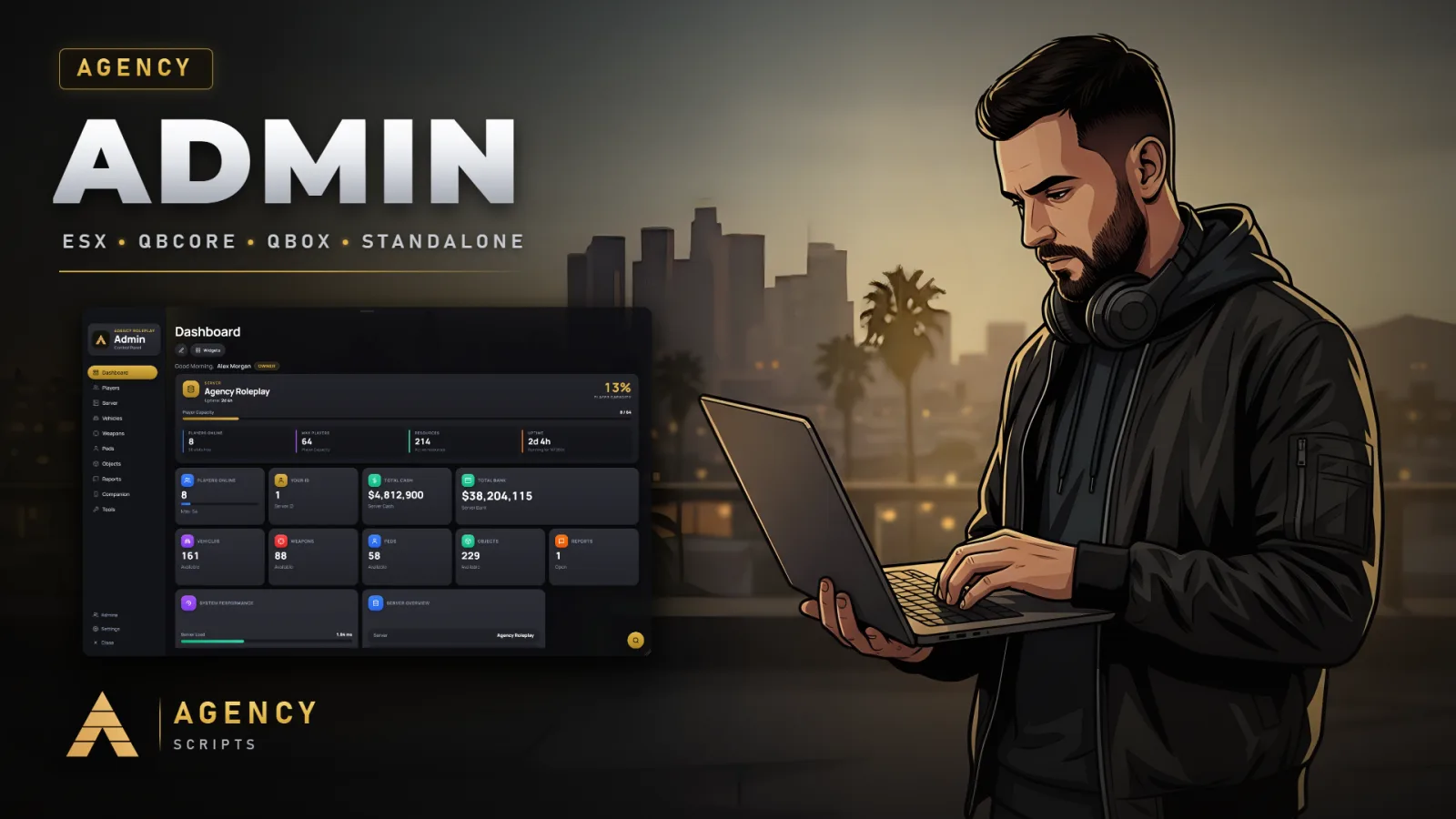
Admin panel for FiveM in the Agency design with a full web panel on your PC.
01Overview
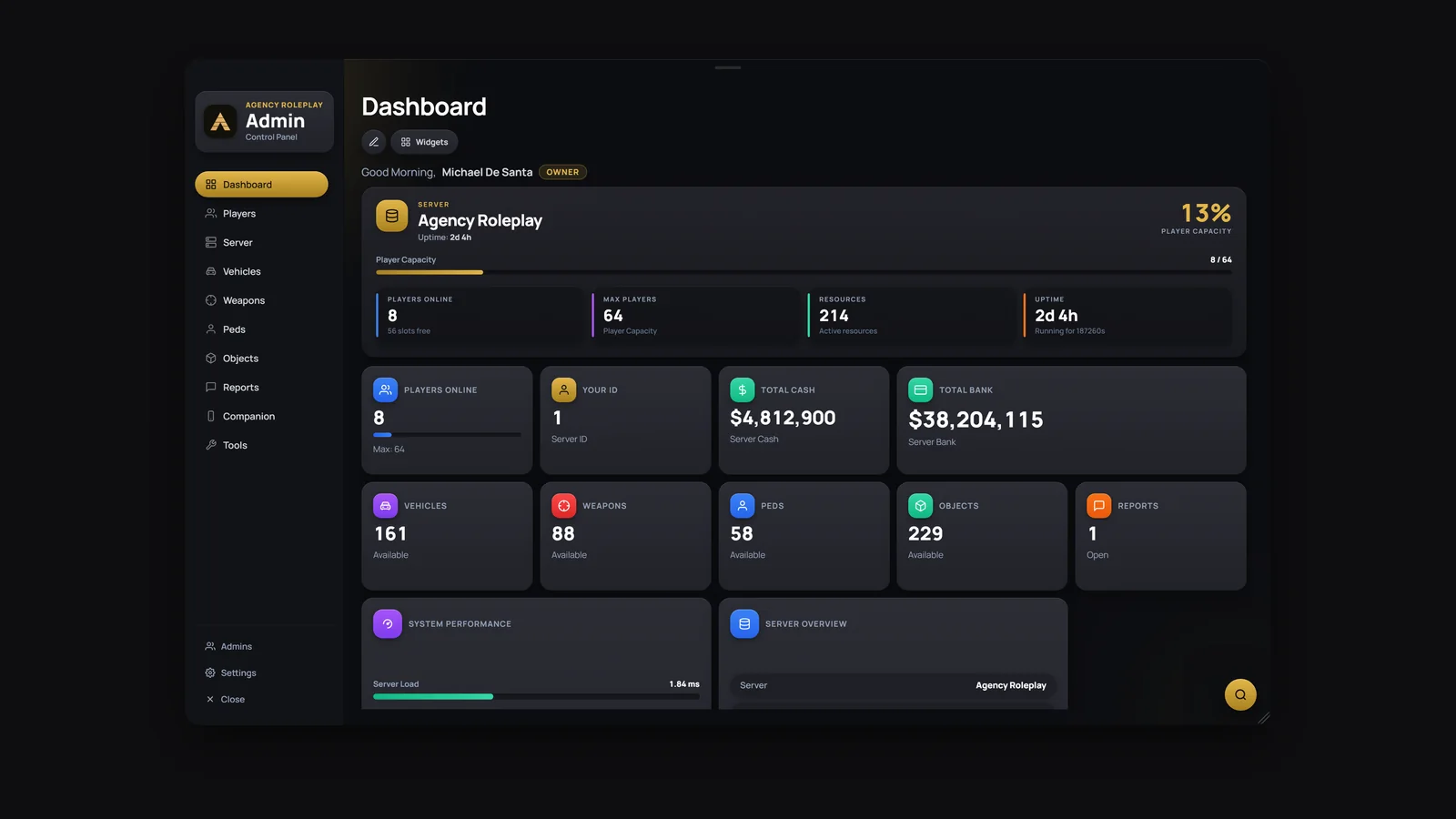
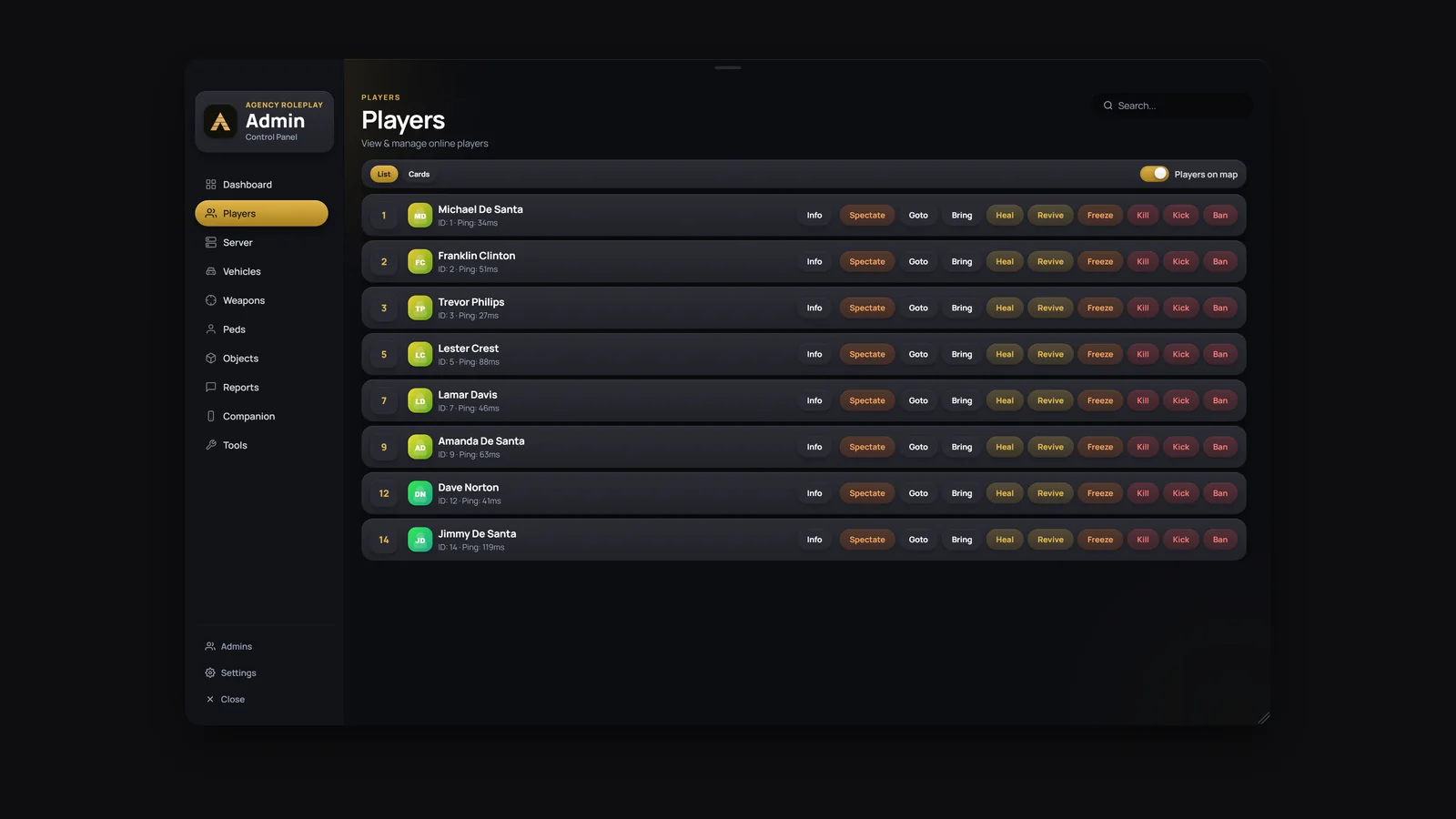
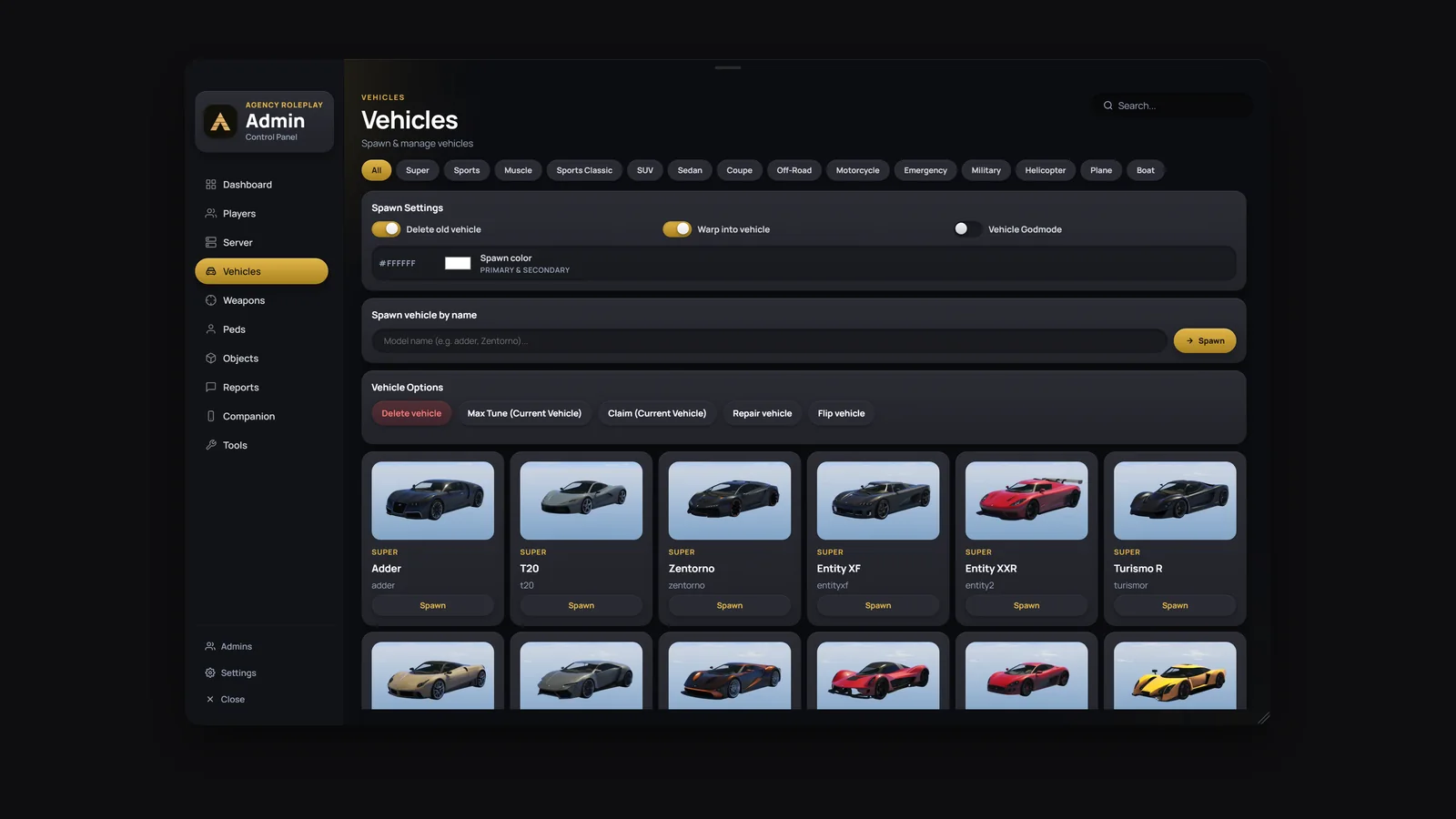
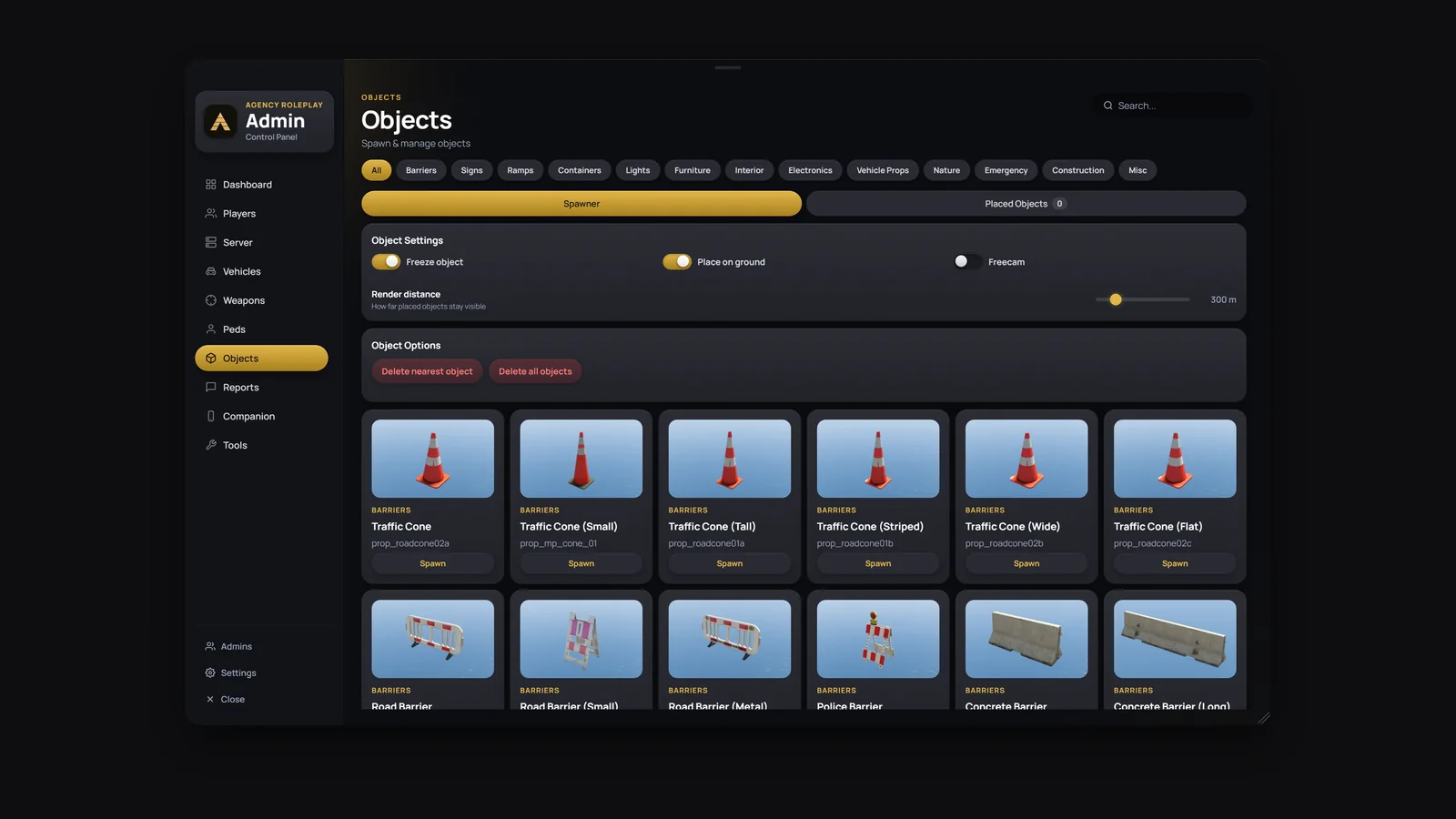
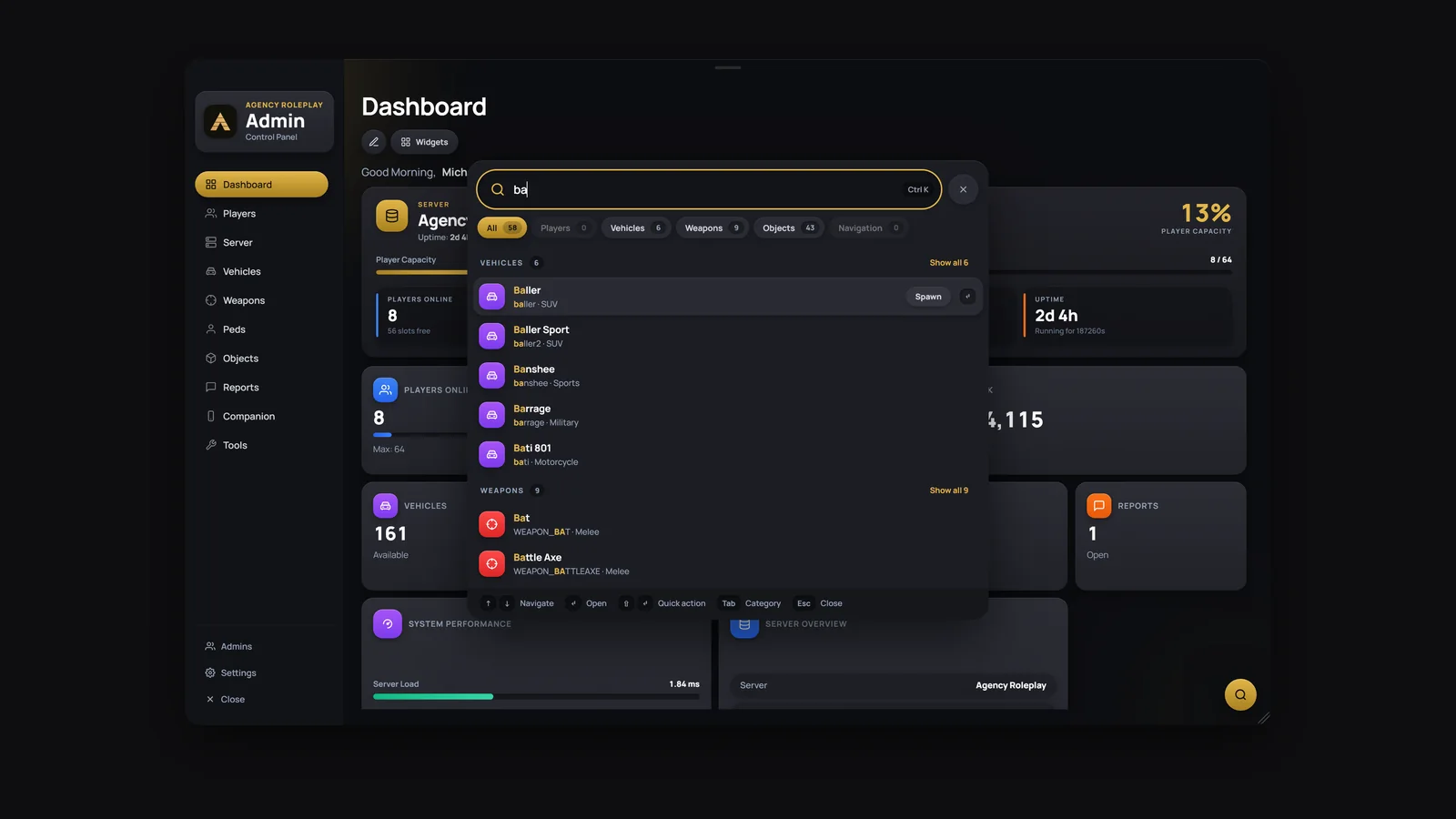
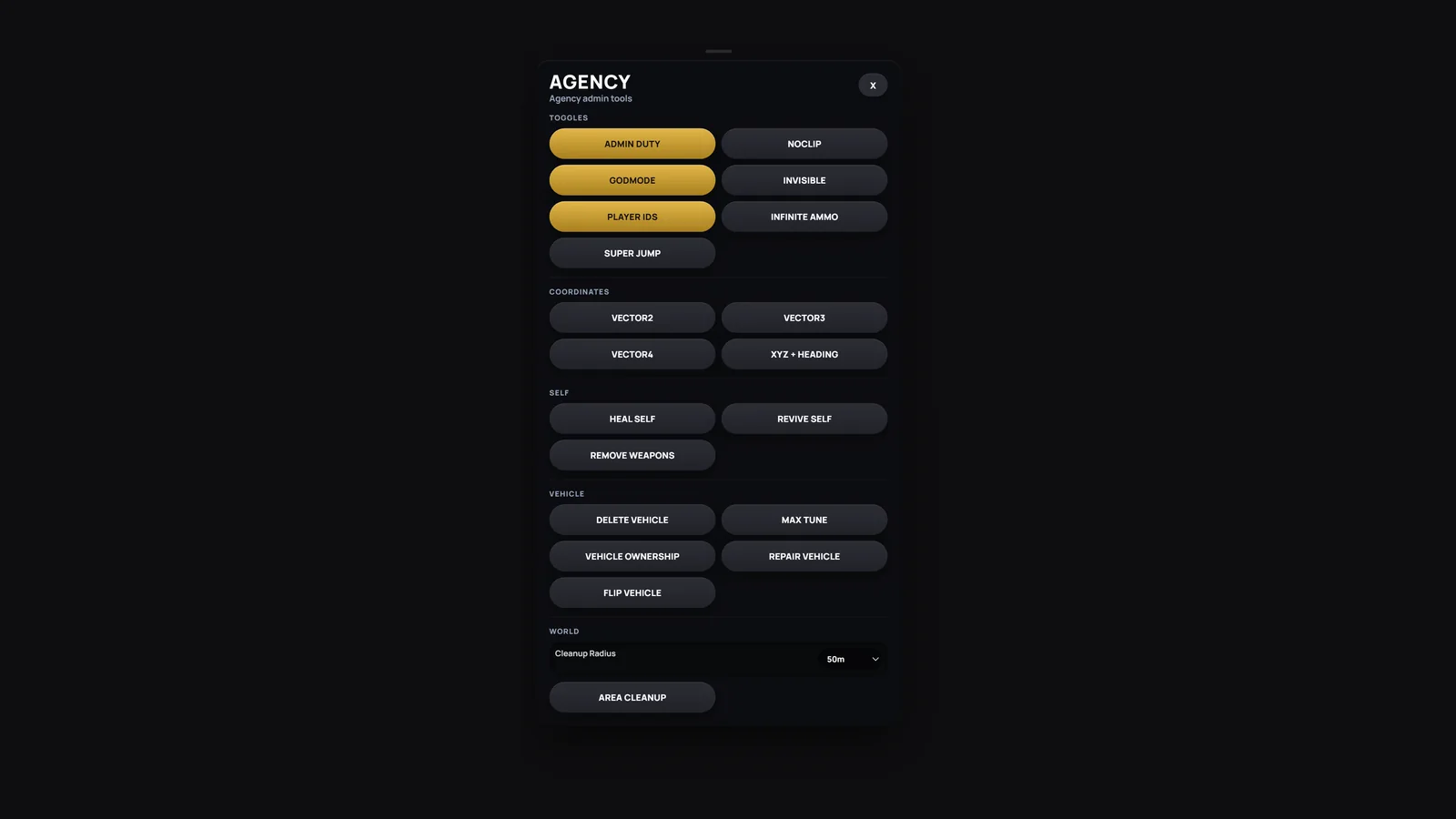
Admin panel for FiveM in the Agency design with a full web panel on your PC. In game: Dashboard, Players, Server, Vehicles, Weapons, Peds, Objects, Reports, Companion and Tools, with pictures, your server branding, a global search on Ctrl + K and bindable tool hotkeys. In Agency Companion on your PC (companion.agencyg.de/app/admin): connect with a code, then use the dashboard, players, live console, resources, bans, live view, action log, server restart, a file manager and, new in 1.6.0, the Configs page where you edit the config of every resource on your server as settings or as code. Runs standalone or with QBCore, ESX and ox, in 13 languages.
02Features
03Screenshots
+Good to know
Agency-Admin is an admin panel resource designed for FiveM servers, featuring a modern interface with gold accents and customizable dashboard tiles. It provides tools for player management, server controls, vehicle and object spawning, and more. The script includes support for custom images, server branding, and a range of quality-of-life features, all configurable through a detailed config file.
- Customizable Admin Dashboard
- Admins can arrange, resize, and select dashboard widgets to suit their workflow. The dashboard includes a server performance tile and supports global search with Ctrl + K, making it easier to access tools and information quickly during gameplay.
- Integrated Media and Branding
- The panel displays images for vehicles, peds, objects, and weapons, with options to use shipped images or take new ones in-game. Server owners can set their server name and logo within the panel, and Cfx.re profile pictures are supported for player avatars.
- Dependencies and Optional Features
- oxmysql is required for Agency-Admin to function. screenshot-basic is optional but needed if you want to take your own in-game images.
?Frequently asked questions
What permissions are needed to use Agency-Admin?
Access to the panel comes from the ACE permission agencyadmin.use, for example add_ace group.admin agencyadmin.use allow. Inside the panel, ranks and their permissions decide what an admin may do, and the direct commands such as /agoto or /aban check panel access and the matching permission. Taking pictures is limited to super admins.
What dependencies must be installed before starting Agency-Admin?
oxmysql is required for Agency-Admin to operate. For custom in-game images, screenshot-basic must also be installed. Ensure all required dependencies are present before starting the resource.
What should I do if new pictures or the branding do not show up in the panel?
Pictures you take in game are saved in web/images/custom and reach players with the next start of Agency-Admin, so restart the resource after a picture run. For the branding, check Config.Branding: the logo is a file in web/, a https:// link or false, and the easiest way is to replace web/images/brand/logo.png with your own square picture.
How do I ensure Agency-Admin is started correctly on my server?
Add 'ensure Agency-Admin' to your server.cfg after all required dependencies. After installation and any config changes, restart the resource to apply updates. Review the config file for command names and branding options before going live.