
Agency-Admin Installation
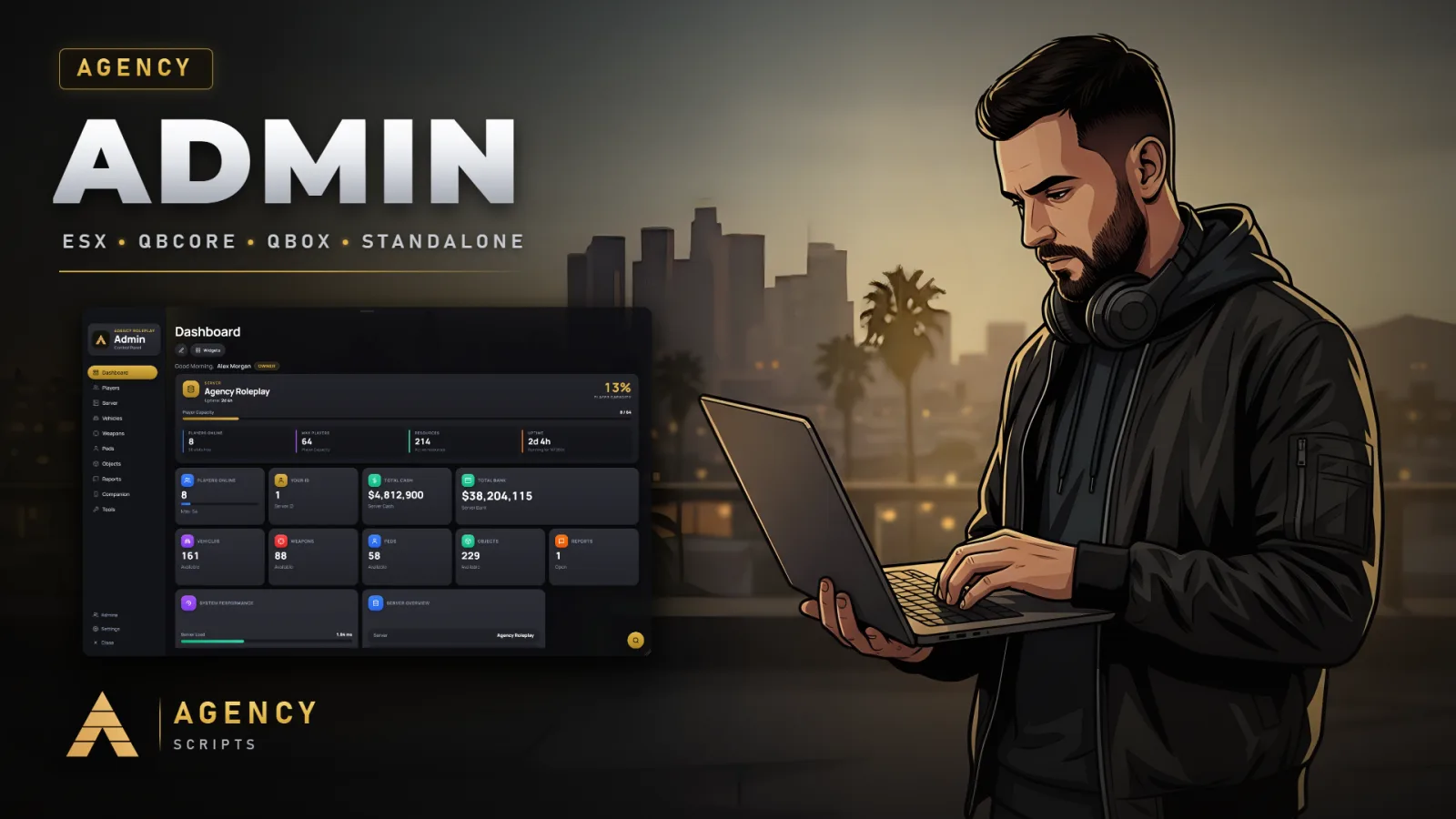
Admin panel for FiveM in the Agency design with a full web panel on your PC.
01Installation
- 1Make sure oxmysql is installed and mysql_connection_string is set
- 2Place resource in resources folder
- 3Add ensure oxmysql and ensure Agency-Admin to server.cfg, with ensure screenshot-basic in between if you want to take your own pictures
- 4Add ACE permission: add_ace group.admin agencyadmin.use allow
- 5Add yourself: add_principal identifier.license:YOUR_LICENSE group.admin
- 6Optional, for the web panel console, resource rescan and server restart: add_ace resource.Agency-Admin command allow
- 7To save configs from the web panel on newer FXServer builds: one line add_filesystem_permission Agency-Admin write <resource> per resource in server.cfg, then restart the server once
- 8The agency_admin_data table is created on the first start, no manual install.sql import needed
- 9Updating: copy the new files over your Agency-Admin folder without deleting it, keep your config.lua and web/images/custom, then start the resource again
02Dependencies
oxmysql (required)screenshot-basic (optional, to take your own pictures)
+Good to know
This page explains how to install Agency-Admin version 1.7.0 on your FiveM server. Before you begin, make sure you have all required dependencies and follow each step in order. The process covers placing the resource, configuring permissions, and ensuring the correct startup sequence in your server.cfg for a smooth installation.
- Required and Optional Dependencies
- Agency-Admin requires oxmysql to function. You must have oxmysql installed and set your mysql_connection_string. If you want to take your own pictures for vehicles, peds, objects, or weapons, ensure screenshot-basic is also included.
- Resource Placement and Startup
- Place the Agency-Admin resource folder in your server’s resources directory. In your server.cfg, add ensure oxmysql and ensure Agency-Admin. If you plan to use the in-game picture feature, add ensure screenshot-basic between them. This order ensures all dependencies load correctly before Agency-Admin starts.
- Setting Permissions and Adding Admins
- To grant access, add the ACE permission: add_ace group.admin agencyadmin.use allow. Assign yourself to the admin group with: add_principal identifier.license:YOUR_LICENSE group.admin. This setup allows designated users to access the admin panel using the configured command names in the config.
?Frequently asked questions
What permissions are required to use Agency-Admin?
You must add the ACE permission add_ace group.admin agencyadmin.use allow to grant access. Then, assign users to the admin group using add_principal identifier.license:YOUR_LICENSE group.admin. Only users with these permissions can use the admin panel commands as defined in the config.
What dependencies must be installed for Agency-Admin?
oxmysql is required for Agency-Admin to function. If you want to take in-game pictures for vehicles, peds, objects, or weapons, screenshot-basic is optional and only needed for that.
What should I do if the admin panel does not open?
Check that oxmysql is installed and your mysql_connection_string is set. Ensure the permissions are correctly configured with add_ace and add_principal. Confirm that you have added ensure oxmysql and ensure Agency-Admin in your server.cfg, and that the command name in the config matches what you are using.
Do I need to import any SQL files manually?
No manual SQL import is needed. The agency_admin_data table is created automatically on the first start of the resource, so you do not need to run any install.sql or similar scripts for database setup.