
Agency-Admin Commands
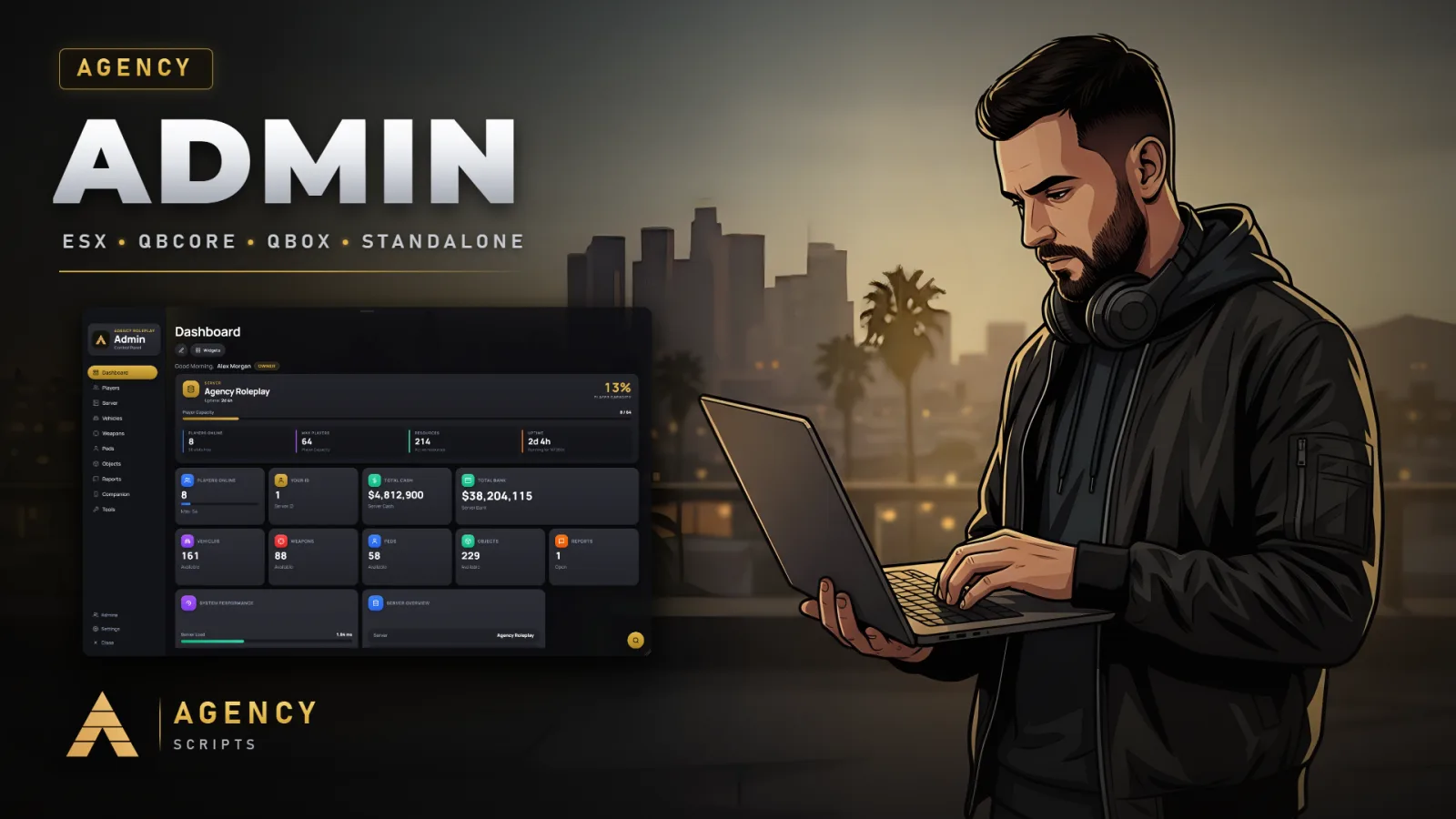
Admin panel for FiveM in the Agency design with a full web panel on your PC.
01Commands
| Name | Description |
|---|---|
/aadmin | Opens the main Agency Admin panel (Config.Commands.Primary). Permission enforced inside the UI. |
/agencyadmin | Long alias of /aadmin (Config.Commands.Short) - opens the main admin panel. |
/aa | Opens the admin tools sub-menu (Config.Commands.Tools). |
/aaduty | Toggles admin duty mode with rank-based clothing and nametag (Config.AdminDuty.Command). |
/areport | Opens the report window for players: send a report with a category and chat with the staff about it. |
/areports | Opens the admin panel directly on the Reports tab.Admin only |
/aaconnect | Opens the panel on the Companion tab with the QR code and the 6-digit code to pair your phone. Short form: /aac. |
/agoto [id] | Teleports you to a player. Needs panel access and the goto_player permission.Admin only |
/abring [id] | Brings a player to your position. Needs panel access and the bring_player permission.Admin only |
/arevive [id] | Revives a downed player. Needs panel access and the revive_player permission.Admin only |
/aheal [id] | Heals a player to full health. Needs panel access and the heal_player permission.Admin only |
/aslay [id] | Kills a player, /akill does the same. Needs panel access and the slay_player permission.Admin only |
/aclothing [id] | Opens the clothing menu for a player. Needs panel access and the open_clothing_menu permission.Admin only |
/akick [id] [reason] | Kicks a player with an optional reason. Needs panel access and the kick_player permission.Admin only |
/aban [id] [duration] [reason] | Bans a player permanently, or for 1h, 6h, 12h, 24h, 48h, 7d or 30d when a duration is given. Needs panel access and the ban_player permission.Admin only |
/anoclip | Toggles noclip for yourself. Needs panel access and the tool_noclip permission.Admin only |
/atpm | Teleports you to your map waypoint. Needs panel access and the goto_player permission.Admin only |
/aavehicleimages [all|model] | Takes the missing vehicle pictures, all of them with all, or one model. Super admins only, needs screenshot-basic. Restart Agency-Admin afterwards.Admin only |
/aapedimages [all|model] | Takes the missing ped pictures, all of them with all, or one model. Super admins only, needs screenshot-basic.Admin only |
/aaobjectimages [all|model] | Takes the missing object pictures, all of them with all, or one model. Super admins only, needs screenshot-basic.Admin only |
/aaweaponimages [all|weapon] | Takes the missing weapon pictures, all of them with all, or one weapon. Super admins only, needs screenshot-basic.Admin only |
/webpanel | Opens the web panel in Agency Companion (companion.agencyg.de/app/admin) on this PC, already signed in. The command name is set in Config.Companion.WebPanelCommand.Admin only |
02Keybinds
| Key | Description |
|---|---|
F10 | Agency Admin Menu |
F9 | Agency Admin Tools |
+Good to know
This page lists all available in-game commands for Agency-Admin, including their descriptions and any required permissions. Use these commands to access the admin panel, manage players, teleport, handle reports, and perform other administrative actions. Command access is controlled by permissions and panel access, and some commands require specific dependencies or additional setup as described below.
- Command Access and Permissions
- The panel commands open the interface, and what an admin can do there follows the rank permissions. The direct commands such as /agoto, /akick or /aban need panel access and the matching permission, for example goto_player or ban_player. The picture commands are for super admins only and need screenshot-basic.
- Dependencies for Certain Features
- The script requires oxmysql for core functionality. To take your own pictures for vehicles, peds, objects, or weapons using the respective commands, screenshot-basic must be installed.
- Where Command Names Come From
- The panel commands come from Config.Commands (Primary, Short and Tools), the duty command from Config.AdminDuty.Command, the report command from Config.Reports.Commands.Submit and the picture commands from Config.Pictures.Commands. The direct commands such as /agoto keep their names. Restart Agency-Admin after changing a name.
?Frequently asked questions
How are permissions checked for the admin commands?
The direct commands check on the server that the admin has panel access and the matching permission, such as goto_player for /agoto or ban_player for /aban. The panel follows the rank permissions you set in it. The picture commands only run for super admins, so a player without the right permission gets nothing from these commands.
What dependencies are required for all commands to work?
oxmysql is required for Agency-Admin to function. To use the commands that take pictures of vehicles, peds, objects, or weapons, you must also have screenshot-basic installed.
How do I change the command that opens the admin panel?
Edit Config.Commands.Primary, Short or Tools in config.lua and restart Agency-Admin. The keys from Config.Keybind and Config.ToolsKeybind are registered for the Primary and the Tools command, F10 and F9 by default. Command names in the script files themselves should not be changed.
What should I do if a command does not work after changing its name?
If a command does not work after changing its name in the config, ensure you have restarted Agency-Admin so the changes take effect. Also, check that you have not introduced any typos in the config. If dependencies are required for a command, make sure they are properly installed.