
Agency-Elevator
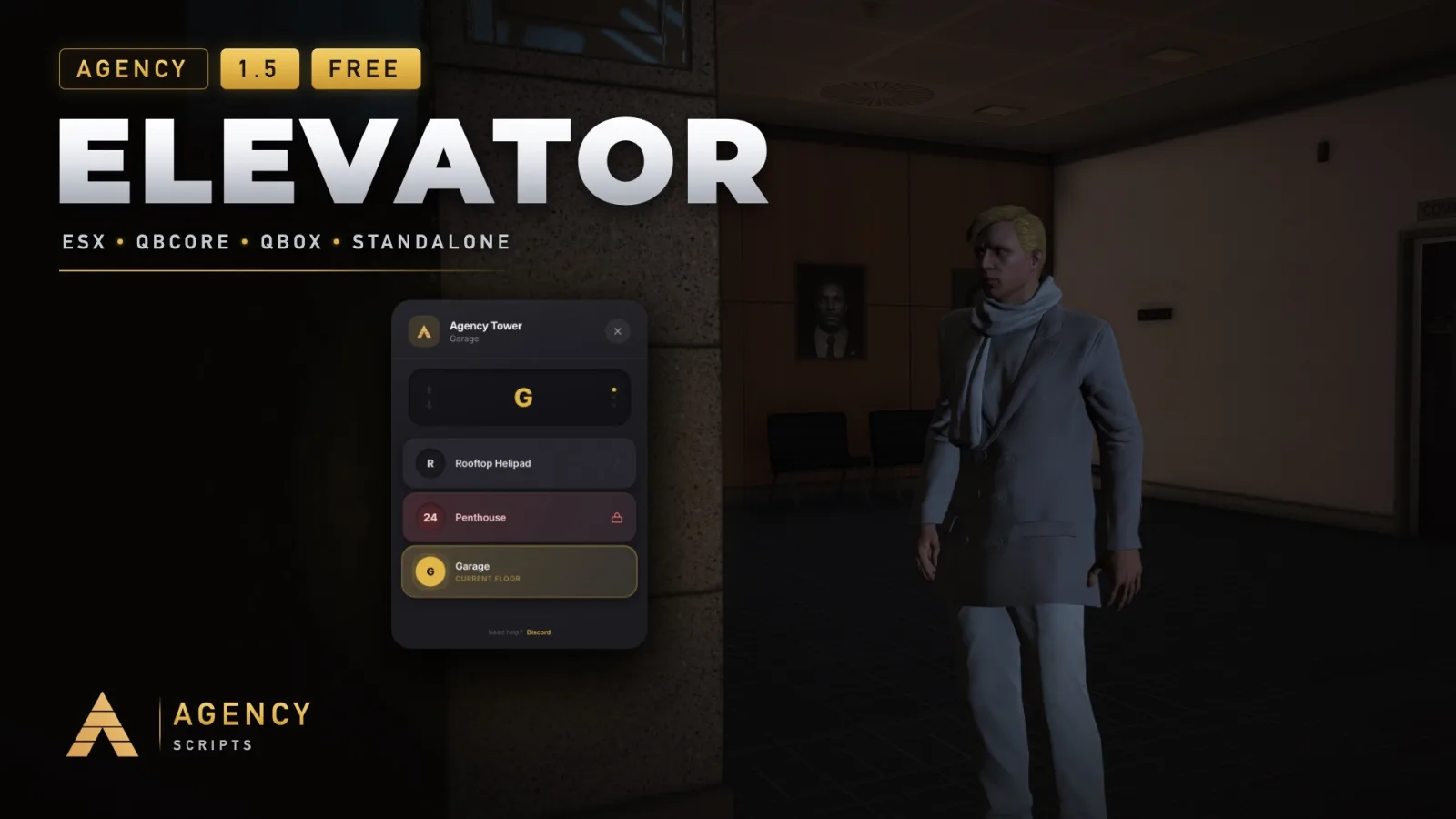
Elevator system in the Agency design (like Agency-Housing), with the classic liquid glass look still selectable.
01Overview
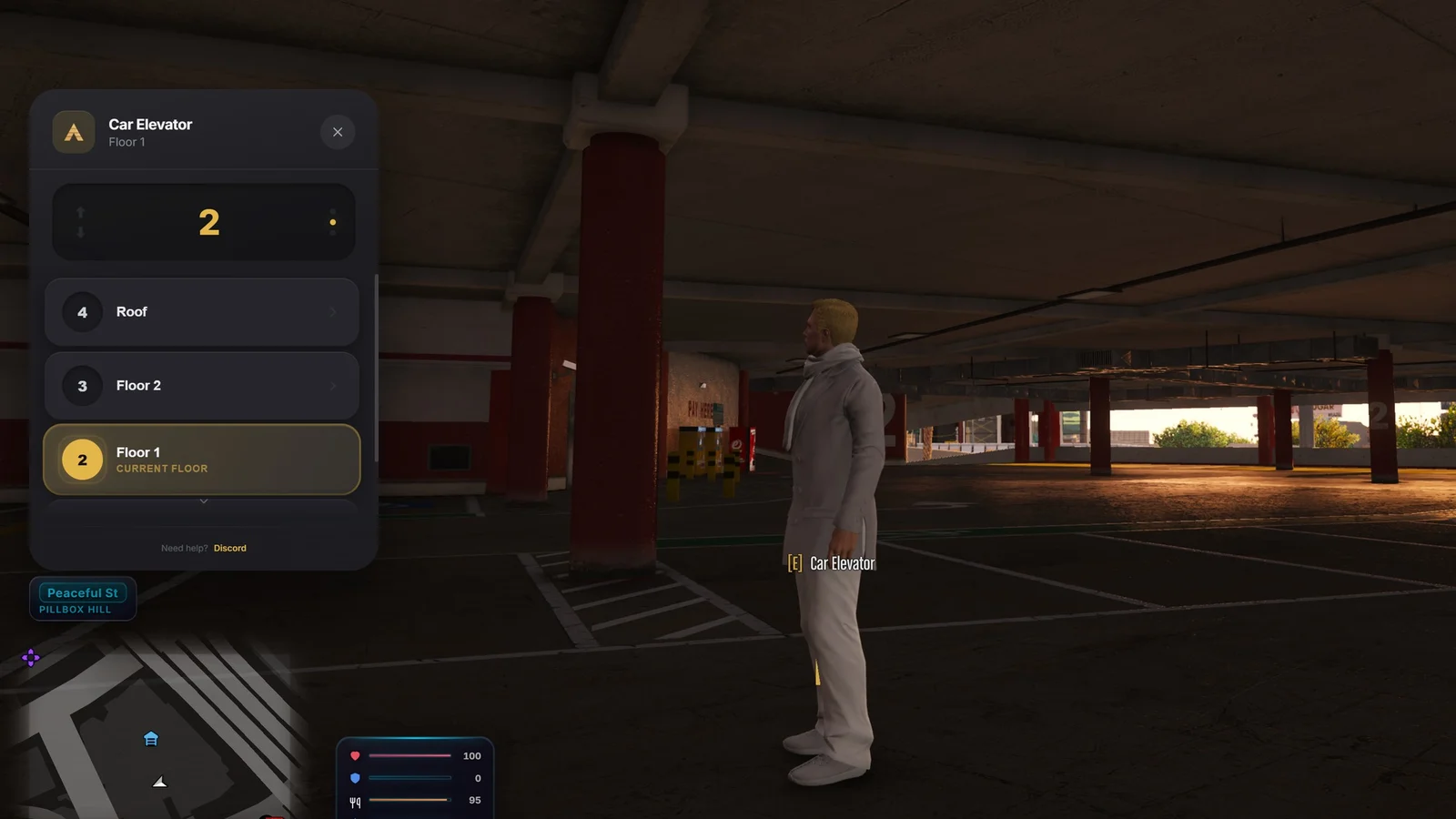
Elevator system in the Agency design (like Agency-Housing), with the classic liquid glass look still selectable. Create unlimited elevators in game with the configurator and automatic floor detection, lock floors by job and grade, and let players ride between floors with a smooth travel screen. Panel, world marker and prompt follow the accent colour your admins pick in the free Agency-Companion, the interface fits every screen from 1080p to 4K and speaks 25 languages.
02Features
03Screenshots

+Good to know
Agency-Elevator provides a configurable elevator system for your server, featuring a modern Liquid Glass UI and smooth floor transitions. The resource includes a floor configurator, marker integration, and travel effects. No extra dependencies are required. All configuration is handled in the config file, and the script can be installed by ensuring Agency-Elevator in your server.cfg. SQL support is included for persistent data.
- Configurable Floor System
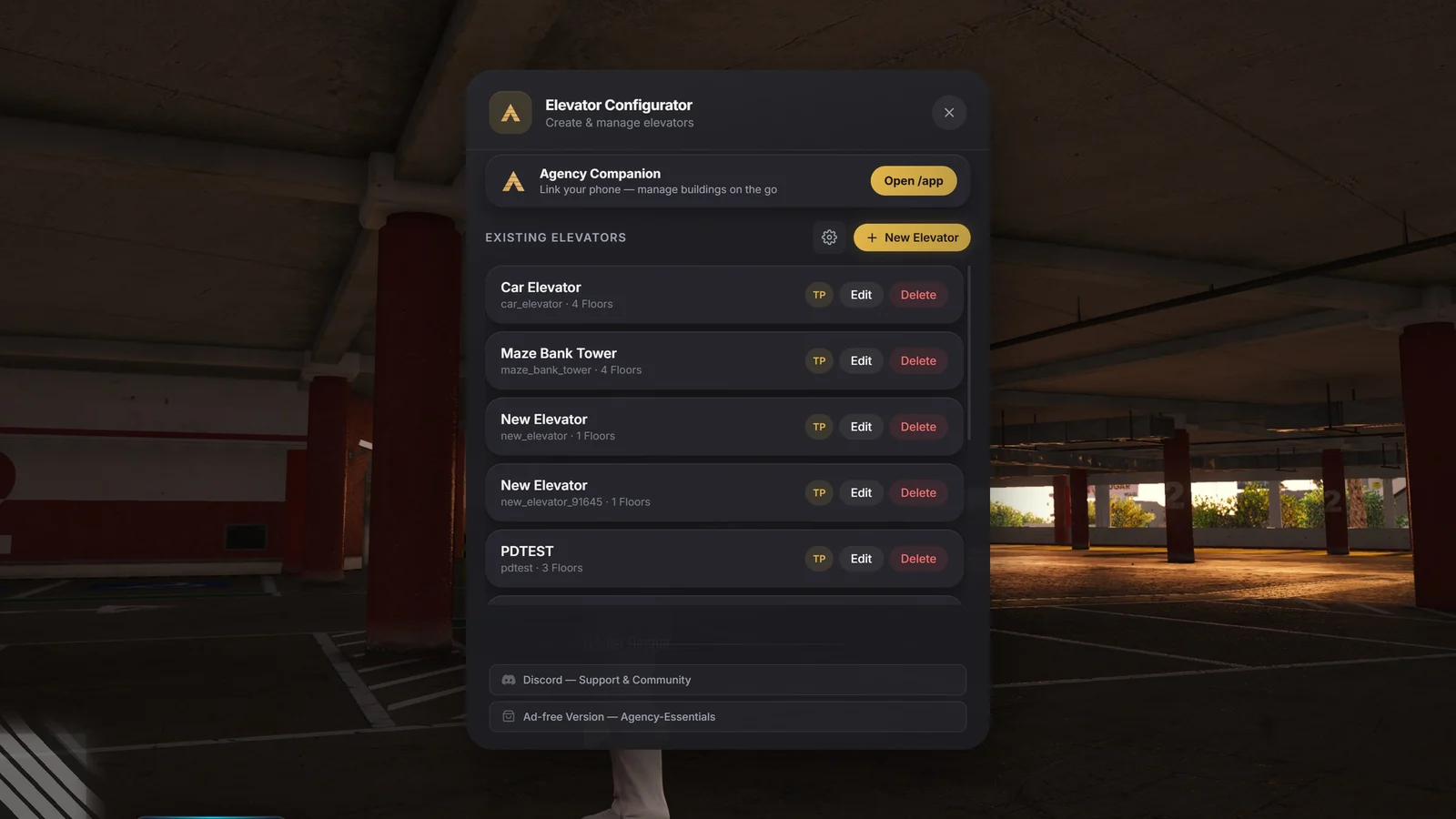
- Floors and elevator locations are defined in the configuration file, allowing you to tailor the system to your map. The included floor configurator can be accessed using the command name set in the config. This enables quick adjustments without modifying the script directly.
- Integrated UI and Markers
- Agency-Elevator uses a Liquid Glass UI for floor selection and integrates with marker and targeting systems. You can enable marker and targeting support as needed, and the system includes sound effects and travel delays to enhance immersion.
- No Additional Dependencies
- The script does not require external dependencies. It supports ox_lib, ox_target, and Agency-Notify if you wish to use them, but these are optional. All required files are included in the resource, and SQL is used for storing persistent elevator data.
?Frequently asked questions
How do I access the floor configurator?
You can access the floor configurator by using the command set in the config file under Config.ConfiguratorCommand. The default command is aelevator, but you can change this to any command name you prefer in the config.
Are any dependencies required to run Agency-Elevator?
No additional dependencies are required. The script includes optional support for ox_lib, ox_target, and Agency-Notify, but these are not mandatory. All core functionality works out of the box with the files provided.
Does Agency-Elevator store data in a database?
Yes, the script uses SQL to store elevator data persistently. This ensures that your configured floors and elevator settings are retained across server restarts.
What should I do if the elevator UI or markers do not appear?
First, check that Agency-Elevator is properly ensured in your server.cfg. If you have changed any settings in the config file, restart the resource for changes to take effect. Also verify that any optional libraries you wish to use are installed.