
Agency-Notify V2
Advanced notification system with two visual styles (V1 Classic and V2 Ultra) switchable per player, featuring.
01Overview
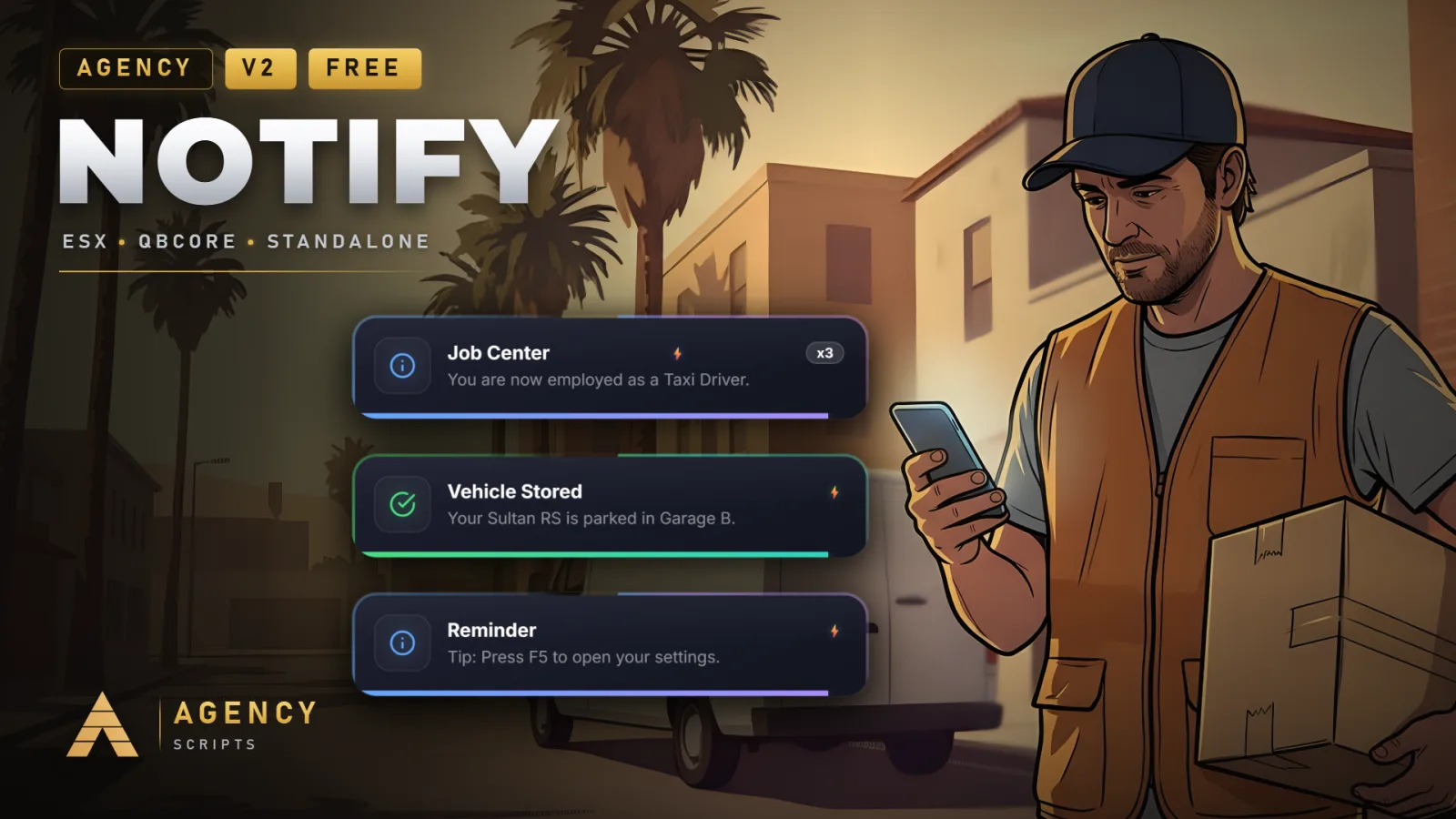
Advanced notification system with two visual styles (V1 Classic and V2 Ultra) switchable per player, featuring an in-game settings menu for customizing position, sound, color, size, and duration. Includes a Smart Mode with priority detection, spam protection and auto-duration, plus database persistence via oxmysql. 14 languages supported.
02Features
03Screenshots
+Good to know
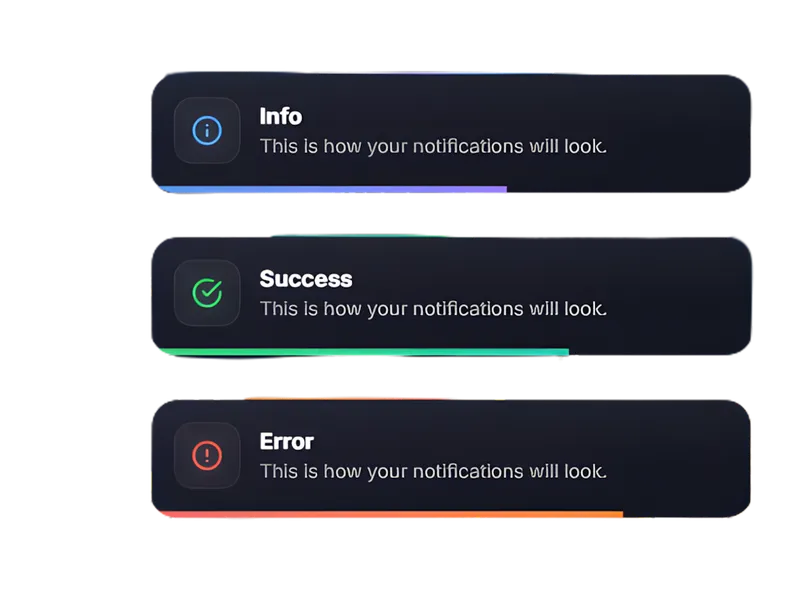
Agency-Notify is a notification system that gives players control over how notifications appear, with two visual styles and a customizable settings menu. It is designed to be flexible, offering features like smart priority handling, spam protection, and optional database persistence. The script supports multiple languages and allows individual players to adjust notification preferences in-game.
- Customizable Notification Styles
- Players can choose between V1 Classic and V2 Ultra notification styles. Each player can access an in-game menu to set their preferred style, position, sound, color, size, and notification duration, making the experience highly personalized.
- Smart Mode
- Smart Mode provides automatic notification handling, including priority detection and spam protection. Notifications are automatically managed for duration and importance, ensuring players receive relevant information without being overwhelmed by spam.
- Optional Database Persistence
- If oxmysql is installed and enabled, notification preferences and data can be saved to a database. This allows player settings to persist across sessions. Database usage is optional, and the script can run without it if persistence is not required.
?Frequently asked questions
How do I change the in-game menu command?
You can change the command name for opening the in-game settings menu by editing the command name in the config. The default command is 'anotify', but you can set it to any string you prefer by updating Config.MenuCommand in the configuration file.
Is oxmysql required to use Agency-Notify?
oxmysql is optional. If you want notification preferences and data to persist between sessions, enable database persistence and ensure oxmysql is installed. If you do not need persistence, you can use Agency-Notify without oxmysql and it will still function.
What happens if I change a config setting?
After making changes to the configuration file, you must restart the Agency-Notify resource for the changes to take effect. This ensures that all new settings are loaded and applied to the script.
How does language support work?
Agency-Notify supports 14 languages. Players can select their preferred language through the in-game settings menu, allowing notifications and menu options to be displayed in their chosen language.