
Agency-Notify V2 Installation
Advanced notification system with two visual styles (V1 Classic and V2 Ultra) switchable per player, featuring.
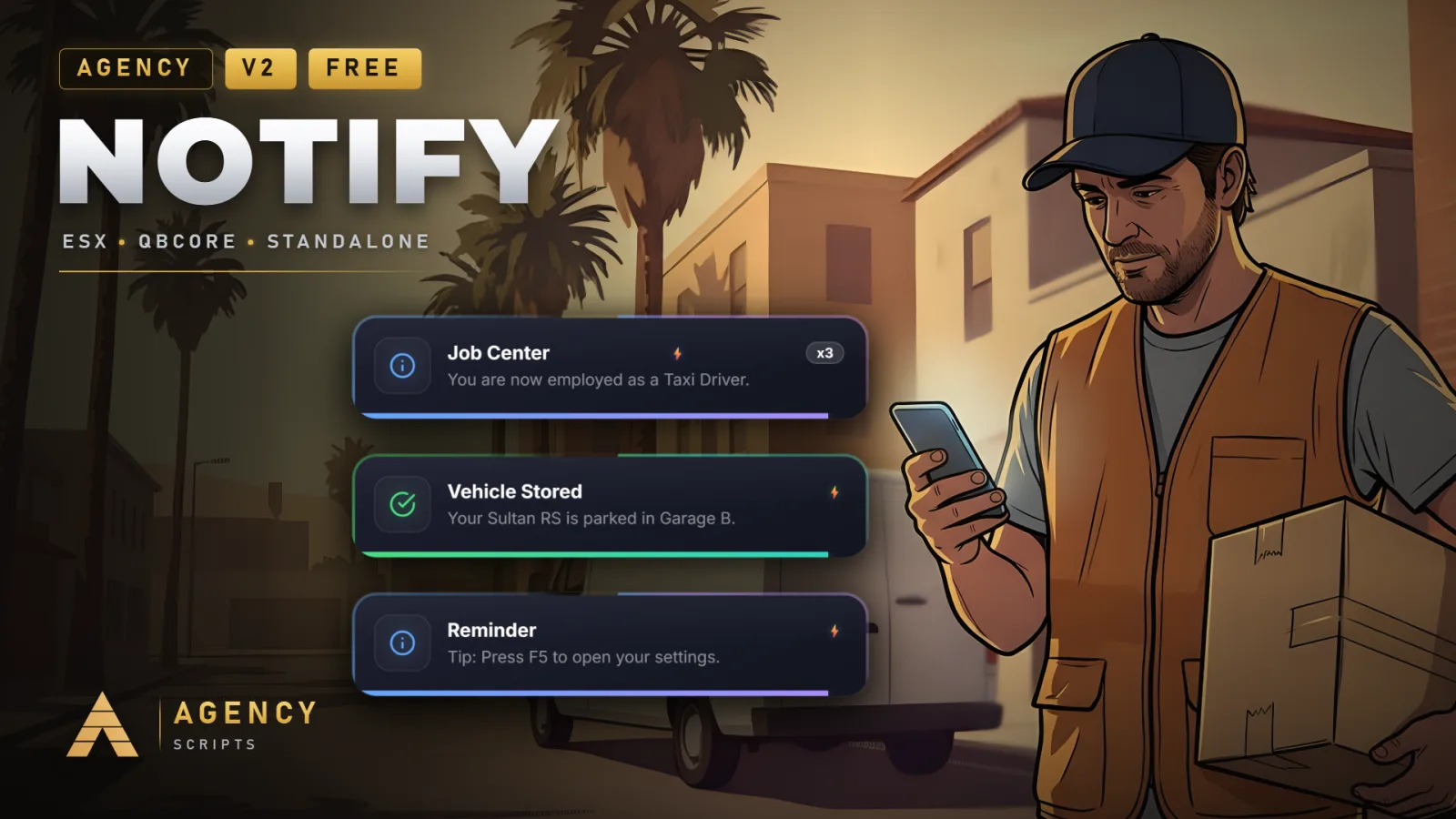
01Installation
- 1Drop Agency-Notify into resources folder
- 2Add ensure Agency-Notify to server.cfg
- 3Optional: Install oxmysql for persistence
- 4Configure config.lua
02Dependencies
oxmysql (optional, for persistence)
+Good to know
This page explains how to install Agency-Notify version 2.0.1 on your server. Agency-Notify provides customizable notification styles and features, and can optionally use oxmysql for database persistence. Follow the steps below to add the resource, enable optional persistence, and adjust configuration settings for your server’s needs.
- Resource placement and start
- Place the Agency-Notify folder into your server’s resources directory. Then, add ensure Agency-Notify to your server.cfg to make sure the script starts with your server. This is required for the notification system to function correctly.
- Optional database persistence
- If you want notification settings to persist between sessions, install oxmysql on your server. Agency-Notify uses oxmysql for database persistence, but it is not required for basic functionality. Without oxmysql, persistence features will be unavailable.
- Initial configuration steps
- Open config.lua inside the Agency-Notify resource to adjust settings. You can set the command name for the in-game settings menu using the command name in the config. Make other adjustments as needed to fit your server’s preferences before restarting the resource.
?Frequently asked questions
Is oxmysql required to use Agency-Notify?
No, oxmysql is optional. Agency-Notify works without it, but enabling oxmysql allows notification settings to be saved persistently in a database. If you do not install oxmysql, persistence features will not be available, but all other notification features will work.
How do I change the command for the in-game settings menu?
You can change the command for opening the in-game settings menu by editing the command name in the config. Look for the relevant key in config.lua and set it to your preferred command before restarting the resource.
What should I do if notifications do not appear after installation?
First, confirm that Agency-Notify is in your resources folder and that ensure Agency-Notify is in your server.cfg. If you are using oxmysql for persistence, make sure it is installed and running. Restart the resource after making any changes to the config or dependencies.
Does Agency-Notify require any specific database setup?
No, Agency-Notify does not require you to import any SQL tables manually. If you enable database persistence by installing oxmysql, the script will handle persistence automatically without requiring additional SQL setup from you.