
Agency-Notify V2 Commands
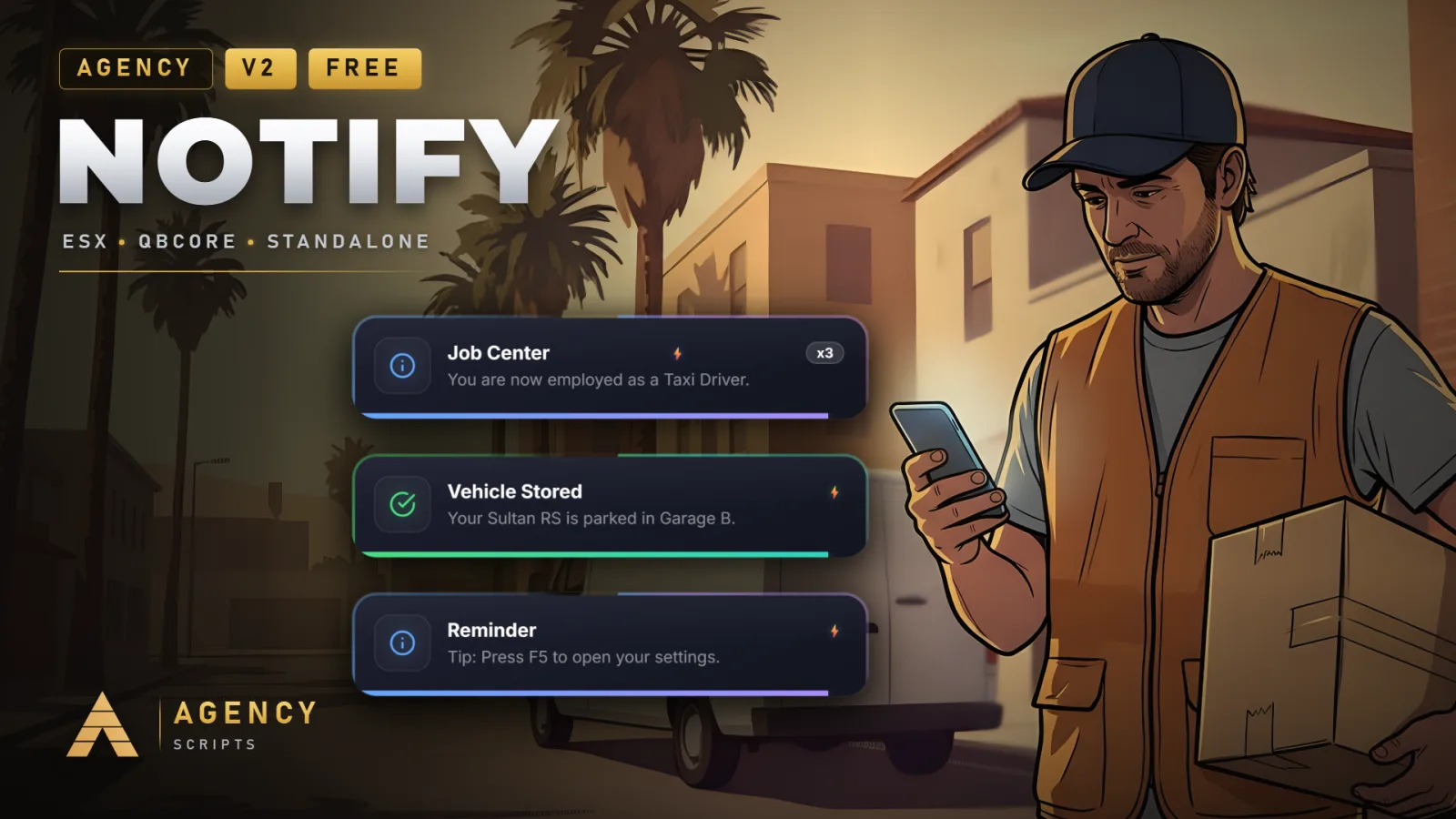
Advanced notification system with two visual styles (V1 Classic and V2 Ultra) switchable per player, featuring.
01Commands
| Name | Description |
|---|---|
/anotify | Open the per-player notify settings menu (configurable via Config.MenuCommand). |
/testnotify_singularity | Fires a sequence of demo notifications for visual testing. |
02Keybinds
| Key | Description |
|---|---|
| Agency Notify: Einstellungen oeffnen (no default key; user-rebindable). |
+Good to know
This page lists the in-game commands available in Agency-Notify. These commands allow players to access the notification settings menu and test notification visuals directly in-game. Command names can be customized in the configuration file. No special permissions are required to use the default commands, and all features work out of the box after ensuring the resource in your server.cfg.
- Available Commands
- Agency-Notify provides two in-game commands: one to open the notification settings menu and another to trigger a sequence of demo notifications for testing. Both commands are accessible to all players by default and do not require admin privileges or special permissions.
- Customizing Command Names
- You can change the name of the settings menu command by editing the command name in the config. By default, it is set to /anotify. This allows you to avoid conflicts with other resources or match your server’s naming conventions.
- Key Bindings and Accessibility
- There is no default key binding to open the notification settings menu, but users can assign their own preferred key. This provides flexibility for players to access the menu quickly without relying solely on chat commands.
?Frequently asked questions
Do I need any special permissions to use the /anotify or /testnotify_singularity commands?
No special permissions or admin rights are required to use either /anotify or /testnotify_singularity. Both commands are available to all players by default.
How do I change the /anotify command to a different name?
To change the /anotify command to a different name, update the command name in the config. Look for the command name in the config and set it to your preferred value. After saving, restart the Agency-Notify resource for changes to take effect.
Is a database required for the commands to work?
A database is not required for the in-game commands to function. However, if you want notification settings to persist across sessions, oxmysql can be enabled as an optional dependency. Without it, settings will not be saved between restarts.
What should I do if a command does not work after changing its name in the config?
If a command does not work after renaming it in the config, make sure you have saved the config file and restarted the Agency-Notify resource. Command changes only take effect after a resource restart. Double-check for typos or conflicts with other registered commands on your server.