
Agency-Progressbar V2
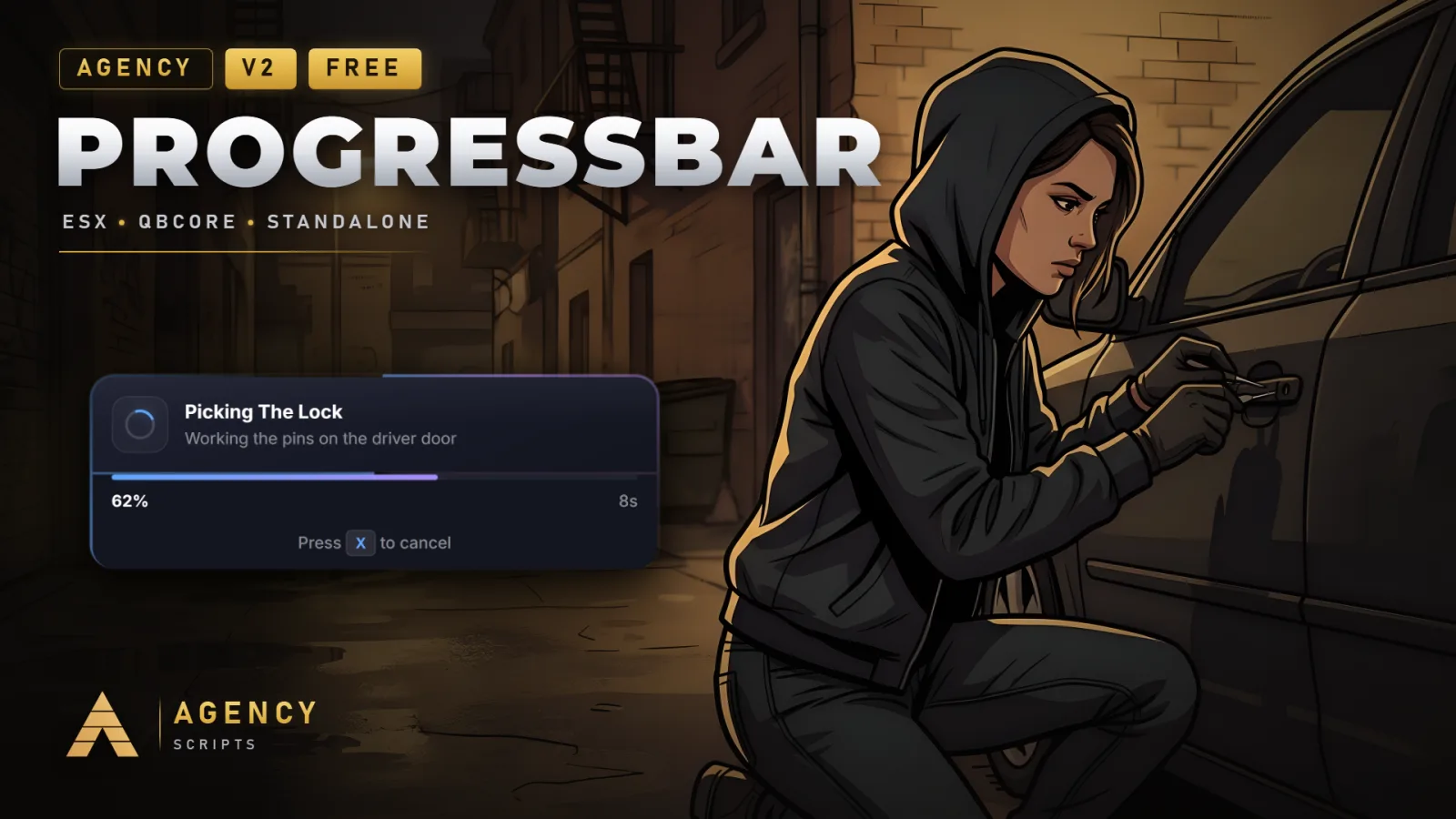
Modern animated progress bar with glass-morphism UI, automatic framework detection, 4 visual themes (Modern, Neon.
01Overview
Modern animated progress bar with glass-morphism UI, automatic framework detection, 4 visual themes (Modern, Neon, Minimal, Classic), and comprehensive client/server exports. Supports cancellable actions, sound effects, ESX-compatible weapon reload, and movement during eat/drink/reload. No hard framework dependency.
02Features
+Good to know
Agency-Progressbar adds a modern, animated progress bar to your server, featuring a glass-morphism interface and four selectable themes. The script offers flexible client and server exports, supports multiple languages, and does not require any dependencies. It includes options for cancellable actions, sound effects, and compatibility with weapon reload actions, making it adaptable for a variety of server needs.
- Visual Themes and UI
- Choose from Modern, Neon, Minimal, or Classic themes to match your server’s style. The glass-morphism UI ensures the progress bar integrates visually with different interfaces, and flexible positioning lets you place it where it fits best.
- Exports and Integration
- Agency-Progressbar provides both client and server exports for triggering progress bars from scripts or server events. The script automatically detects your framework, and can be used for actions like eating, drinking, or weapon reloads, including ESX-compatible reload support.
- Configuration and Commands
- The command for opening the progress bar menu is set in the config as aprogressbar by default. No database setup is required, and you can adjust visual and functional options in the configuration file. The script supports five languages out of the box.
?Frequently asked questions
Does Agency-Progressbar require any dependencies or frameworks to work?
No, Agency-Progressbar does not require any dependencies and has no hard framework dependency. It can optionally integrate with ESX or QBCore if present, but will function without them.
How do I change the command for opening the progress bar menu?
You can change the command name by editing the command name in the config. By default, it is set to aprogressbar. After making changes to the config, restart the Agency-Progressbar resource for them to take effect.
Is any database setup or SQL import needed for this script?
No database setup or SQL import is required for Agency-Progressbar. The script operates entirely without a database, as indicated by the database switch being set to false in the config.
What should I do if the progress bar does not appear or exports do not work?
Ensure that Agency-Progressbar is properly started by adding ensure agency-progressbar to your server.cfg. If you change any settings in the configuration, restart the resource. Check that you are using the correct export functions as described in the documentation.