
Agency-Progressbar V2 Commands
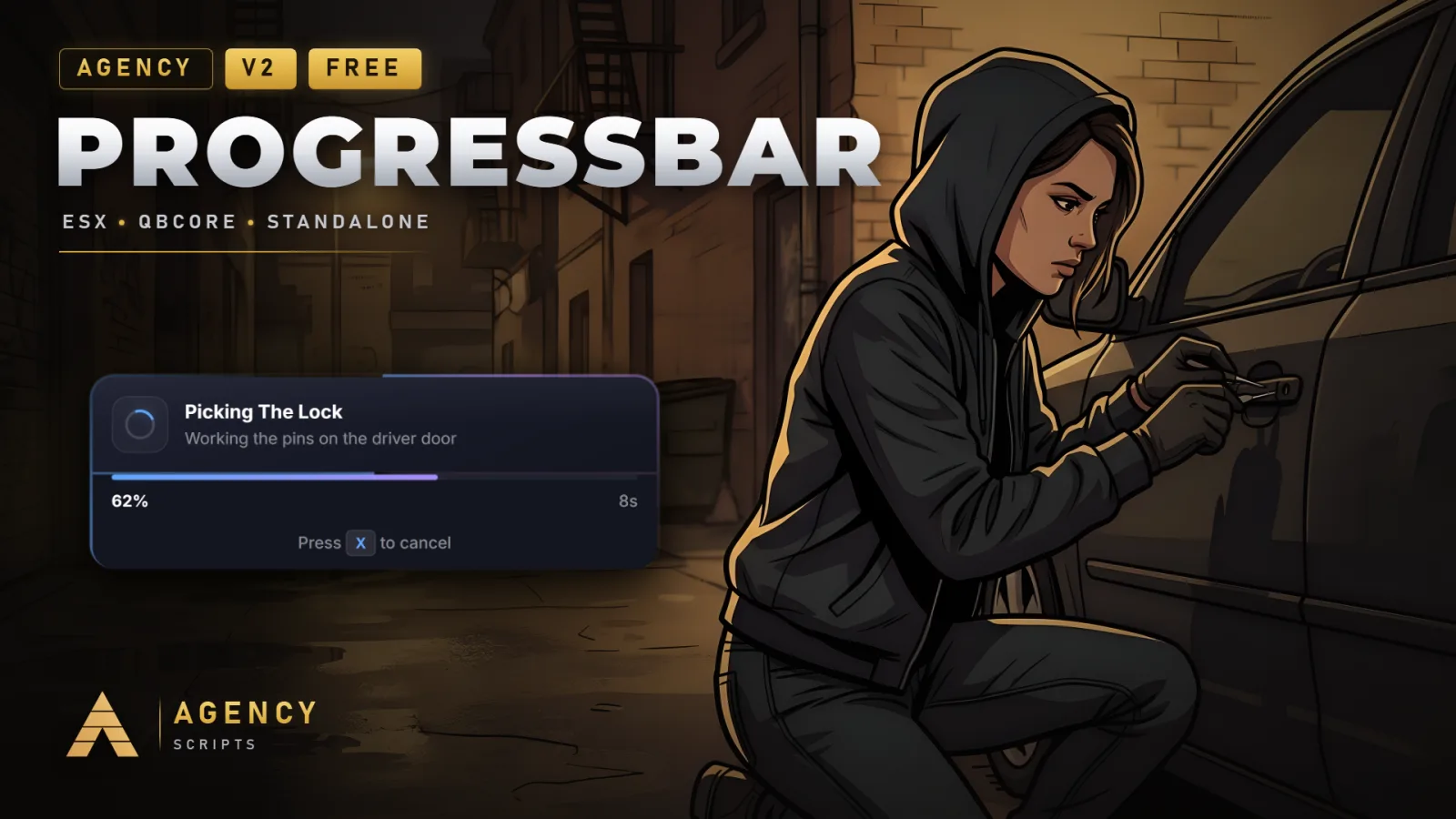
Modern animated progress bar with glass-morphism UI, automatic framework detection, 4 visual themes (Modern, Neon.
01Commands
| Name | Description |
|---|---|
/aprogressbar | Open the per-player progress bar settings menu (configurable via Config.MenuCommand). |
/agencyprogressbar | Test command running a sample crafting progress with optional duration arg. |
/testprogress | Hint/debug command pointing users to /agencyprogressbar. |
+Good to know
This page lists the available in-game commands for Agency-Progressbar. These commands allow players and developers to access the progress bar settings menu, test sample progress bars, and receive hints for testing. The main command name can be changed in the config. No permissions or admin rights are required to use any of these commands, and no dependencies are needed for basic usage.
- Changing command names
- The main menu command is set by the command name in the config. By default, it is /aprogressbar, but you can change it by editing Config.MenuCommand. After making changes, restart Agency-Progressbar to apply the new command name.
- Command access and permissions
- All built-in commands are available to every player by default. There are no admin-only commands or ACE permission requirements. If you want to restrict access, you must implement your own checks or modify the script.
- No required dependencies
- Agency-Progressbar does not require any external dependencies for its commands to function. The script works out of the box, and optional framework features are detected automatically if present, but are not needed to use the commands listed here.
?Frequently asked questions
How do I change the /aprogressbar command to a different name?
Edit the command name in the config by changing the value of Config.MenuCommand. Set it to your desired command. After saving the config, restart Agency-Progressbar to apply the new command name in-game.
Are any of the commands restricted to admins or require special permissions?
No, all commands provided by Agency-Progressbar are available to all players by default. There are no admin-only commands or built-in permission checks for these commands.
Do I need to install any dependencies for the commands to work?
No dependencies are required for the commands to function. Agency-Progressbar is designed to run without any external requirements. Optional framework integration is automatic, but not needed for basic command usage.
What should I do if a command does not work after changing its name in the config?
If a command does not work after you change its name in the config, make sure you have saved your changes and restarted Agency-Progressbar. The script must be restarted for config changes to take effect.