
Agency-Progressbar V2 Installation
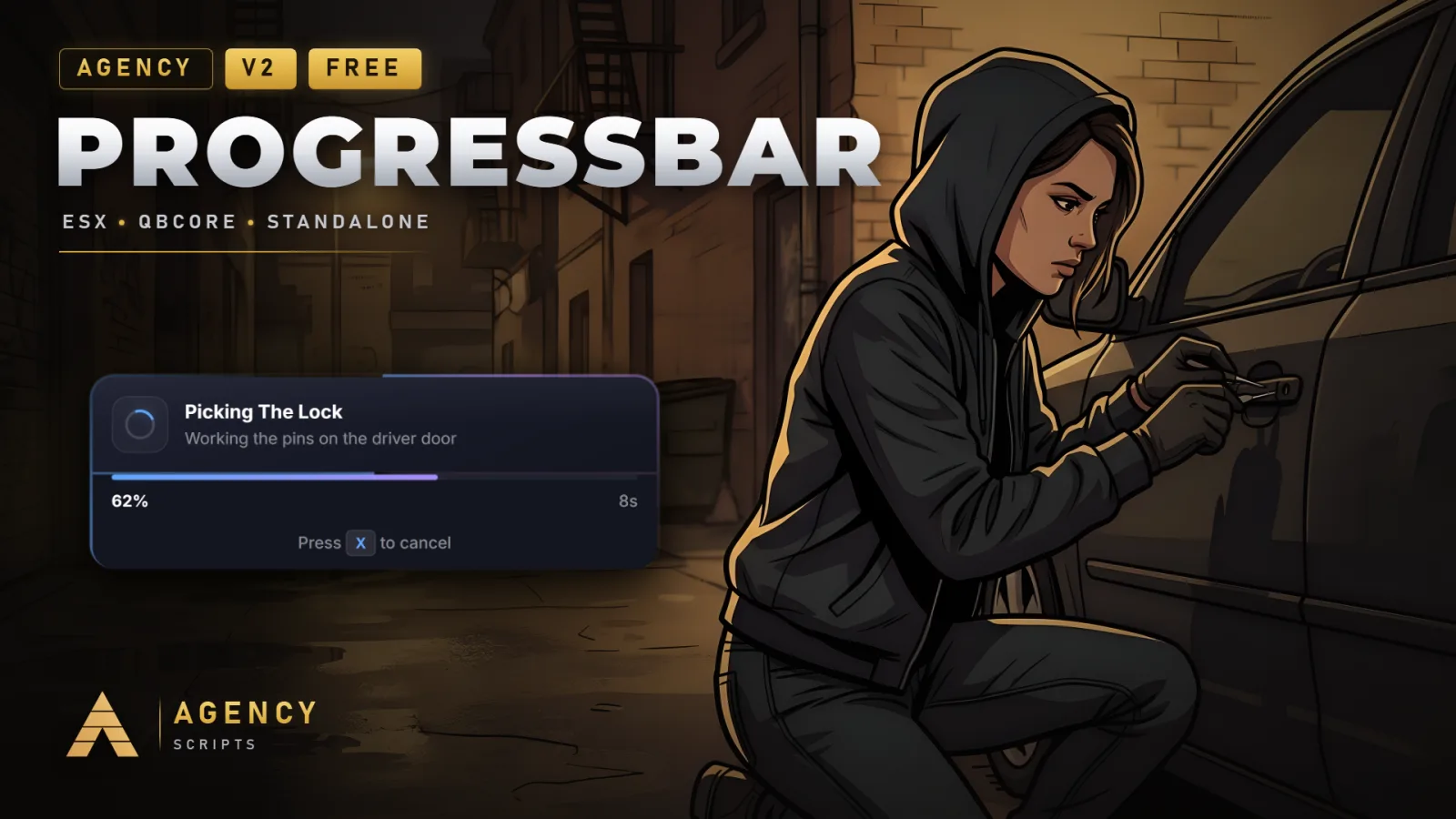
Modern animated progress bar with glass-morphism UI, automatic framework detection, 4 visual themes (Modern, Neon.
01Installation
- 1Place in resources folder
- 2Add ensure agency-progressbar to server.cfg
- 3Restart server
02Dependencies
None required, no hard dependenciesESX or QBCore (optional)
+Good to know
This page guides you through installing Agency-Progressbar, a script that provides a modern animated progress bar with multiple themes and flexible features. The resource does not require any dependencies and is designed to be easy to set up. Follow the steps below to add Agency-Progressbar to your server and make it available for your scripts and players.
- Resource Placement
- Place Agency-Progressbar into your server's resources directory.
- Server Configuration
- Add the line ensure agency-progressbar to your server.cfg. This ensures the resource is started automatically when the server boots, making its features and exports available to your scripts.
- Restart to Apply
- After adding agency-progressbar to your server.cfg, restart your server to load the resource. Any configuration changes you make later will also require a resource restart to take effect.
?Frequently asked questions
Are there any required dependencies for Agency-Progressbar?
No, Agency-Progressbar does not require any dependencies to function. It is designed to work out of the box. ESX or QBCore are optional and only needed if you want to use specific features related to those frameworks.
What should I do if the progress bar does not appear after installation?
First, verify that the resource folder is named agency-progressbar and that you have added ensure agency-progressbar to your server.cfg. Then, restart your server. If issues persist, check for errors in your server console.
Does Agency-Progressbar require any database setup?
No, Agency-Progressbar does not require any database setup or SQL imports. All configuration is handled within the resource files, and there are no database switches or tables needed.
How do I change the command to open the progress bar menu?
You can change the command name by editing Config.MenuCommand in the configuration file. Restart the resource after making changes.