
Agency-Minerjob V2
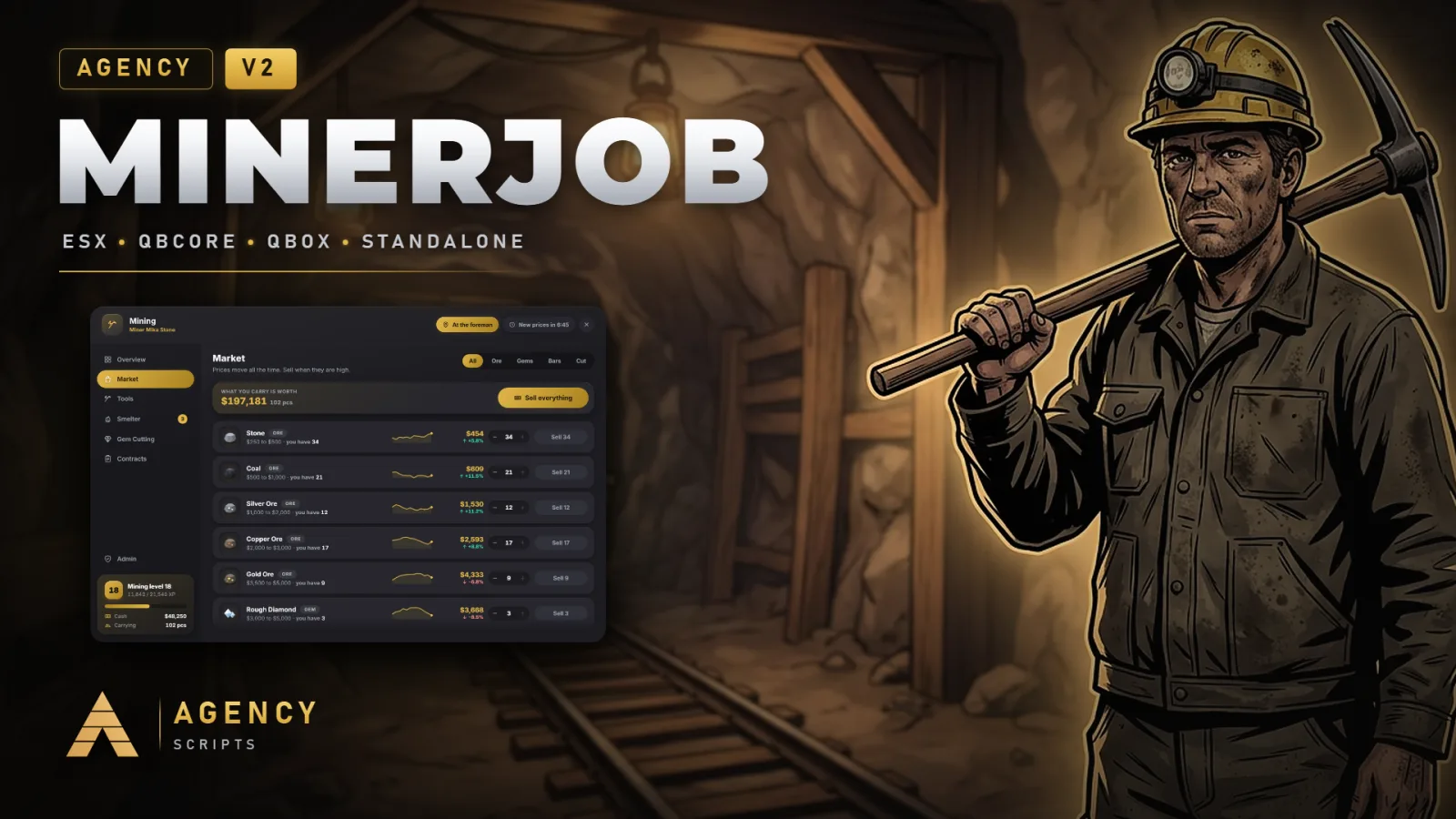
A mining job for FiveM on QBCore, Qbox, ESX or fully standalone, in three places: the Davis Quartz quarry, the old mine.
01Overview
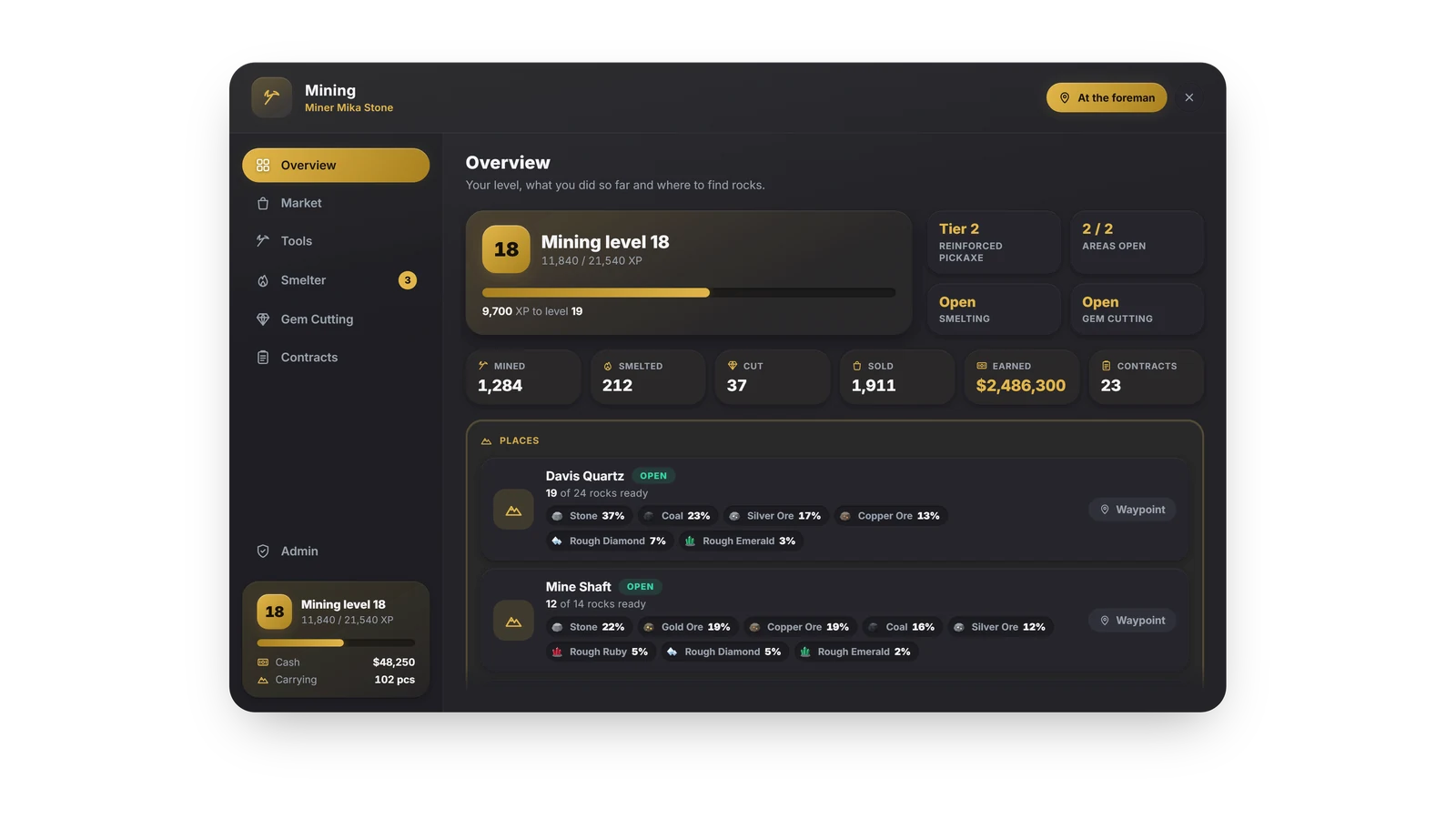
A mining job for FiveM on QBCore, Qbox, ESX or fully standalone, in three places: the Davis Quartz quarry, the old mine shaft in the Tataviam Mountains and the foundry in the city. Players break real rocks in seven mining areas with a pickaxe, a reinforced pickaxe or a mining drill in a short skill game, level up to 100, smelt copper, silver and gold ore into bars, cut rough diamonds, emeralds and rubies, take contracts from the foreman and sell on a market whose prices move. Everything runs through one menu in the Agency design, and admins change the settings for the whole server, look up players and reset the market or the rocks from the same menu. Levels from V1 are taken over, the V1 item names are kept, and 26 languages are included.
02Features
03Screenshots
+Good to know
Agency-Minerjob V2 is a mining job in three places: the Davis Quartz quarry east of Sandy Shores, the old mine shaft in the Tataviam Mountains and the foundry in the city. Players mine real rocks, smelt ore into bars, cut gems, take contracts and sell on a market whose prices move. The script runs on QBCore, Qbox, ESX or without any framework, and V2 is a free update for everyone who owns V1.
- Seven Mining Areas
- Six terraces of Davis Quartz and the mine shaft, each with its own blip, lowest level and ores: the pit from level 1, then level 3, 5, 8, 12 and 20 on the terraces and level 10 in the mine shaft. Higher areas bring rarer ores and gems.
- Real Rocks
- Rocks stand in the world. Gold arrows above them show where you can mine now, grey ones what is broken or needs a higher level, and small dots on the map show the rocks of an area once you are near it. A rock takes three minings, then it breaks and comes back after five minutes, for everyone at once.
- The Skill Game
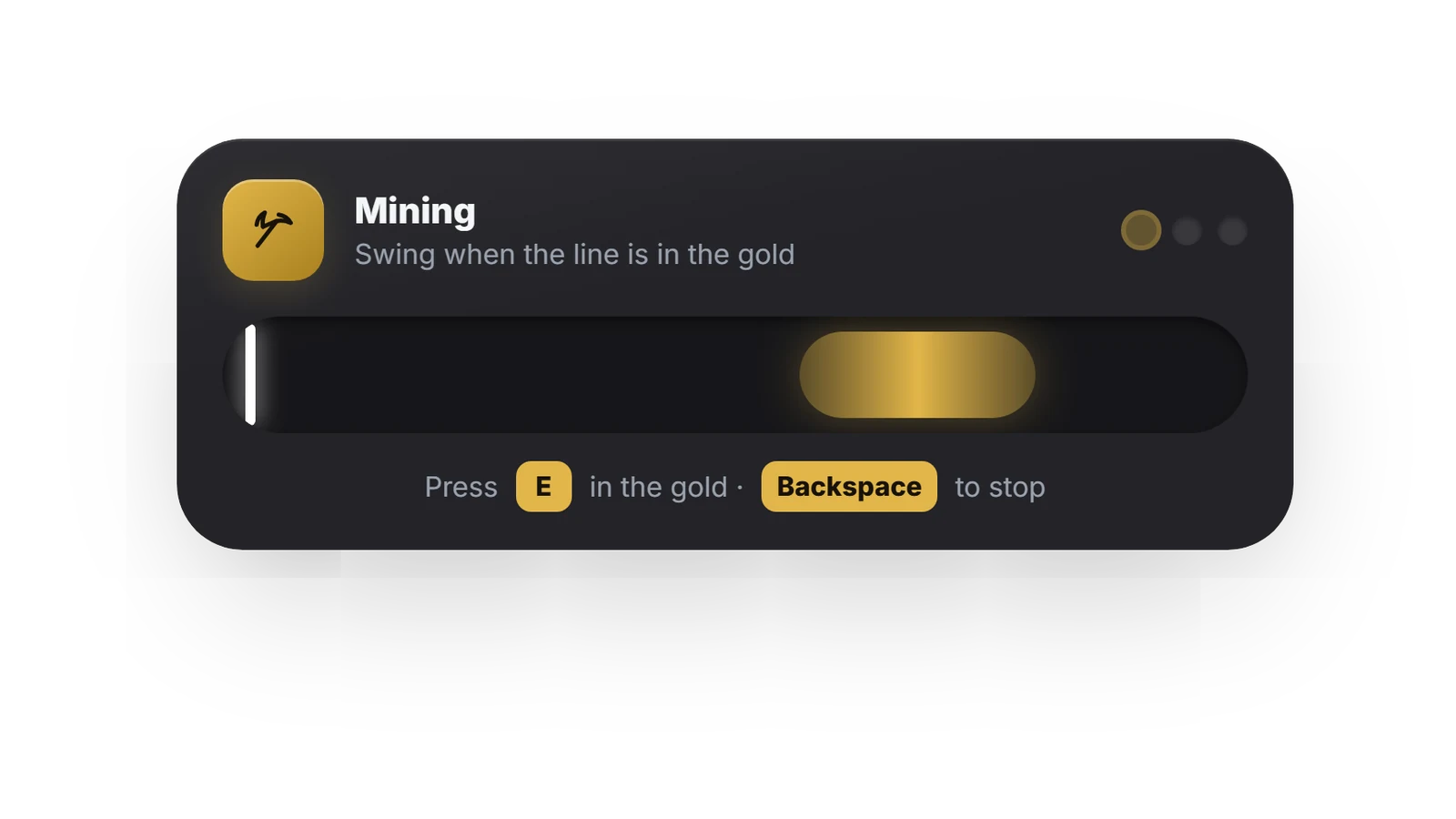
- E at a rock starts a short game: hit the gold zone in every round. A better tool means a bigger zone, fewer rounds and more ore. A lost game can cost one use of the tool.
- Three Tools
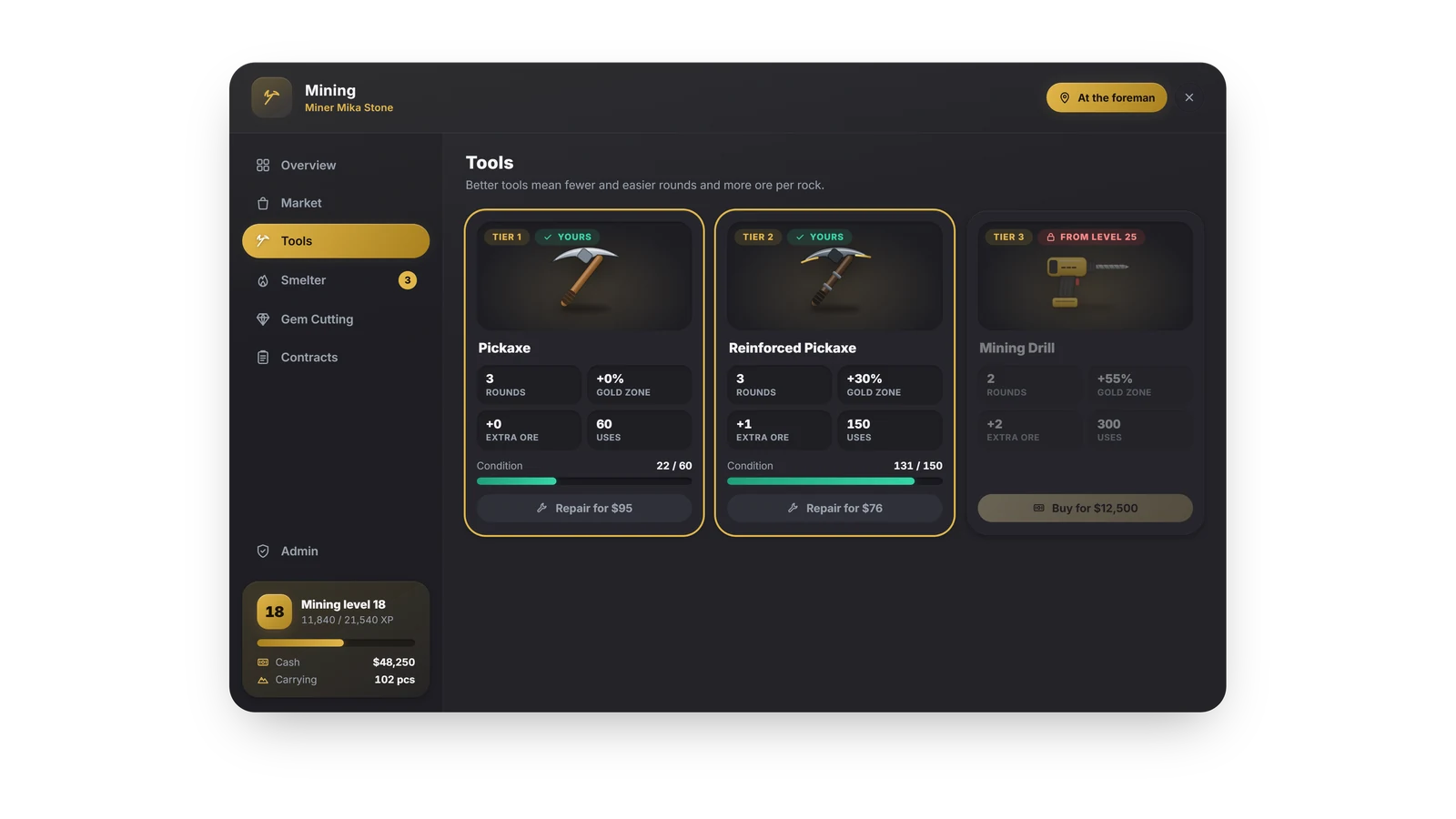
- The pickaxe, the reinforced pickaxe from level 10 and the mining drill from level 25, sold by every foreman. Tools wear out after a number of uses, and the foreman repairs them.
- 100 Levels
- Every mining gives XP along the same curve as V1. Levels open new areas, better tools, the furnace from level 5, the cutting bench from level 15 and bigger contracts.
- The Foundry
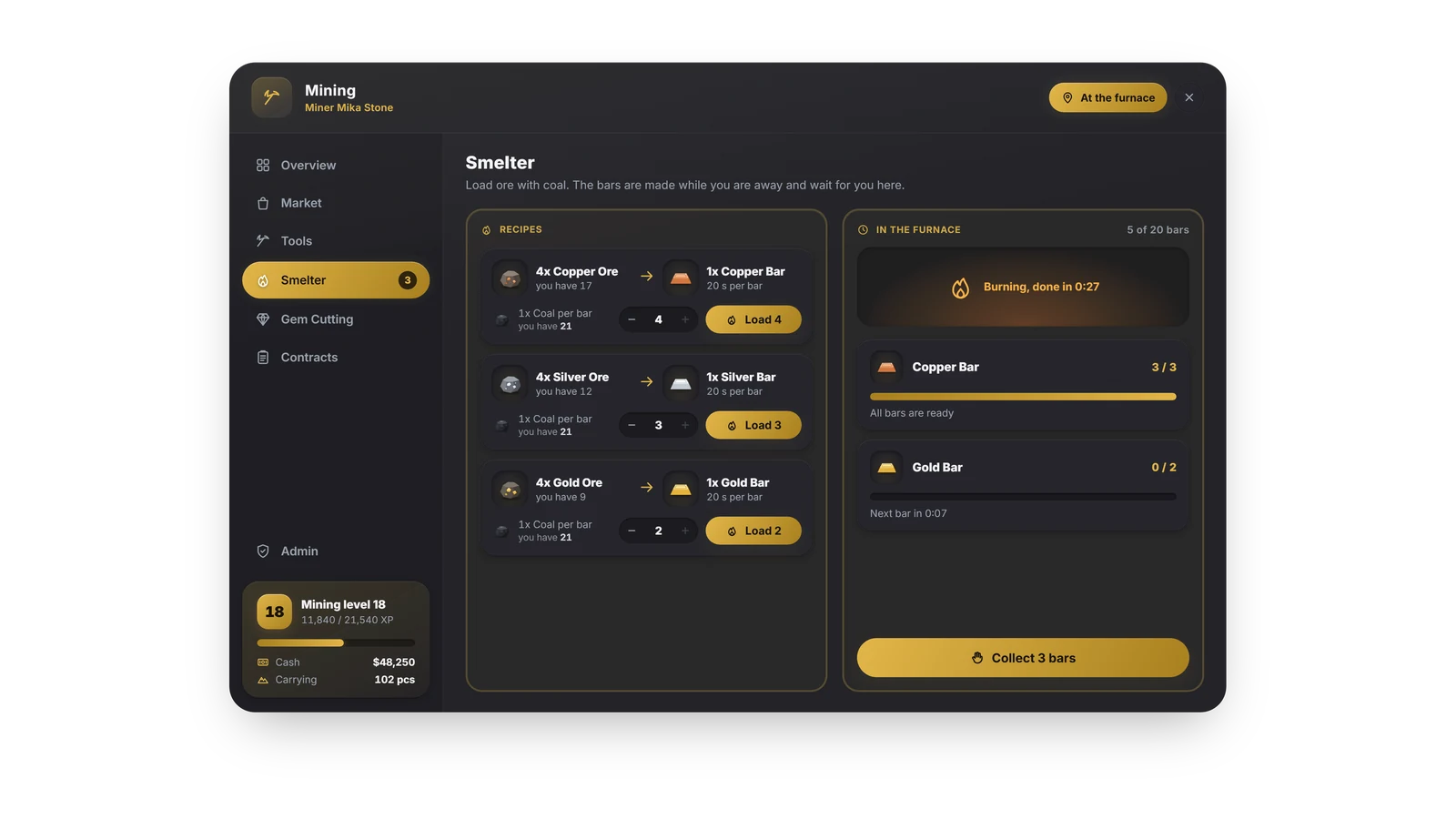
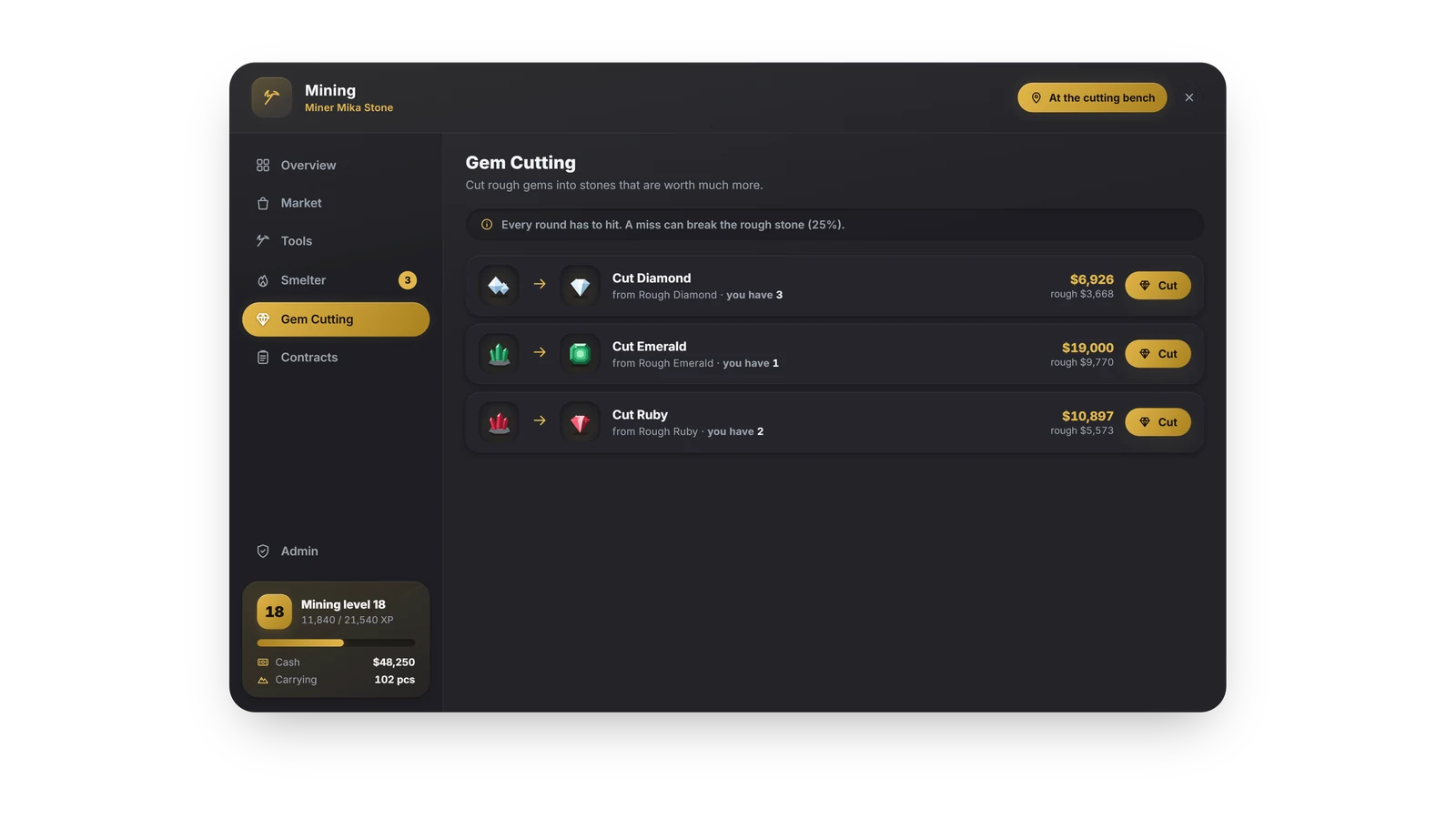
- Furnaces smelt four copper, silver or gold ore into one bar with coal as fuel. They keep working while you are away and the bars wait at the furnace. The cutting benches turn rough diamonds, emeralds and rubies into cut gems in a precise game where a miss can break the stone. A buyer pays for everything.
- Contracts and Market
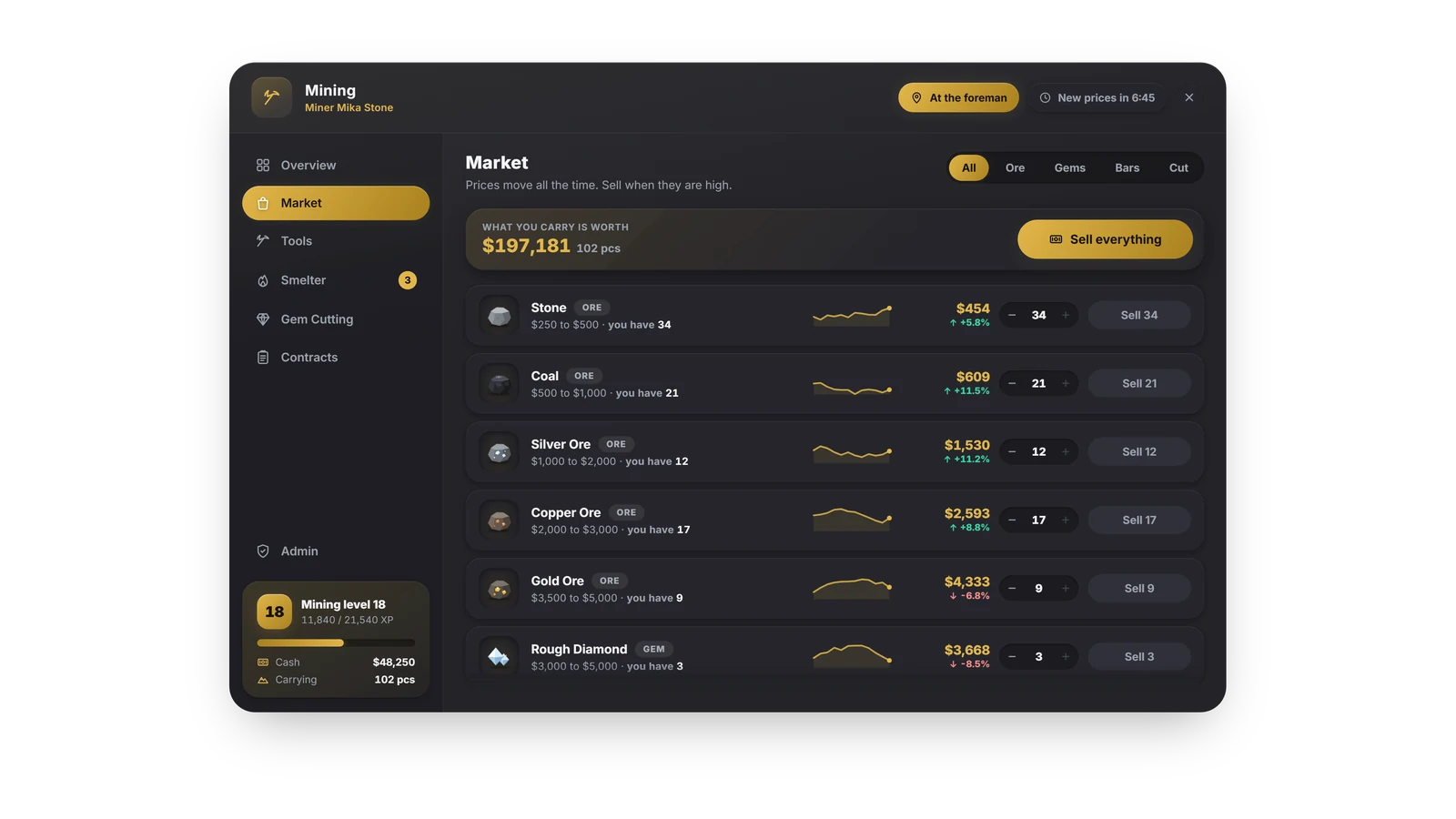
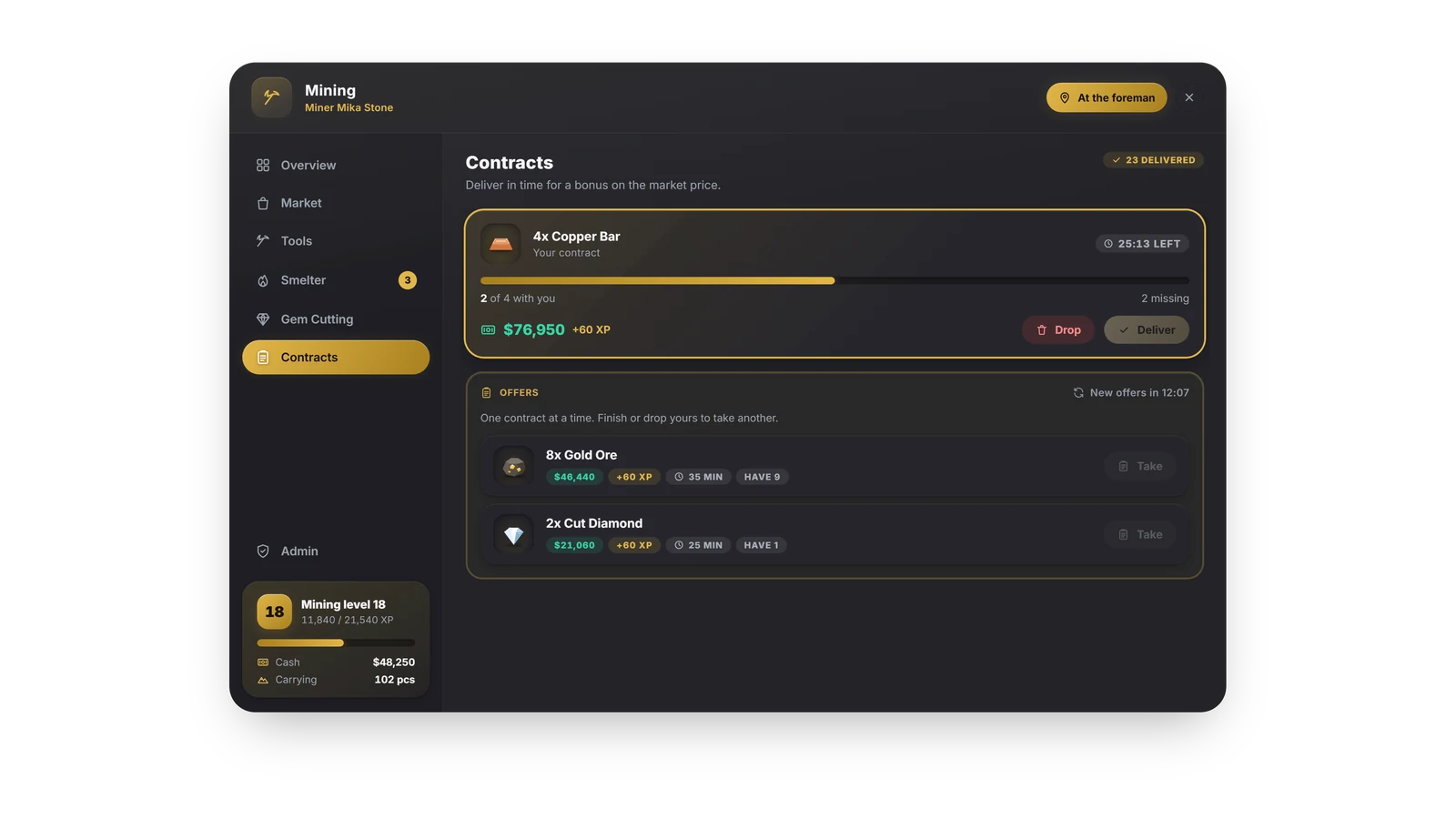
- The foreman offers a few contracts that change every 20 minutes: deliver the right amount in time for the market value plus a bonus and extra XP. Prices move within a range for every item every few minutes, with a chart in the menu.
- Admins in Game
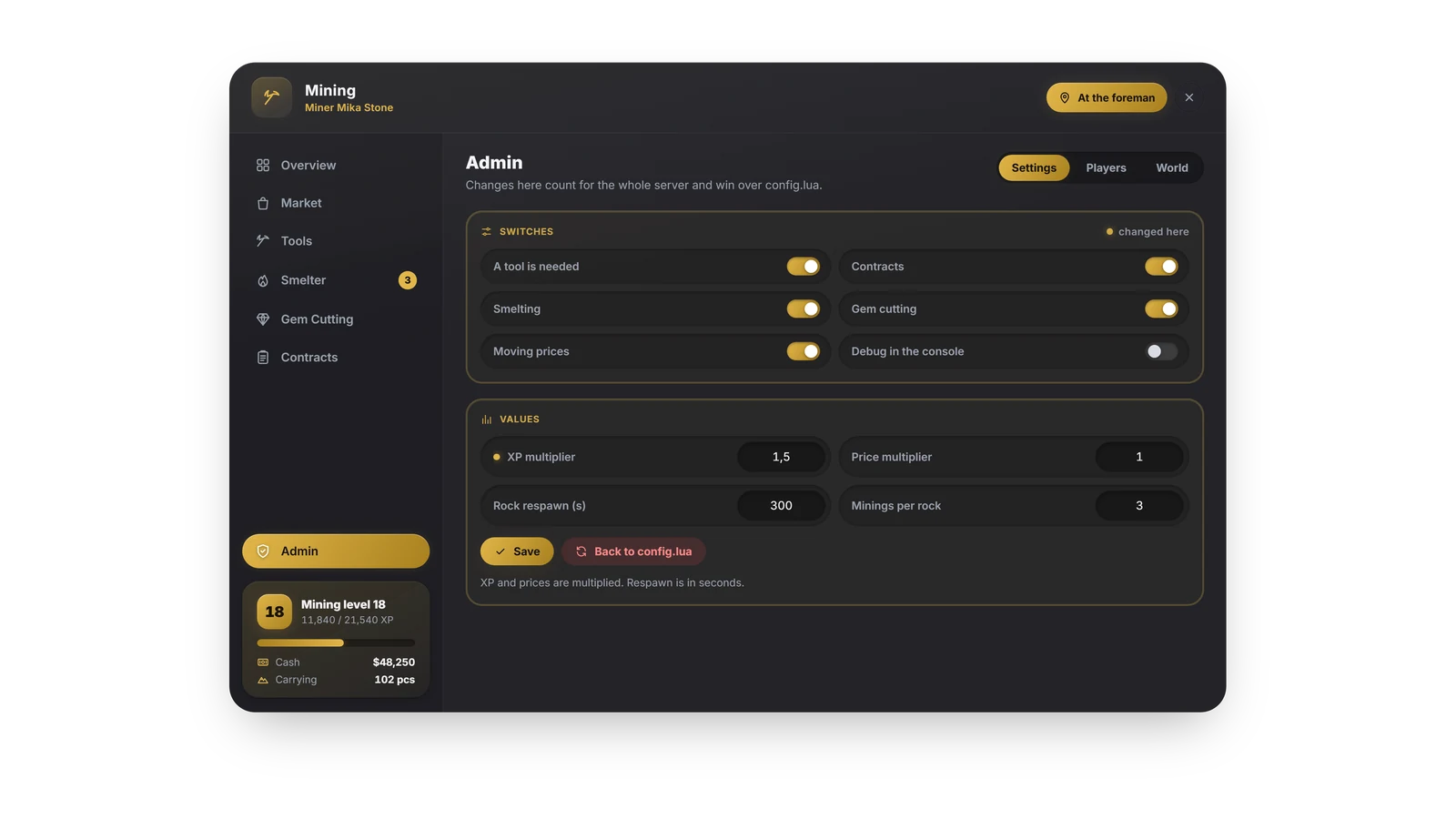
- /mineradmin opens the admin page: settings for the whole server, a player search with level and tools, the market and the rocks, and a teleport to every place.
?Frequently asked questions
Is V2 a free update?
Yes. Everyone who owns Agency-Minerjob gets V2 in the Keymaster at no cost, the price stays the same.
Do I need a framework, a database or an inventory?
No. Without a framework the script runs standalone, without oxmysql everything is saved in the server's key value store, and without an inventory the miner keeps his items in the satchel of the menu.
What happens to the levels from V1?
Levels from the table player_mining_skills are taken over on the first start. The old table stays untouched, and the V1 item names are kept, so the inventories of your players stay valid.
Can I change the texts?
Yes. Config.Locale picks one of 26 languages, and Config.Text overrides any single text from locales/en.lua with your own wording.