
QBESXStandalone
Agency-Minerjob V2 Commands
A mining job for FiveM on QBCore, Qbox, ESX or fully standalone, in three places: the Davis Quartz quarry, the old mine.
v2.0.0Paid5 Pages
01Commands
| Name | Description |
|---|---|
/miner | Opens the menu from anywhere. Selling, buying and the furnace need the right place. The name follows Config.Commands.menu. |
/mininglevel | V1 command: shows level and progress. |
/mineradmin | Opens the admin page of the menu.Admin only |
minerjob status | Server console only:version, framework, storage, items, money, rocks and miners online.Admin only |
minerjob settings | Server console only:every setting and what was changed in the menu.Admin only |
minerjob reset | Server console only:puts every setting back to config.lua.Admin only |
minerjob debug | Server console only:switches the debug mode. Args: [on|off].Admin only |
minerjob setlevel | Server console only:sets the level of a player. Args: [id] [level].Admin only |
minerjob give | Server console only:gives an item, tools with full uses. Args: [id] [item] [count].Admin only |
minerjob market | Server console only:moves the prices now or resets them. Args: [move|reset].Admin only |
minerjob rocks reset | Server console only:makes every rock whole again.Admin only |
02Keybinds
| Key | Description |
|---|---|
E | Mines the rock in front of you, talks to the foreman, and uses the furnace, the cutting bench or the buyer. |
E / Space / Left mouse | Hits the gold zone in the skill game at a rock or at the cutting bench. |
Esc / Backspace / Right mouse | Stops the skill game. |
+Good to know
Players mostly use E at a rock, the foreman, the furnace and the bench, and /miner for the menu. Admins find their tools on the admin page, and a few console commands cover what a server owner may want to run from txAdmin.
- The Menu
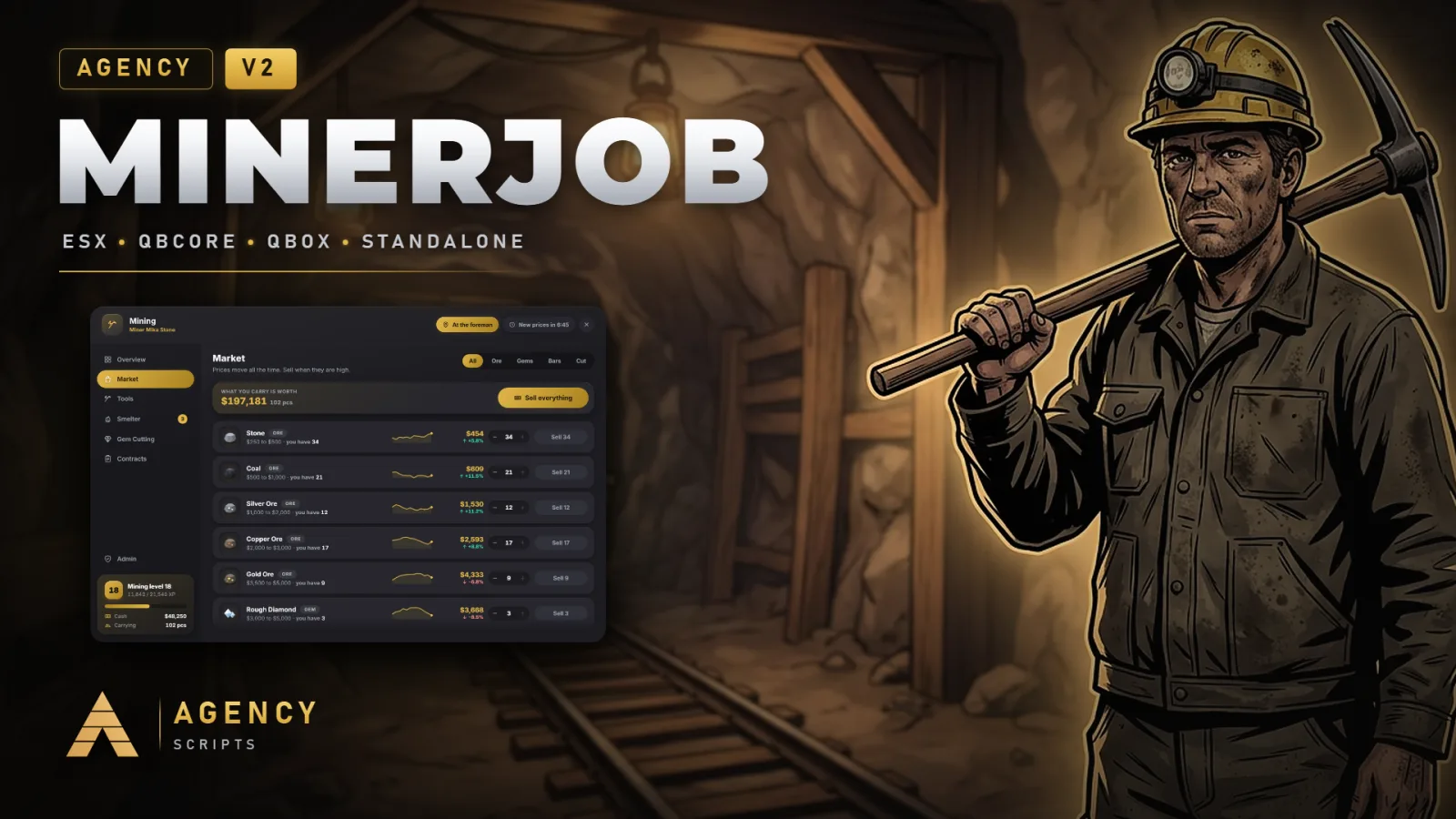
- /miner opens the menu with the overview (level, progress and your haul), the market with its chart, the tools, the furnace, the cutting bench and the contracts. It shows everything from anywhere; selling, buying and the furnace work at the right place. The sidebar can be dragged.
- Level
- /mininglevel shows level and progress, like in V1.
- Admin Page
- /mineradmin opens the admin page: the settings for the whole server, a player search to look up a level and set it, the market to move or reset the prices, a button that makes every rock whole again, and a teleport to every place.
- Console
- minerjob status shows version, framework, storage, items, money, rocks and miners online. minerjob settings, reset and debug handle the settings, setlevel and give handle players, market move or reset moves the prices, and rocks reset makes every rock whole again.
?Frequently asked questions
Can players change the key?
Yes. E is registered as a key binding, so players change it in the GTA settings under Key Bindings, FiveM. The default is set in Config.Keys.
How do I turn on the debug mode?
Config.Debug = true, the switch on the admin page, or minerjob debug on in the console. Every request and every reward then shows in the server console.