
Agency-Loadingscreen V2
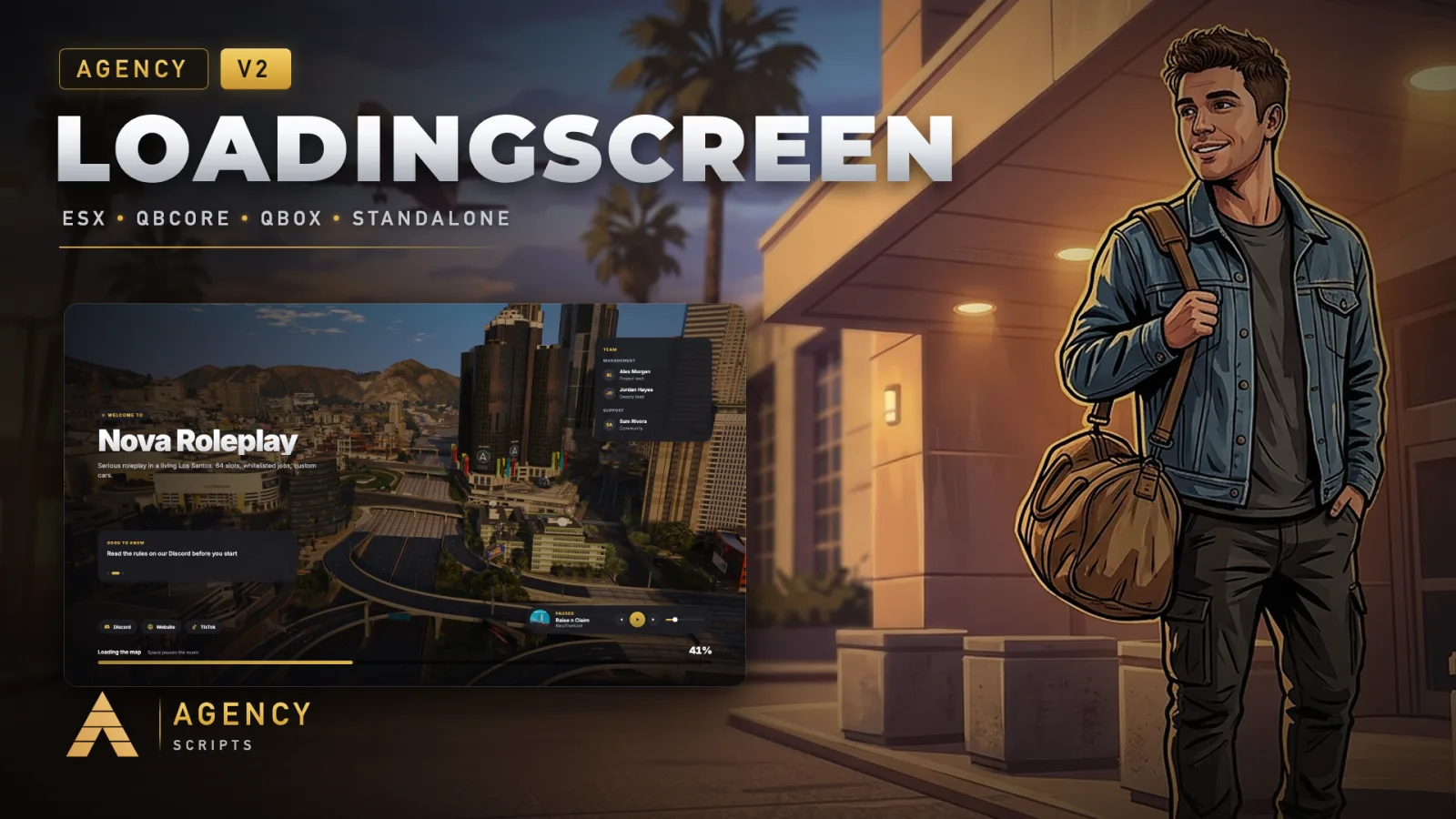
A loading screen for FiveM in the Agency design.
01Overview
A loading screen for FiveM in the Agency design. Your own background: three cinematic drone montages of Los Santos are included and stream in smooth 1080p (nothing to download for players), or your own video files or links, YouTube links, a picture with a slow camera drift or a calm gradient. Your own music as a playlist with cover, pause, skip and volume, three songs included and licensed for the loading screen. A real loading progress read from the game, rotating tips, team card, Discord and social links, the server name from server.cfg and a colour taken from your logo. A multicharacter closes it the moment the selection is ready, otherwise it closes when the character spawns. QBCore, Qbox, ESX or standalone, 25 languages.
02Features
+Good to know
Agency-Loadingscreen provides a customizable and visually modern loading screen for your FiveM server. It supports video backgrounds, rotating tips, and branded logos, all within a glassmorphism-inspired interface. The resource is designed to close automatically based on player load events, ensuring a smooth transition into gameplay. No additional dependencies or SQL setup are required for installation or operation.
- Automatic Event-Based Closing
- The loading screen remains active until the player is fully loaded, using event-based triggers to close at the right moment. This ensures that players only enter the server once all necessary data and resources have been initialized.
- Video and Branding Options
- You can configure the loading screen to display either YouTube videos or local MP4 files as the background. The interface also supports your own logo, and includes options for rotating tips and music mute control.
- No Additional Dependencies
- Agency-Loadingscreen does not require any external dependencies or SQL setup. Simply add ensure Agency-Loadingscreen to your server.cfg to activate the resource and begin customizing it to fit your server’s branding and needs.
?Frequently asked questions
Are there any dependencies required to use Agency-Loadingscreen?
No, there are no additional dependencies required. The resource is self-contained and does not need any external scripts or database setup. You only need to ensure Agency-Loadingscreen is started in your server configuration.
How does the loading screen know when to close?
The loading screen uses event-based triggers to detect when a player has fully loaded into the server. It waits for the appropriate player loaded event before closing, so players only see the main server once their session is ready.
Can I use my own video or logo on the loading screen?
Yes, you can configure the loading screen to display either a YouTube video or a local MP4 file as the background. There are also options for adding your own logo and customizing rotating tips to match your server's branding.
What should I do if the loading screen does not close?
If the loading screen does not close, check that the event-based trigger for player loading is functioning correctly on your server. Ensure the resource is properly started with ensure Agency-Loadingscreen and that no conflicting scripts interfere with player load events.