
Agency-Repairkit V2 Installation
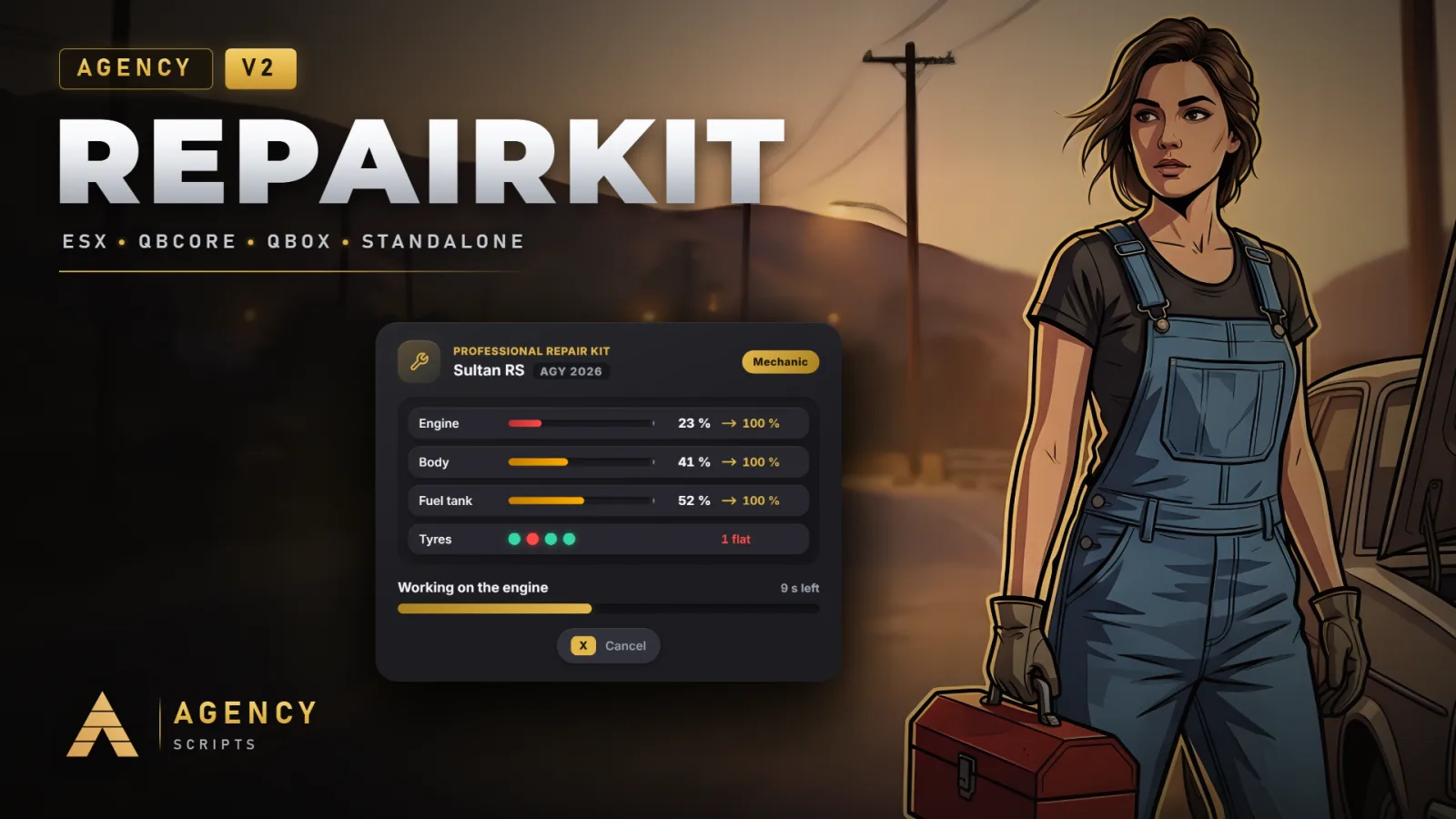
Realistic vehicle damage and four repair kits for FiveM, on QBCore, QBox, ESX or fully standalone.
01Installation
- 1Put Agency-Repairkit into your resources folder
- 2Add ensure Agency-Repairkit to server.cfg, after your framework, inventory and target resource
- 3QBCore: nothing to add, the four items are registered on every start
- 4ESX: the items are added to the items table through oxmysql and are usable after the next restart
- 5ox_inventory and QBox: copy the entries from install/ox_inventory.lua into ox_inventory/data/items.lua
- 6Copy the pictures from install/images into the image folder of your inventory
- 7Optional: add_ace group.admin agency.repairkit allow for the Admin tab of /arepairkit
- 8Updating from V1: delete the old Agency-Repairkits folder, the resource is now called Agency-Repairkit. The agencyrepairkit item stays.
02Dependencies
No dependency requiredQBCore, QBox or ESX (optional, runs standalone without one)An inventory for the kit items (optional: ox_inventory, qb-inventory, qs-inventory, ps, lj or jpr)ox_target or qb-target (optional, adds the kit options to vehicles)A fuel script for the fuel leak (optional: LegacyFuel, ox_fuel, cdn-fuel, ps-fuel and more)Agency-Notify (optional)
+Good to know
The installation takes a few minutes: drop the folder in, add one ensure line and, depending on the inventory, copy the item entries. The resource needs no database tables.
- Items for Every Inventory
- On QBCore with qb-inventory, ps, lj, jpr or another QB fork the four items are added to qb-core on every start, there is nothing to edit. ESX gets them into the items table through oxmysql, usable after the next restart. ox_inventory, and therefore QBox, only reads its own item file: copy the entries from install/ox_inventory.lua, they already point to the right export and use consume = 0.
- Item Pictures
- install/images holds the four item pictures: agencyrepairkit, agencyrepairkit_advanced, agencytyrekit and agencycleaningkit. Copy them into the image folder of your inventory, for example qb-inventory/html/images or ox_inventory/web/images.
- Order in server.cfg
- Start Agency-Repairkit after the framework, the inventory and the target resource. A framework that starts later is still picked up, but items and target options are ready sooner when everything is already running.
?Frequently asked questions
The kit does nothing when I use it.
Check that the item names in your inventory match Config.Kits (agencyrepairkit and so on). On ox_inventory the item entry needs server = { export = 'Agency-Repairkit.useKit' }. Config.Debug = true prints the reason of every refused repair.
Why does a kit say the vehicle does not need it?
Each kit only starts when it would change something: the roadside kit below 65 % engine or 70 % tank, the tyre kit with a flat tyre, the cleaning kit on a dirty car. The kit is kept in that case.
Do I have to remove V1?
Yes. V1 is called Agency-Repairkits and registers the same item. With both running, one kit would start two repairs.