QB / ESX

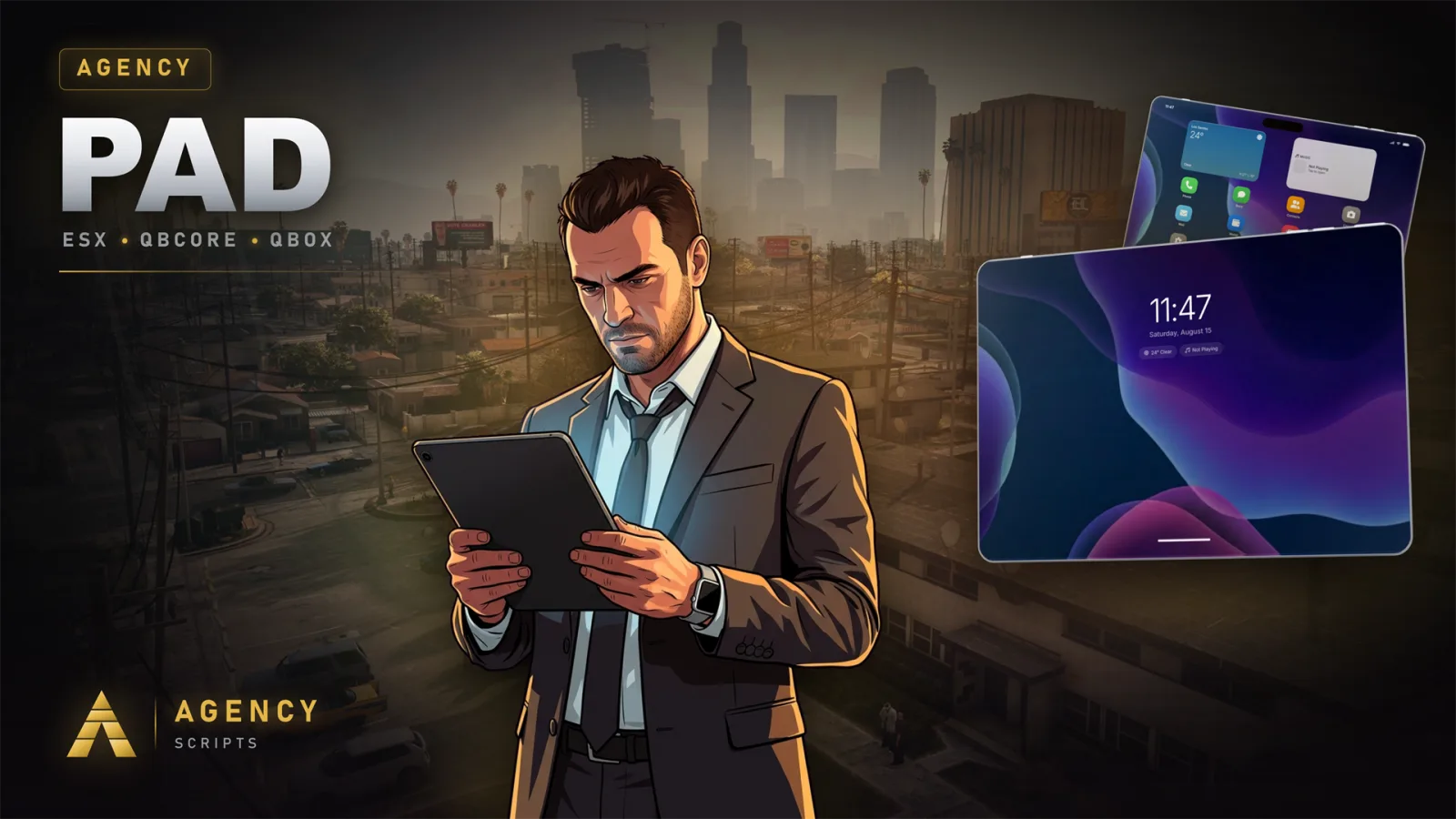
Agency-Pad

Tablet resource for FiveM running AgencyOS with a full app ecosystem. Apps can be registered via config.lua with custom icons, colors, and store descriptions. Supports custom NUI screens, Lua client/server logic, NUI callbacks, modal dialogs, and notifications. Apps can be pre-installed or available via an in-app store.

v26.5Paid4 Pages
Agency-Pad

01 Companion App

Agency-Pad works with the free Agency Companion app — control it and get live updates straight from your real phone or tablet, even when you are not in the city.

Get the app

iOS — App StoreAndroid — companion.agencyg.de

Free. iOS is on the App Store; Android is a direct download at companion.agencyg.de.

Connect Agency-Pad

Your in-game AgencyOS tablet, on your real device.

Install the Agency Companion app (links above)
In-game: Open your pad → Settings → Companion App → scan the QR with the app
Scan the QR with the app — or type the 6-digit code
Done — Agency-Pad is now linked to your device

What you can do from the app

  • Reach your tablet apps from your real device
  • Stay in sync with your in-game pad
  • Real-time notifications through the encrypted Agency relay

How it works & security

  • The app talks to your server through the encrypted Agency relay (api.agencyg.de) — your server is never exposed publicly.
  • Every player gets a unique pairing code bound to their character; requesting a new one invalidates the old code, and codes expire.
  • Your server tokens and permissions stay in-game — the app only mirrors what you are already allowed to do.
  • Works on every server with zero per-server setup.

Need help? Join our Discord community for support!

Join Discord