
Logs
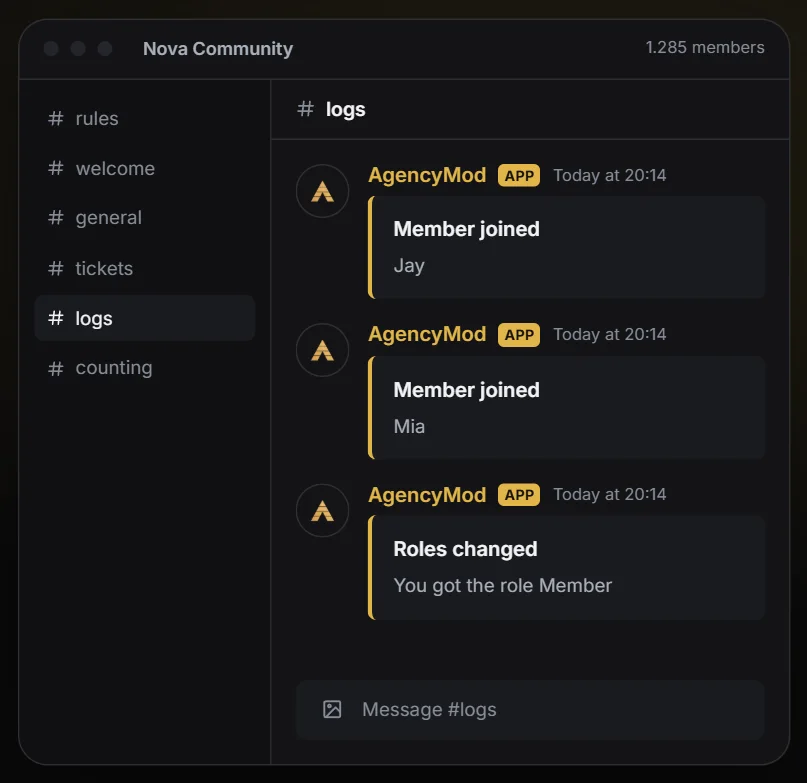
Keep track of deleted and edited messages, joins, leaves, bans, role changes and more.
What is it for?
Records what happens on your server in one channel: deleted and edited messages, joins and leaves, bans, role and nickname changes and more.Set it up in 3 steps
- 01Switch it on and pick a log channel.
- 02Choose which events should be logged.
- 03Exclude channels that should not be logged, for example team chats. Save.
TipMake the log channel visible to your team only: deleted messages can contain personal information.
All settings explained
Switched on and off with the switch at the top of the tab.
Channel and color
- Log channel
- Empty uses the general log channel.
- Log color
- Empty uses the main color.
Events
- Deleted messages
- Content and author of deleted messages (only messages the bot has seen).
- Edited messages
- Text before and after the edit.
- Members joining
- With account age, useful against fake accounts.
- Members leaving
- Bans and unbans
- Role changes
- Which roles a member got or lost.
- Nickname changes
- Channels created or deleted
- Voice channel activity
- Joining, leaving and switching voice channels.
Exceptions
- Ignored channels
- No message logs from these channels, for example staff channels.
Something unclear? Open a ticket at help.agencyg.de in the AgencyMod category or ask in our Discord. Privacy policy and terms