
Agency-Doorlock Commands
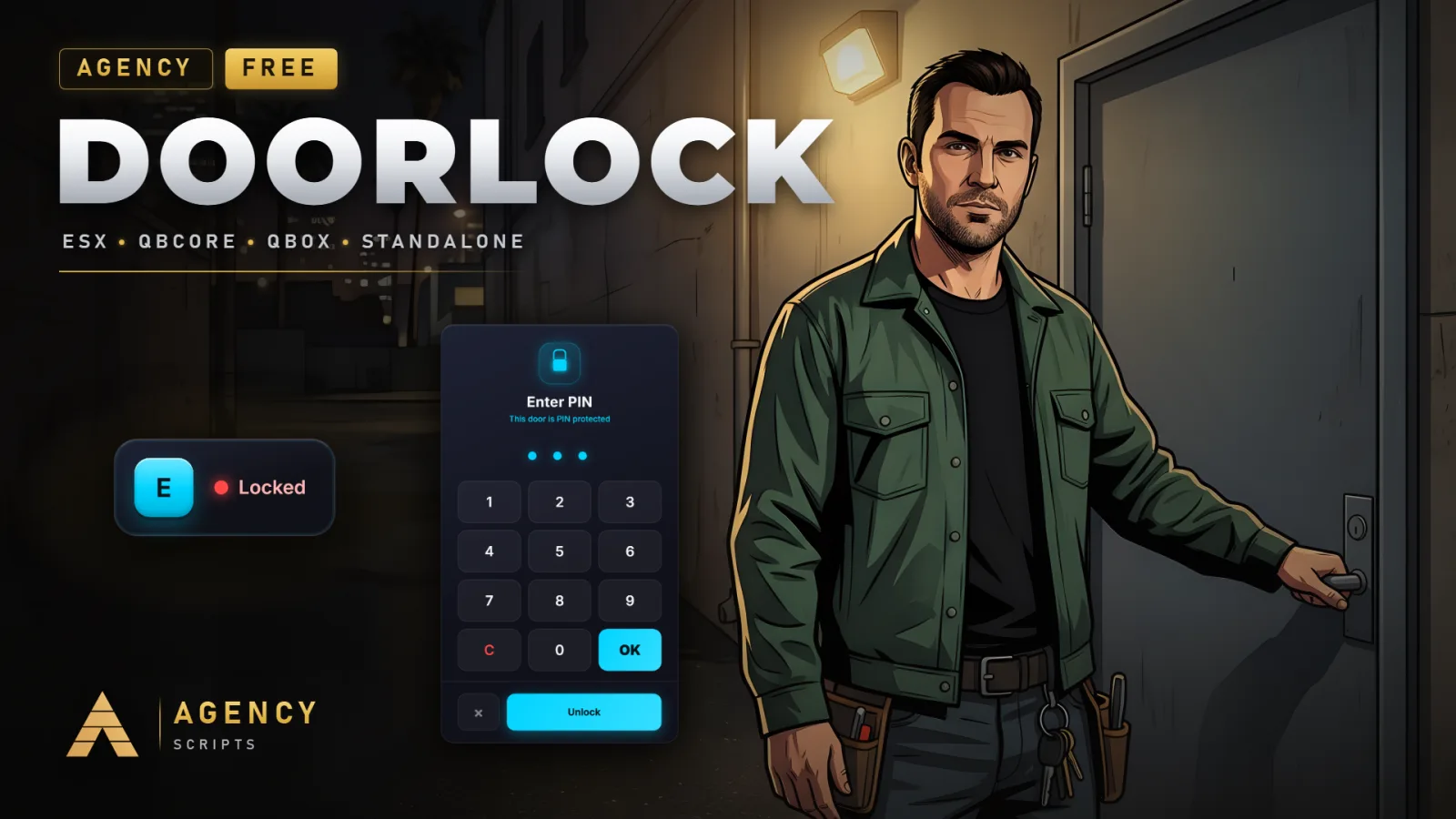
The smartest way to lock down your city. Agency-Doorlock turns any door into a secure, persistent lock with effortless.
01Commands
| Name | Description |
|---|---|
/adoorlock | Opens the in-game door setup: aim at a door, press E, save. Needs the permission set in Config.SetupPermission. Name set in Config.SetupCommand.Admin only |
/adl | Short alias for /adoorlock. Set in Config.SetupCommandAlias, empty turns it off.Admin only |
/adlconnect | Opens the Agency Companion pairing screen with QR code. Aliases: /adlc, /adconnect. |
/dlcheck | Aim at a door and run it: prints why the setup accepts or refuses that door to the F8 console. Changes nothing. |
/dldebug | Shows in the F8 console whether the nearest saved door is bound to the game's door system. |
adoorlock_import [confirm] | Server console only. Shows which ox_doorlock doors would be imported; with confirm it imports every new one.Admin only |
02Keybinds
| Key | Description |
|---|---|
E | Lock or unlock the door you are standing at. Set in Config.InteractKey; with Config.Interaction = 'target' the target eye is used instead. |
+Good to know
This page lists the in-game commands available for Agency-Doorlock. These commands let you set up and manage door locks directly in-game. Command names are configurable, so check your configuration if you have changed them. Make sure the resource is started with ensure Agency-Doorlock in your server.cfg before using any commands.
- Default setup command
- By default, the main setup command is /adoorlock. This command opens the setup UI, allowing you to configure door locks in-game. You can change the command name in the config if needed, but /adoorlock is used unless you specify otherwise.
- Command alias support
- Agency-Doorlock also supports a command alias. The default alias is /adl, which performs the same function as the main setup command. You can adjust the alias in the config or disable it if you do not want an alias available.
- Changing command names
- To change the command names, edit the command name in the config. After making changes, restart the Agency-Doorlock resource for updates to take effect. Only the commands listed in your config will be available in-game.
?Frequently asked questions
How do I change the setup command for Agency-Doorlock?
Edit the command name in the config. The default is /adoorlock, but you can set it to any name you prefer. There is also a default alias, /adl, which can be changed or disabled in the config. Restart the resource after making changes.
Are there any required dependencies before using the commands?
Yes, oxmysql is required for Agency-Doorlock to function. Optional dependencies include ox_target or qb-target for targeting support, and ESX, QBCore, or QBox if you want to use framework-specific features. Ensure all required resources are started before using commands.
What should I do if the /adoorlock command does not work in-game?
First, check that you have started the resource with ensure Agency-Doorlock. Then verify that oxmysql is running and configured. If you changed the command name in the config, use the new name. Restart the resource after any config changes.
Can I disable the command alias or use a different one?
Yes, you can change or disable the command alias in the config. The default alias is /adl. To disable it, remove or comment out the alias entry in the config. Remember to restart Agency-Doorlock after making any changes to the config.