
Agency-Reports V2 Commands
Modern report/support system with in-game UI for players and admins, featuring live chat per report with persistent.
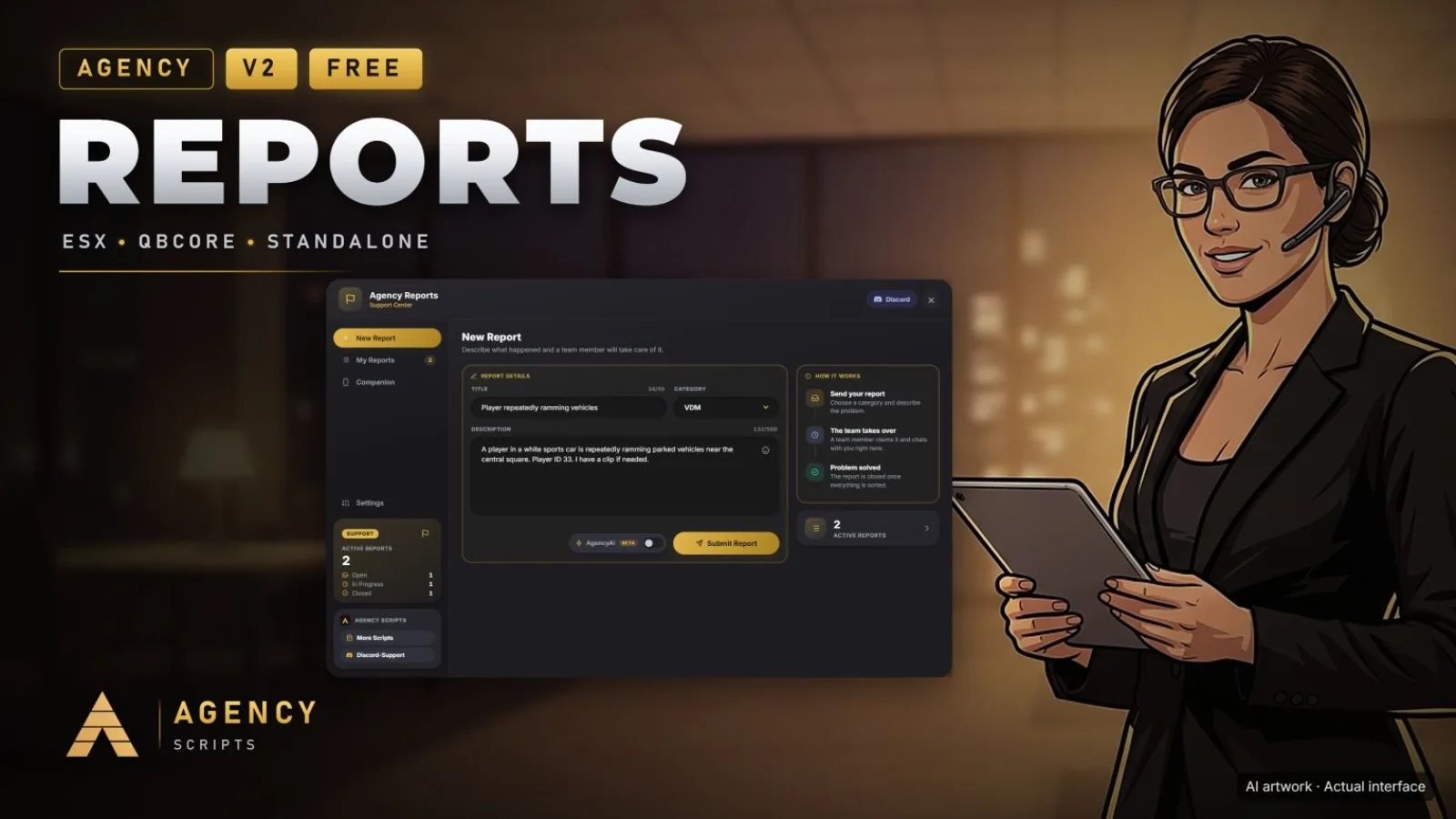
01Commands
| Name | Description |
|---|---|
/areport | Open the report menu to request help (Config.Commands.Report). |
/areports | Open the admin reports dashboard (Config.Commands.AdminUI). Server validates IsPlayerAdmin.Admin only |
+Good to know
This page lists the in-game commands provided by Agency-Reports V2. These commands allow players to submit support requests and enable admins to manage reports directly from within the game. Command names can be customized in the configuration. Permissions for admin commands are based on the admin groups set in the config. Refer to this page for usage details and access requirements.
- Player report command
- Players can use the /areport command to open the report menu and request assistance. The command name is set by the command name in the config, allowing you to change it if needed. This command is available to all players and does not require any special permissions.
- Admin dashboard access
- Admins can access the reports dashboard using the /areports command. This command is restricted to users who are in one of the configured admin groups: admin, superadmin, mod, or god. The command name is also configurable in the script settings.
- Customizing command names
- Both the player and admin commands can be renamed by editing the command name in the config. After making changes, you must restart Agency-Reports V2 for the new command names to take effect. This allows you to align command names with your server’s conventions.
?Frequently asked questions
How do I change the command names for reporting and admin access?
Edit the command name in the config for Config.Commands.Report and Config.Commands.AdminUI to your preferred names. After saving your changes, restart Agency-Reports V2 to apply the new command names in-game.
Who can use the /areports admin command?
Only players who belong to one of the configured admin groups,admin, superadmin, mod, or god,can use the /areports command. The server checks the player's group before granting access to the admin reports dashboard.
What dependencies are required for the commands to work?
oxmysql is required for Agency-Reports V2 to function. ESX or QBCore are optional dependencies. Ensure oxmysql is running and properly configured before starting Agency-Reports V2 to avoid issues with command functionality.
Why is the /areports command not working for some staff?
If staff members cannot access the /areports command, verify that their group matches one of the configured admin groups in the config: admin, superadmin, mod, or god. Only these groups have permission to use the admin dashboard command.