
Agency-Tuning Installation
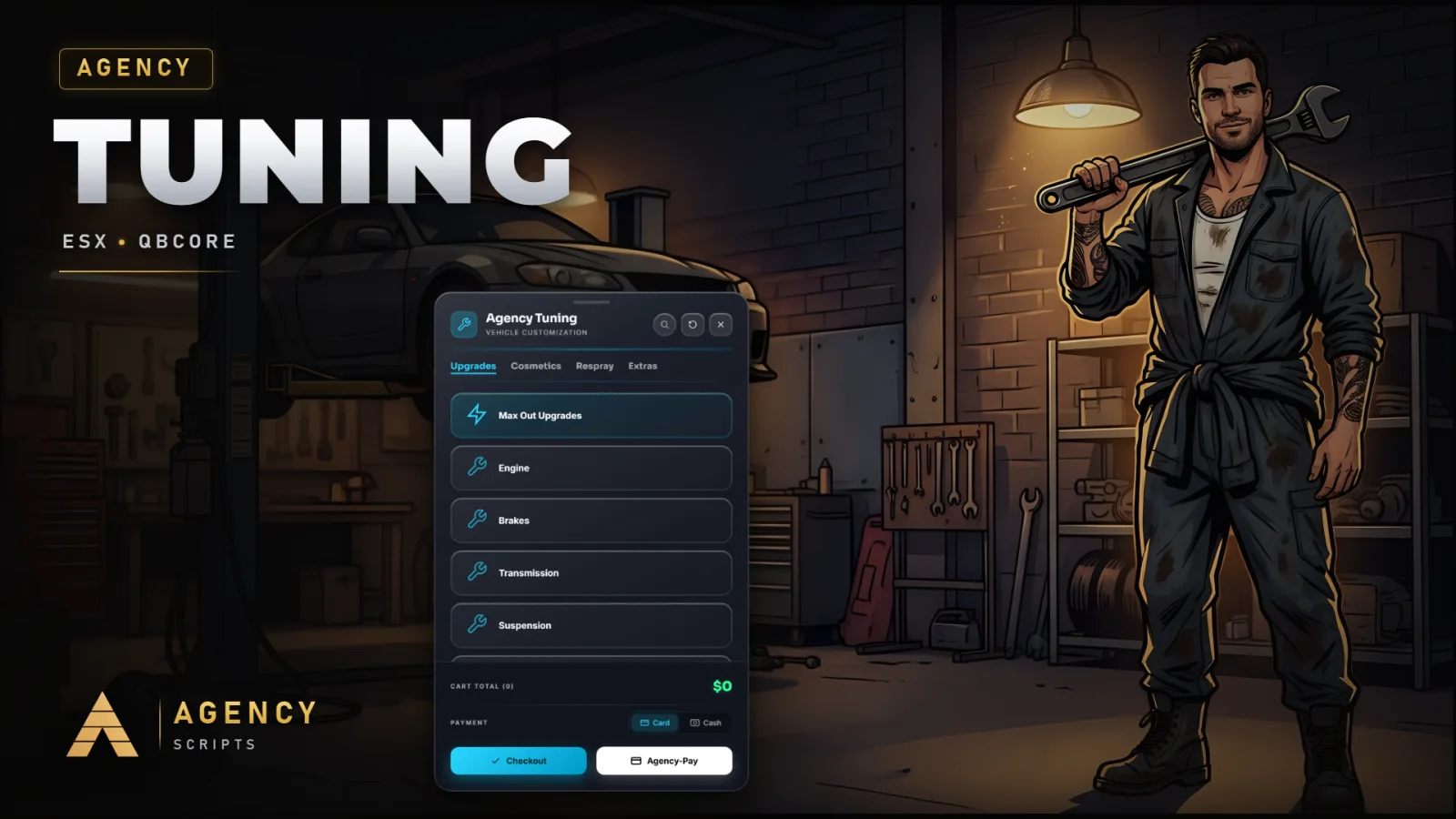
A complete vehicle tuning system for FiveM.
01Installation
- 1Extract Agency-Tuning into your resources folder
- 2Add ensure Agency-Tuning to server.cfg
- 3Adjust tuning prices & locations in config.lua
- 4Restart server
02Dependencies
oxmysql (required, saved builds)QBCore / ESX (optional, standalone works out of the box)
+Good to know
This page explains how to install Agency-Tuning, a vehicle tuning system for FiveM. Before starting, make sure you have placed the resource in your server’s resources folder and have access to your server.cfg. Agency-Tuning requires oxmysql for saving per-vehicle builds, and can work with or without additional frameworks. Configuration is handled in the included config.lua file.
- Required dependencies
- Agency-Tuning needs oxmysql for saving and loading per-vehicle builds. Make sure oxmysql is installed and running on your server before starting Agency-Tuning. If oxmysql is missing, saved builds will not function as intended.
- Resource setup steps
- Extract the Agency-Tuning folder into your resources directory. In your server.cfg, add the line ensure Agency-Tuning to make sure the resource starts with your server. Restart your server after making these changes to load the script.
- Configuring the script
- Adjust tuning prices and locations in config.lua to fit your server’s needs. The script supports configurable prices and other options. Any changes to config.lua require a server restart for them to take effect.
?Frequently asked questions
Is oxmysql required for Agency-Tuning to work?
Yes, oxmysql is required for saving and loading per-vehicle builds. If oxmysql is not installed, the script will not be able to persist vehicle tuning data between sessions. Install and start oxmysql before running Agency-Tuning to ensure all features work correctly.
How do I enable or disable framework integration?
Agency-Tuning auto-detects supported frameworks. The framework setting in the config is controlled by the framework_schalter key, which is set to auto by default. This allows the script to work out of the box without manual changes for framework integration.
What should I do if the script does not start or tuning is not saved?
Check that oxmysql is installed and running, and that Agency-Tuning is properly placed in your resources folder. Make sure the line ensure Agency-Tuning is present in your server.cfg. Restart your server after making any changes to ensure everything loads correctly.
Do I need to import any SQL tables or run database migrations?
No, you do not need to import SQL tables or run migrations. Agency-Tuning does not require manual database setup. All necessary persistence is handled automatically when oxmysql is present and running.