
Agency-Vehicleshop Installation
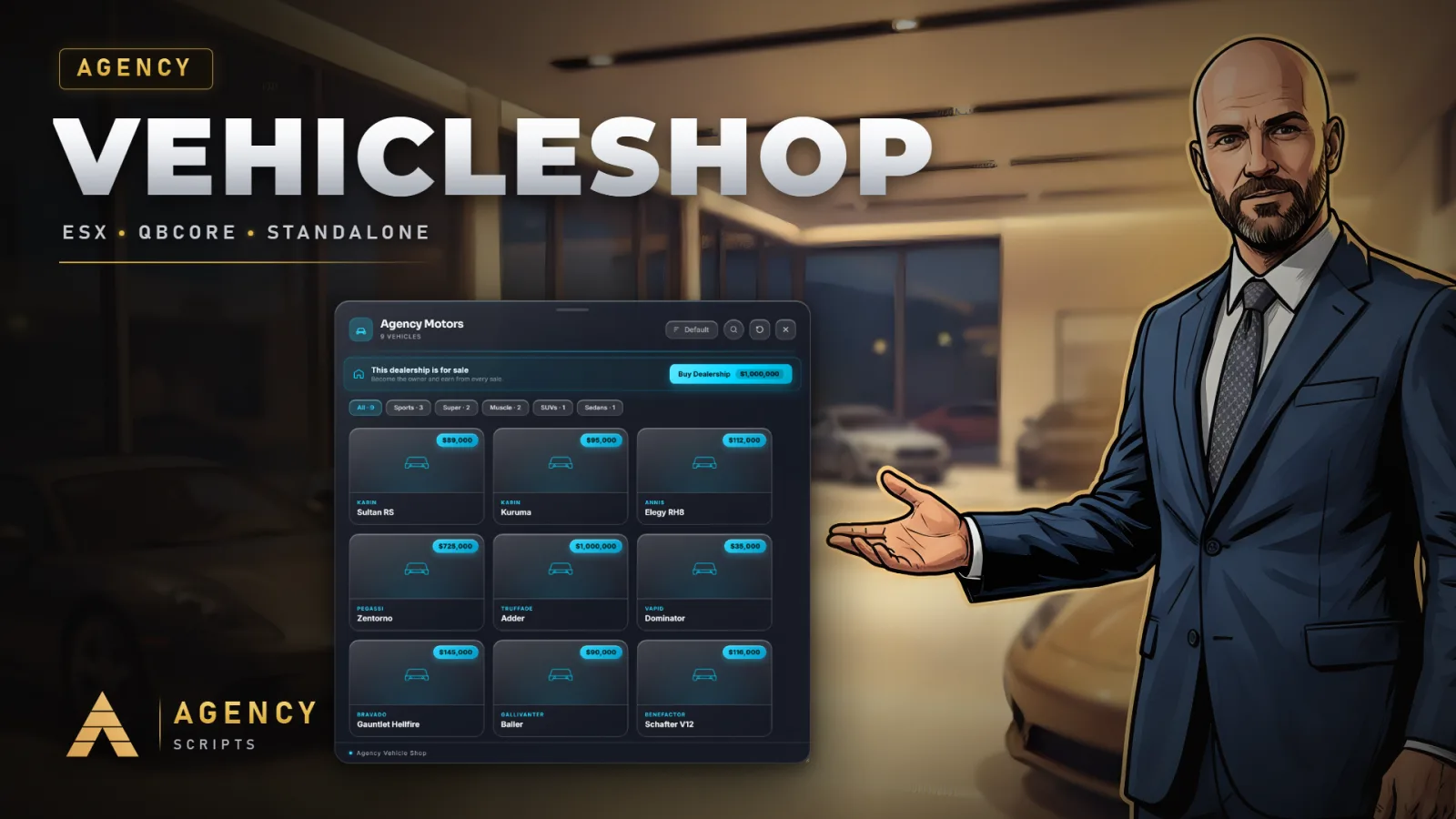
A premium vehicle dealership for FiveM. Browse a fully animated showroom, take test drives and buy cars through a sleek.
01Installation
- 1Extract Agency-Vehicleshop into your resources folder
- 2Add ensure Agency-Vehicleshop to server.cfg
- 3Configure showroom, vehicles & pricing in config.lua
- 4Restart server
02Dependencies
oxmysql (required, MySQL persistence)QBCore / ESX (optional, standalone works out of the box)
+Good to know
This page guides you through installing Agency-Vehicleshop, a dealership script that features an animated showroom, test drives, financing, and a dealer management dashboard. Before starting, make sure you have oxmysql installed for MySQL data persistence. The script includes a staff chat command and supports multiple languages. Follow the steps below to add the resource to your server and configure it for your needs.
- Resource Extraction and Placement
- Begin by extracting the Agency-Vehicleshop archive into your server's resources folder. This ensures all required files are available to the server. Double-check the folder name matches Agency-Vehicleshop exactly, as resource names are case sensitive, especially on Linux-based servers.
- Server Configuration Entry
- Add the line ensure Agency-Vehicleshop to your server.cfg. This command tells your server to load the dealership script on startup. Placing it after your database and dependency resources helps avoid issues with loading order.
- Initial Configuration Steps
- Open config.lua to configure the showroom layout, available vehicles, and pricing. You can also adjust the command name in the config to suit your server's staff workflow. After making changes, restart your server for them to take effect.
?Frequently asked questions
What dependencies are required to run Agency-Vehicleshop?
oxmysql is required for MySQL data persistence. QBCore and ESX are listed as optional dependencies, but the script works out of the box without them. Ensure oxmysql is started before Agency-Vehicleshop in your server configuration.
How do I change the staff command for dealership management?
You can change the staff chat command by editing the value of Config.command in config.lua. Set it to your preferred command name, then restart the resource or your server for the change to take effect.
Do I need to import any SQL or create database tables manually?
No SQL import is required. The script manages MySQL persistence automatically via oxmysql. There are no manual SQL files to import or database tables to create before starting the resource.
What should I do if the dealership UI does not appear after installation?
First, confirm that Agency-Vehicleshop is correctly extracted and ensured in your server.cfg. Make sure oxmysql is installed and started before Agency-Vehicleshop. Check your config.lua for any misconfigurations and restart the server after making changes.