
Agency-Watch Installation
Now with AgencyOS27: a free update for everyone who already owns the watch.
01Installation
- 1Place Agency-Watch in your resources folder
- 2Add ensure Agency-Watch to server.cfg, after agency-phone if you run it
- 3Adjust config.lua: language, key, watch item, apps. The whole file is English and commented line by line
- 4No database table and no item setup are needed to start
- 5For apps of your own see the Custom Apps page
02Dependencies
oxmysql (optional, only the garage app uses it)agency-phone (optional, unlocks the Pro apps and custom apps)Agency-Zero (optional, the Zero app advertises it when it is missing)ESX / QBCore / Qbox (optional, detected automatically)
+Good to know
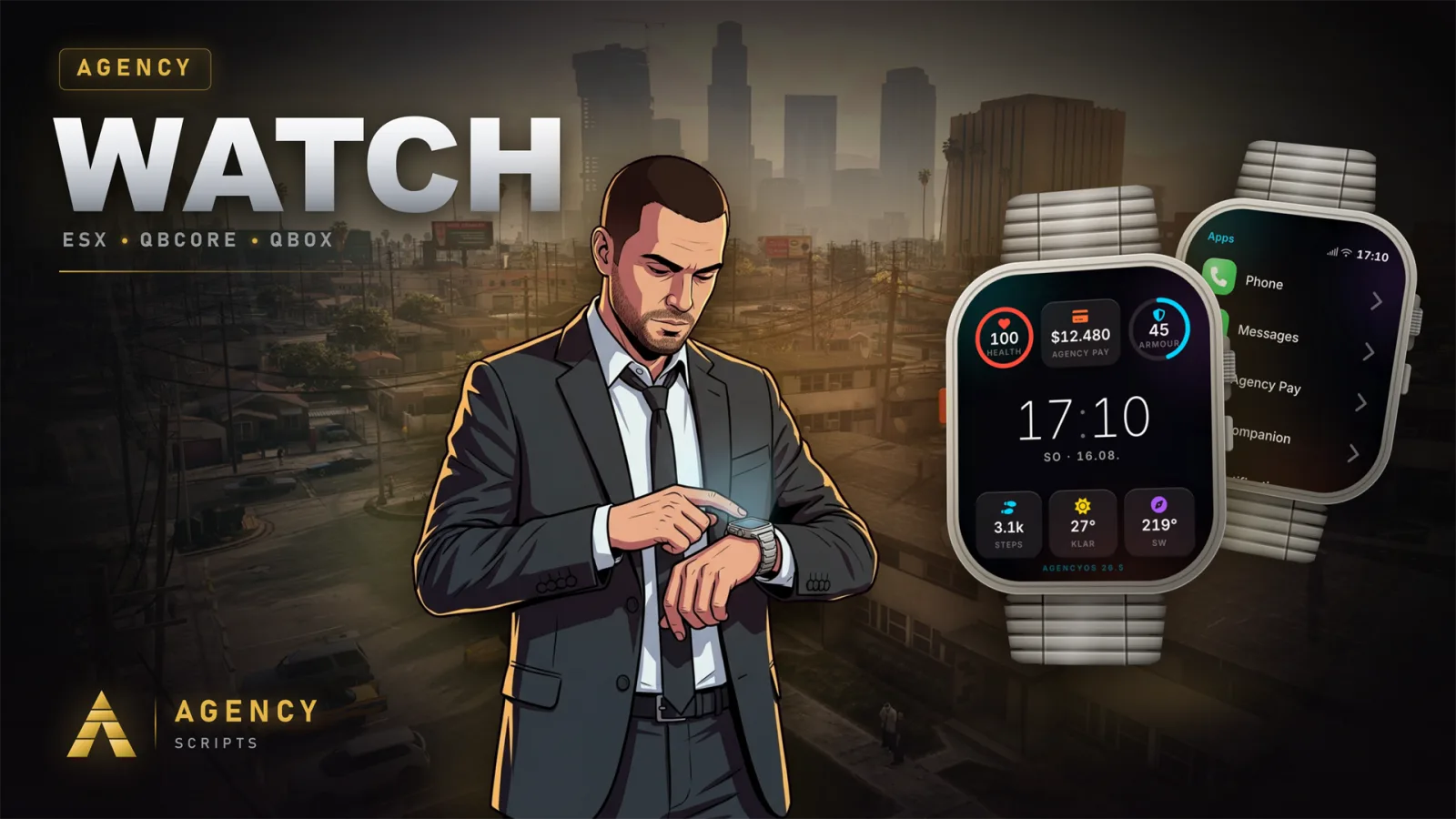
This page explains how to install Agency-Watch, the script that adds a smartwatch with multiple features to your FiveM server. Agency-Watch is free to use and does not require any other resources to run its core features. Follow the steps below to add the resource and configure it for your server’s needs.
- Resource placement and start order
- Place the Agency-Watch folder into your server’s resources directory. In your server.cfg, add ensure Agency-Watch. If you are also running agency-phone, make sure to list ensure agency-phone above Agency-Watch to allow the phone features to unlock properly.
- Configuration adjustments
- Edit config.lua to set your preferred language, the keybind, the watch item, and available apps. The config file also allows you to change the command name in the config if you want to use a different command to open the watch or toggle the mini display.
- Dependencies and optional features
- No database table or item setup is required to start using Agency-Watch. The garage app uses oxmysql if you want to enable that feature, and agency-phone is only needed to unlock the Pro apps. Framework detection is automatic and does not need to be set manually.
?Frequently asked questions
Do I need to set up any database tables for Agency-Watch?
No, Agency-Watch does not require any database tables for its core features. You can start using the script without importing SQL or setting up any items. Only the garage app requires oxmysql, and even that is optional.
What should I do if the Pro apps are not available on the watch?
Ensure that agency-phone is installed and started before Agency-Watch in your server.cfg. The Pro apps, such as calls and messages, are unlocked only when a genuine Agency Phone is detected, which is handled server-side through a handshake.
How do I change the command players use to open the watch?
You can change the command name in the config by editing Config.OpenCommand in config.lua. By default, the command is /watch, but you can set it to any other command name you prefer for your server.
Is any framework configuration required before starting the resource?
No manual framework configuration is needed. Agency-Watch automatically detects the framework in use and adjusts itself accordingly. You do not need to set or change any framework setting in the config.