
QBESXStandalone
Agency-Anticheat Installation
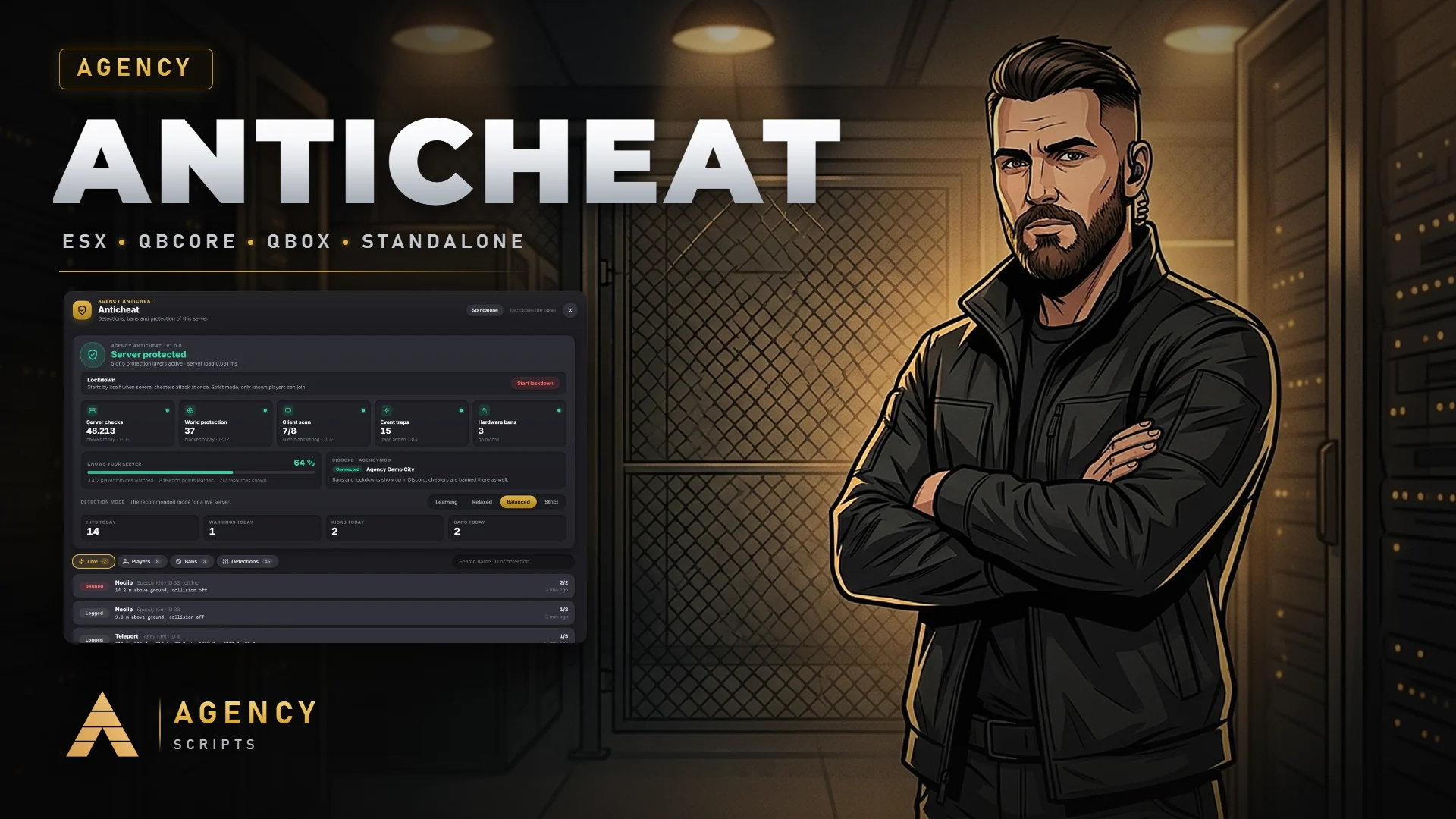
An anticheat for FiveM that gets to know your server.
v1.1.0Paid5 Pages
01Installation
- 1Place Agency-Anticheat in your resources folder
- 2Add ensure Agency-Anticheat to server.cfg, as early as possible
- 3Optional: put your Discord webhook into Config.Webhook.url
- 4Start the server, the first 48 hours run in Learning mode
- 5Open /acpanel (or the Agency Admin panel) to check the hits, then let it switch to Balanced
- 6Optional: add the free Agency-Companion resource for one accent colour across all Agency scripts. Section 1 of config.lua is Agency Companion, switched on by default
02Dependencies
OneSync (on by default on current servers)screenshot-basic (optional, for screenshots in Discord and the panel)Agency-Admin (optional, admins exempt and the same page inside Agency Admin)ESX / QBCore / Qbox (optional, detected automatically)Agency-Companion (optional, free: one accent colour for all Agency scripts)