
Agency-Essentials Configuration
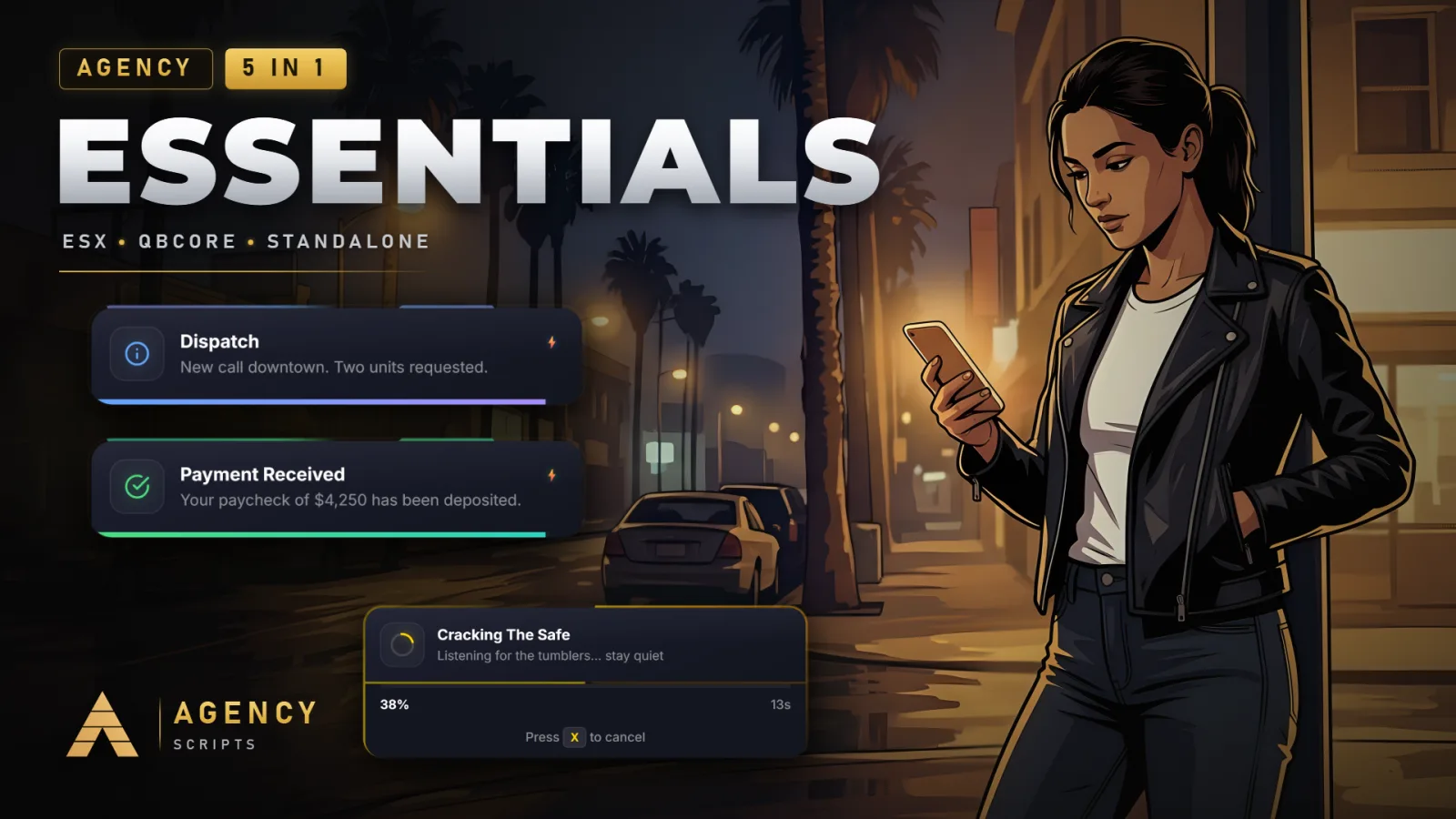
The all-in-one Agency bundle: Agency-Notify, Agency-Elevator, Agency-Reports V2, Agency-Progressbar and Agency-Doorlock.
01Configuration
Nothing documented here yet. Ask in the Discord and we will add it.
+Good to know
This page explains how to configure Agency-Essentials using its modular config structure. Each included module,Notify, Elevator, Reports, Progressbar, and Doorlock,has its own config namespace, allowing you to adjust settings for each feature independently. After making changes, always restart the Agency-Essentials resource to apply your updates. Ensure all dependencies are met before editing the configuration.
- Config namespace structure
- Each module uses its own config namespace: AgencyConfig.Notify, AgencyConfig.Elevator, AgencyConfig.Reports, AgencyConfig.Progressbar, and AgencyConfig.Doorlock. This keeps settings organized and ensures each feature behaves just like its standalone version. Edit the relevant namespace to adjust module-specific options.
- Module kill-switches and branding
- You can enable or disable individual modules via their config namespaces. The resource is fully rebrandable with no watermarks or forced branding. Adjust the global accent colour in the config to match your server’s style.
- Webhook and language options
- A central Discord webhook router is included. The resource supports 24 languages with live switching.
?Frequently asked questions
What dependencies must be installed before configuring Agency-Essentials?
oxmysql is required for the Reports and Doorlock modules to function. If you use those modules, ensure oxmysql is running before starting Agency-Essentials. QBCore or ESX are optional; the resource works out of the box without them. Always check dependencies before editing the config.
How do I disable a specific module?
Each module can be disabled using its own config namespace. Look for the relevant setting in AgencyConfig.Notify, AgencyConfig.Elevator, AgencyConfig.Reports, AgencyConfig.Progressbar, or AgencyConfig.Doorlock. Disabling a module here will prevent it from loading when the resource starts.
Do I need to restart the resource after changing the config?
Yes, after making any changes to the configuration, you must restart the Agency-Essentials resource for those changes to take effect. Use 'ensure Agency-Essentials' in your server.cfg to manage the resource startup.
What should I do if a module is not working after configuration?
First, check that all required dependencies are running, especially oxmysql for Reports and Doorlock. Review your config changes for errors in the relevant namespace. If issues persist, confirm that you restarted Agency-Essentials after editing the config.