
Agency-Essentials Installation
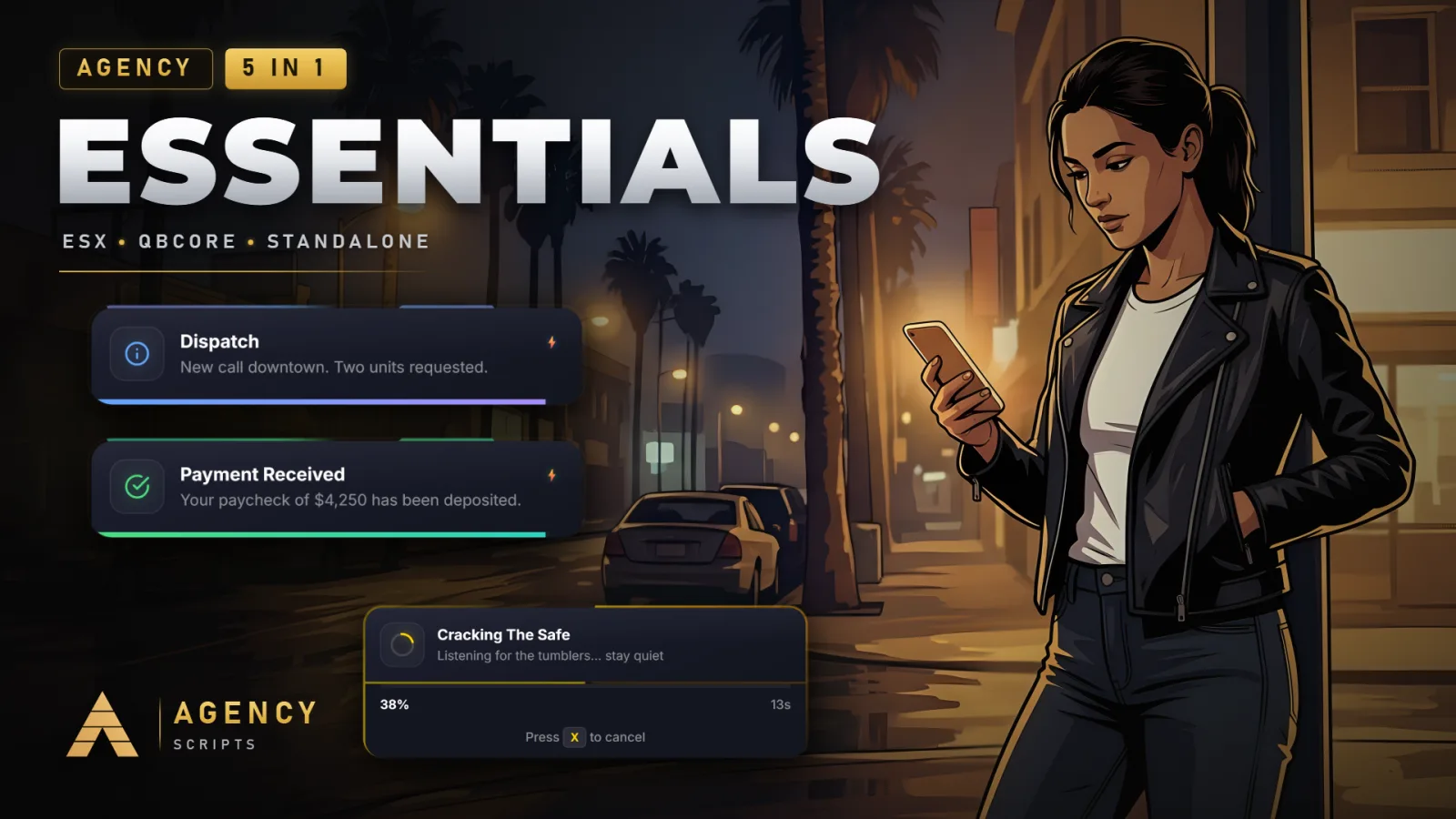
The all-in-one Agency bundle: Agency-Notify, Agency-Elevator, Agency-Reports V2, Agency-Progressbar and Agency-Doorlock.
01Installation
- 1Extract Agency-Essentials into your resources folder
- 2Import the SQL for the Reports & Doorlock modules (auto-creates on first start if skipped)
- 3Add ensure Agency-Essentials to server.cfg
- 4Enable / disable modules and set command names in config.lua (each module has its own namespace)
- 5Restart server
02Dependencies
oxmysql (required, Reports & Doorlock modules)QBCore / ESX (optional, standalone works out of the box)
+Good to know
This page guides you through installing Agency-Essentials, which combines five Agency modules into one resource. Before starting, make sure you have oxmysql installed, as it is required for the Reports and Doorlock modules. Each module keeps its own configuration namespace, and you can adjust module settings in the config after installation. Follow the steps below to get started.
- Resource Extraction
- Begin by extracting the Agency-Essentials folder into your server's resources directory.
- oxmysql Requirement
- The Reports and Doorlock modules require oxmysql to function. Make sure oxmysql is installed and running on your server before starting Agency-Essentials. If oxmysql is missing, these modules will not operate correctly.
- Configuration and Startup
- After extraction, add ensure Agency-Essentials to your server.cfg. You can enable or disable each module in config.lua, using each module's own namespace. Restart your server after making configuration changes.
?Frequently asked questions
Do I need to install oxmysql if I only use some modules?
Yes, oxmysql is required if you plan to use the Reports or Doorlock modules. If you do not use these modules, oxmysql is not strictly necessary, but the other modules will still function without it.
What should I do if a module does not load after installation?
Check that oxmysql is installed and running, especially if the issue is with Reports or Doorlock. Also, verify that you have enabled the module in the config and that the resource name in server.cfg is exactly Agency-Essentials.
Can I change command names for each module?
Each module uses its own namespace in config.lua, so adjust the relevant section before restarting the server.
Is it possible to disable specific modules I do not need?
Yes, you can enable or disable each module individually in config.lua. Use the appropriate section for each module to control which features are active on your server.