
Agency-Vending Commands
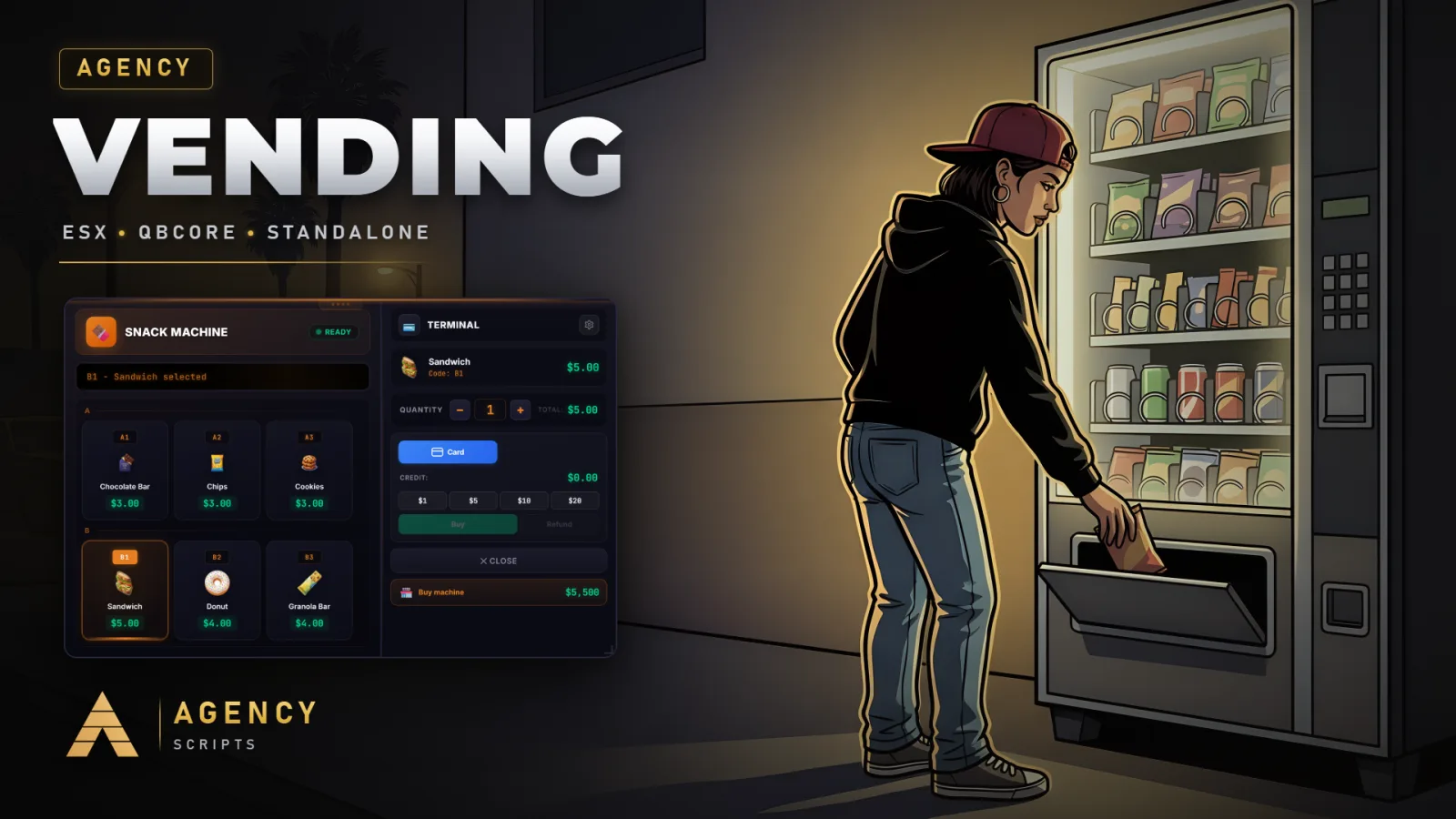
Vending machine script with 4 machine types (Soda, Coffee, Snacks, Water Cooler) and automatic detection of GTA V.
01Commands
| Name | Description |
|---|---|
/buyvending | Purchase a player-owned vending machine of the given type at your current position. Args: [type]. |
/vendingmenu | Open the overview menu listing all of your owned vending machines. |
/restockvending | Restock a slot on the closest owned machine using items from inventory. Args: [slot] [amount]. |
/setprice | Set the price for a slot on the closest owned machine. Args: [slot] [price]. |
/withdrawvending | Withdraw accumulated earnings from the closest owned machine to your bank. |
/deletevending | Sell the closest owned machine for half price plus pending earnings. |
/vendingdebug | Developer helper that scans for vending props and player-owned machines within 15m. |
/vendingspawn | Admin opens the placement spawner UI for placing/deleting world vending machines (Config.SpawnerCommand).Admin only |
+Good to know
This page lists all in-game commands available in Agency-Vending. These commands allow players to manage their vending machines, restock inventory, set prices, and withdraw profits. Admins have access to additional commands for placing or deleting world vending machines. Command names and permissions are determined by the configuration and group settings as described in your server files.
- Player vending commands
- Players can use commands to buy vending machines, open their vending overview, restock slots, set prices, withdraw earnings, and use /deletevending to sell the closest owned machine for half price plus pending earnings. Each command operates on the closest owned vending machine, and arguments such as [type], [slot], [amount], or [price] must be provided as required.
- Admin-only spawner command
- The /vendingspawn command, defined by the command name in the config, is restricted to users with admin, superadmin, or god group membership or those with the ace right agency-vending.admin. This command opens the placement spawner UI for managing world vending machines.
- Developer debug command
- The /vendingdebug command scans for vending props and player-owned machines within 15 meters. This can help with troubleshooting prop detection or verifying machine placements during development or server setup.
?Frequently asked questions
How do I change the name of the vending spawner command?
You can change the admin vending spawner command by editing the value of Config.SpawnerCommand in your configuration. After making changes, restart the Agency-Vending resource for the new command name to take effect.
Who can use the /vendingspawn command?
Only users in the admin, superadmin, or god groups, or those granted the ace right agency-vending.admin, can use the /vendingspawn command. This restriction ensures only authorized staff can place or remove world vending machines.
What should I do if a command is not working?
First, check that the command name matches what is set in your config. Ensure you have the correct permissions or group membership for admin commands. If you changed a command in the config, restart the Agency-Vending resource to apply changes.
Are there any dependencies required for commands to work?
Yes, oxmysql is required for Agency-Vending to function. Optional dependencies like ox_target, qb-target, and agency-phone are not needed for commands but may provide additional features. Ensure all required dependencies are installed and started before Agency-Vending.