
QBESX
Agency-Vending Installation
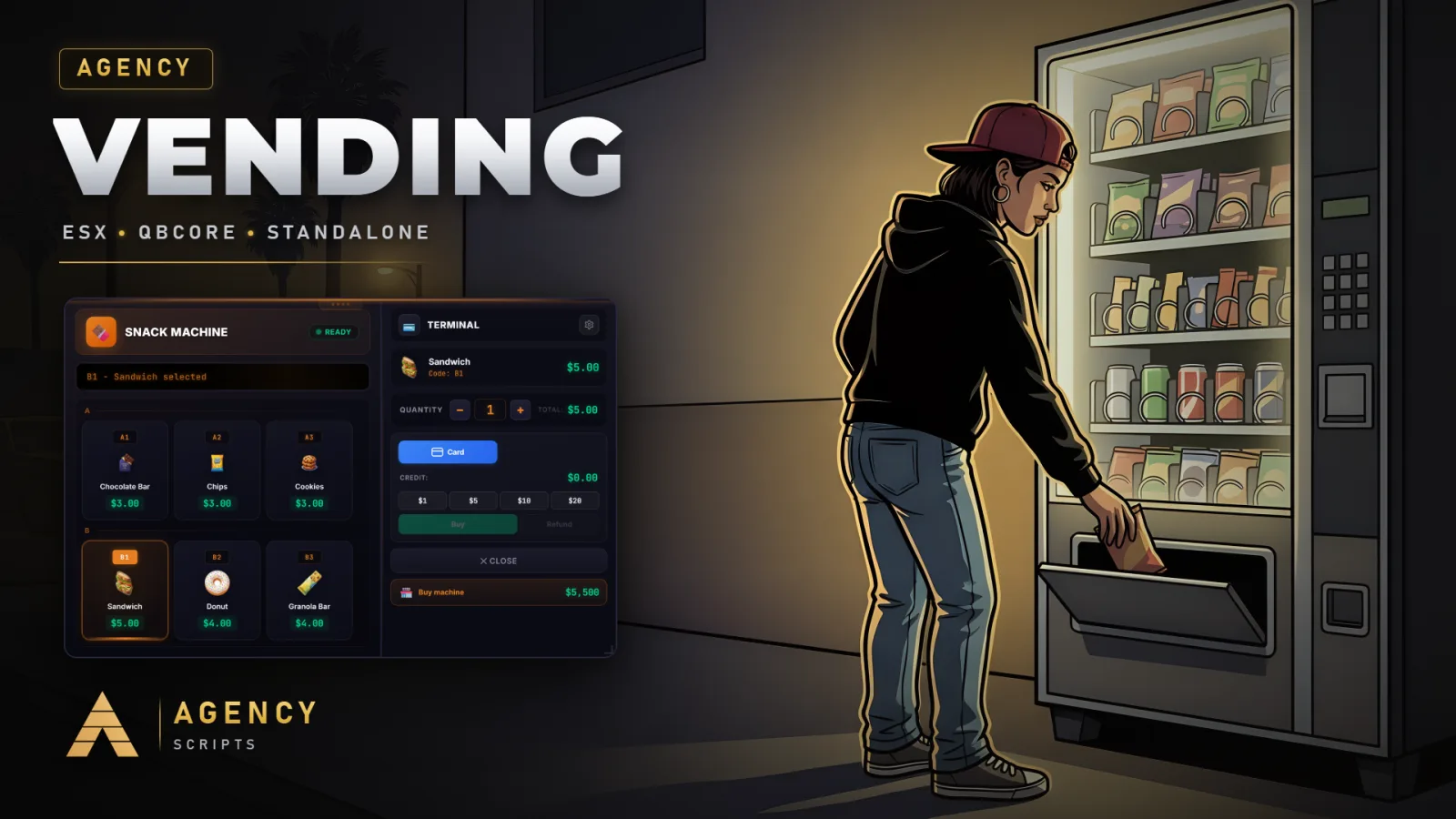
Vending machine script with 4 machine types (Soda, Coffee, Snacks, Water Cooler) and automatic detection of GTA V.
v1.2.1Paid4 Pages
01Installation
- 1Copy agency-vending to resources folder
- 2Add ensure agency-vending to server.cfg
- 3Execute installation/database.sql in database
- 4Register items per framework (ESX/QBCore/ox_inventory)
- 5Copy inventory images from installation/inventory-images/
- 6Configure config.lua
02Dependencies
oxmysql (required)ESX or QBCore (optional, supports standalone)ox_target / qb-target (optional)agency-phone (optional, for AgencyPay)
03SQL File
Import this SQL file into your database before starting the resource:
-- =============================================
-- Agency Vending - Database Setup
-- =============================================
-- Execute this SQL in your database
-- The tables are required for the player-owned machines system
--
-- NOTE: The tables are also created automatically on first
-- resource start. This SQL is optional for manual setup.
-- =============================================

CREATE TABLE IF NOT EXISTS `agency_vending_machines` (
    `id` INT AUTO_INCREMENT PRIMARY KEY,
    `owner` VARCHAR(50) NOT NULL,
    `type` VARCHAR(50) NOT NULL,
    `coords` TEXT NOT NULL,
    `heading` FLOAT NOT NULL DEFAULT 0,
    `earnings` FLOAT NOT NULL DEFAULT 0
);

CREATE TABLE IF NOT EXISTS `agency_vending_stock` (
    `machine_id` INT NOT NULL,
    `slot` VARCHAR(10) NOT NULL,
    `stock` INT NOT NULL DEFAULT 0,
    `price` FLOAT NOT NULL DEFAULT 0,
    PRIMARY KEY (`machine_id`, `slot`)
);

CREATE TABLE IF NOT EXISTS `agency_vending_spawned` (
    `id` INT AUTO_INCREMENT PRIMARY KEY,
    `type` VARCHAR(50) NOT NULL,
    `model` VARCHAR(100) NOT NULL,
    `coords` TEXT NOT NULL,
    `heading` FLOAT NOT NULL DEFAULT 0,
    `spawned_by` VARCHAR(50) NOT NULL,
    `created_at` TIMESTAMP DEFAULT CURRENT_TIMESTAMP
);