
QBESXStandalone
Agency-Chat Installation
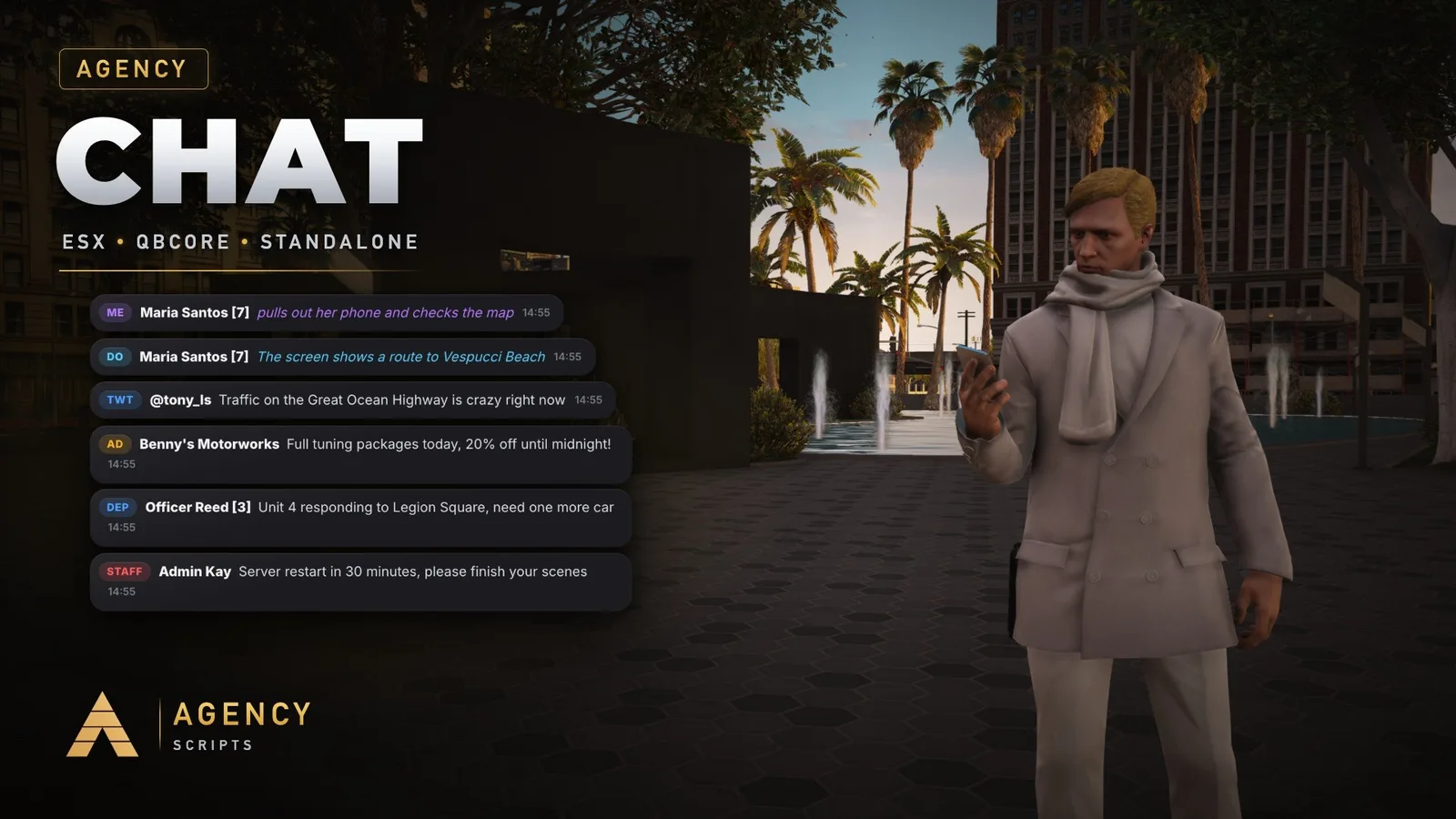
The chat for your FiveM server in the Agency design, the same look as Agency Notify and Agency Progressbar.
v1.2.0Paid5 Pages
01Installation
- 1Drop Agency-Chat into your resources folder
- 2In server.cfg remove or comment out ensure chat
- 3Add ensure Agency-Chat to server.cfg
- 4Optional: add_ace group.admin agencychat.staff allow for staff rights
- 5Restart the server, the console shows [Agency Chat] with the detected framework
- 6Configure config.lua
02Dependencies
None. The default chat resource must be removed from server.cfgoxmysql (optional, saves every player's /achat settings)OneSync (optional, needed for nearby plain text)Agency-Companion (optional, free: one accent colour for all Agency scripts)